Features
All the ways figrd shows you your spending.
Every feature, starting with the ones people ask about first. No bank login, no typing, and nothing that tells you what to do.
Find every spend
Tracking
Every spend from every account, in one place, without lifting a finger.
From your inbox
figrd reads the bank alerts in your Gmail or Outlook, as many inboxes as you like.
Every way you pay
UPI, credit and debit cards, bank debits and ATM withdrawals. Card bill payments stay out.
Sorted for you
Spends tag themselves into 18 categories. Tag one by hand and the ones after it follow.
Find anything
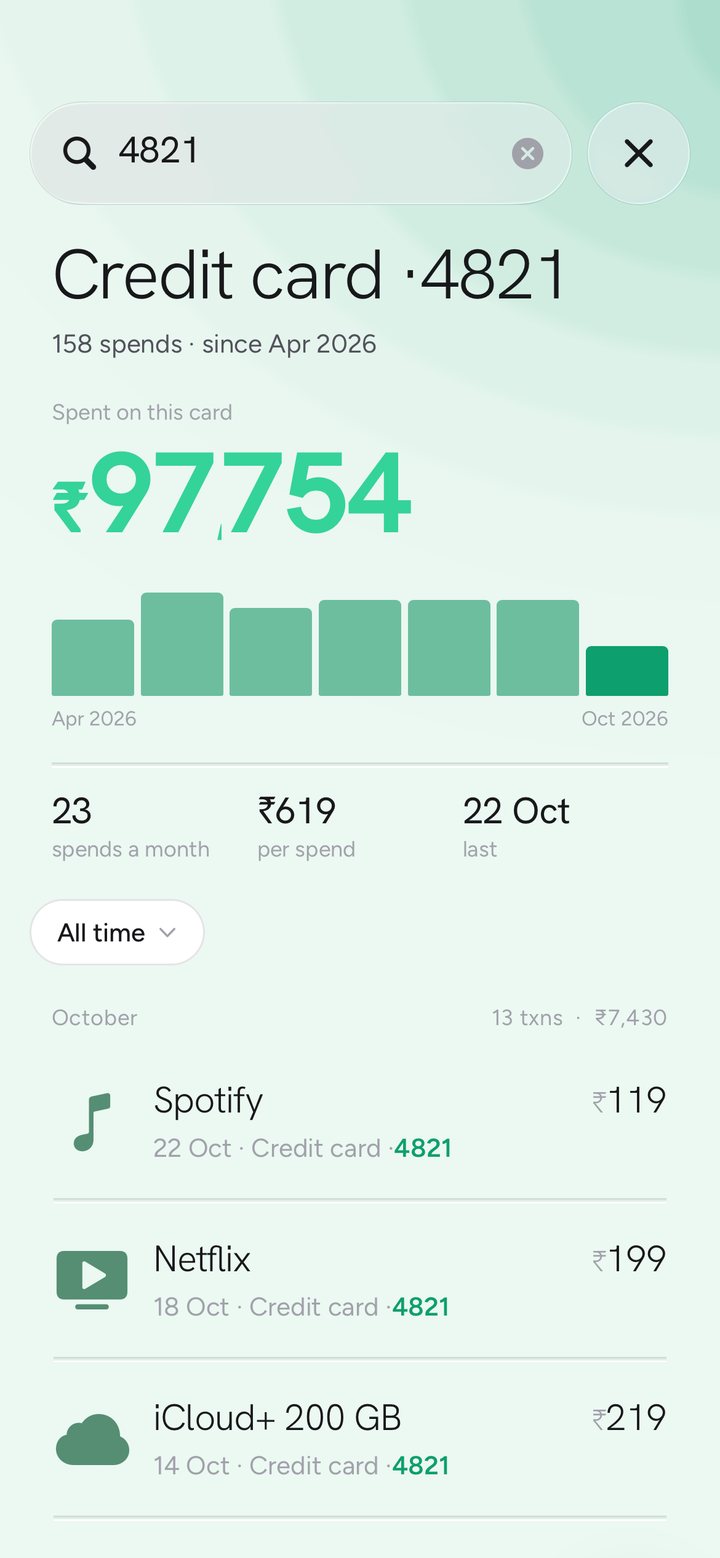
Search and filter every spend, and take what you see away as a spreadsheet.
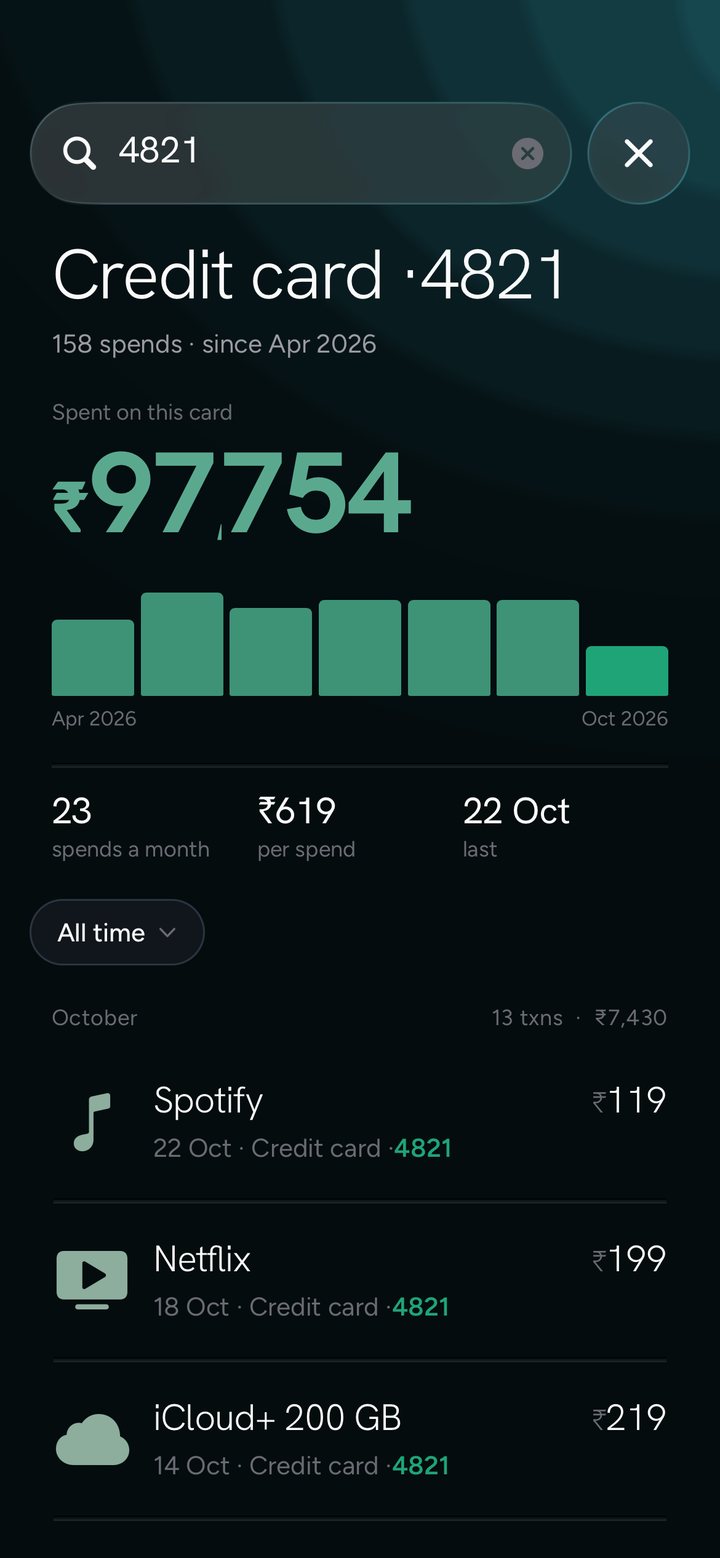
See what’s changing
Understanding
Three ways to read your spending: what’s changing now, the long view, and the habits underneath.
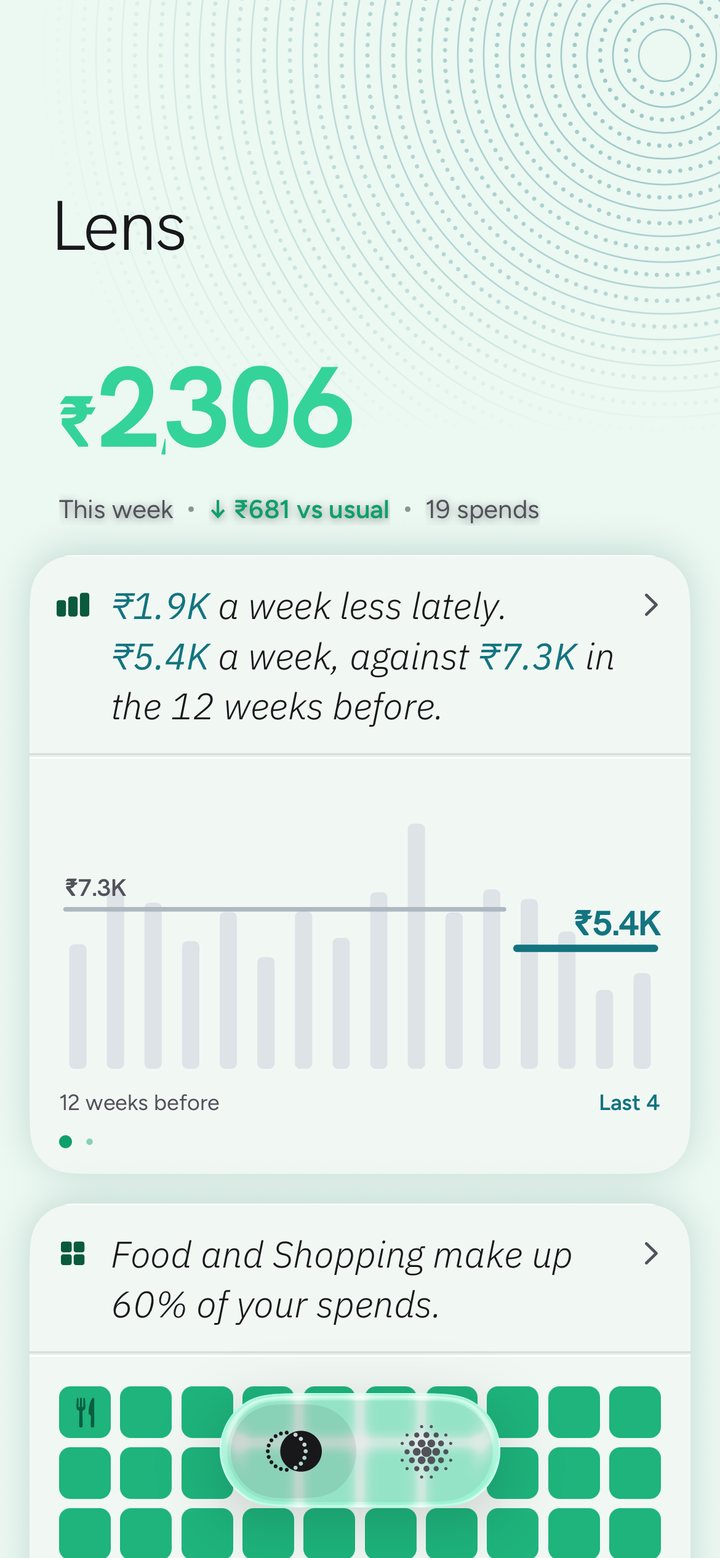
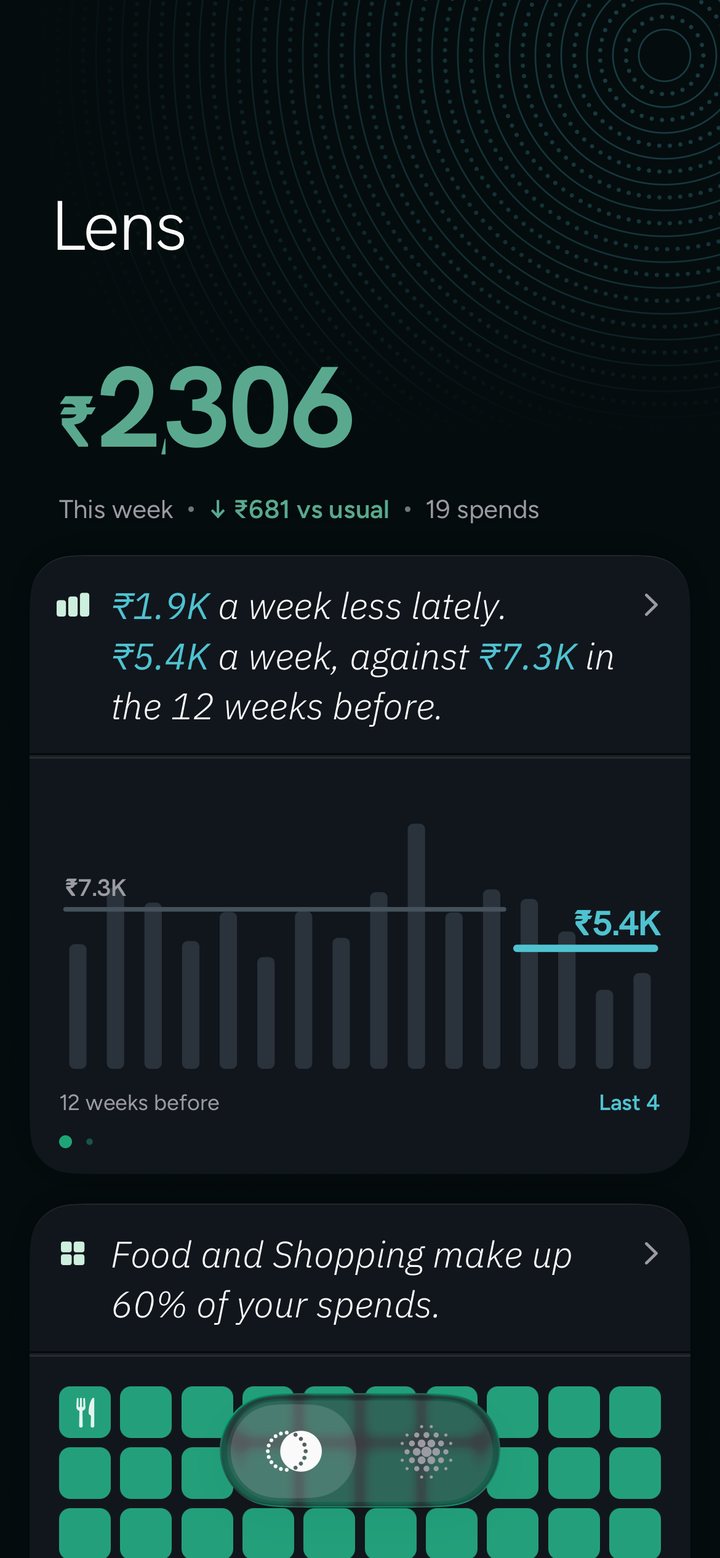
Lens
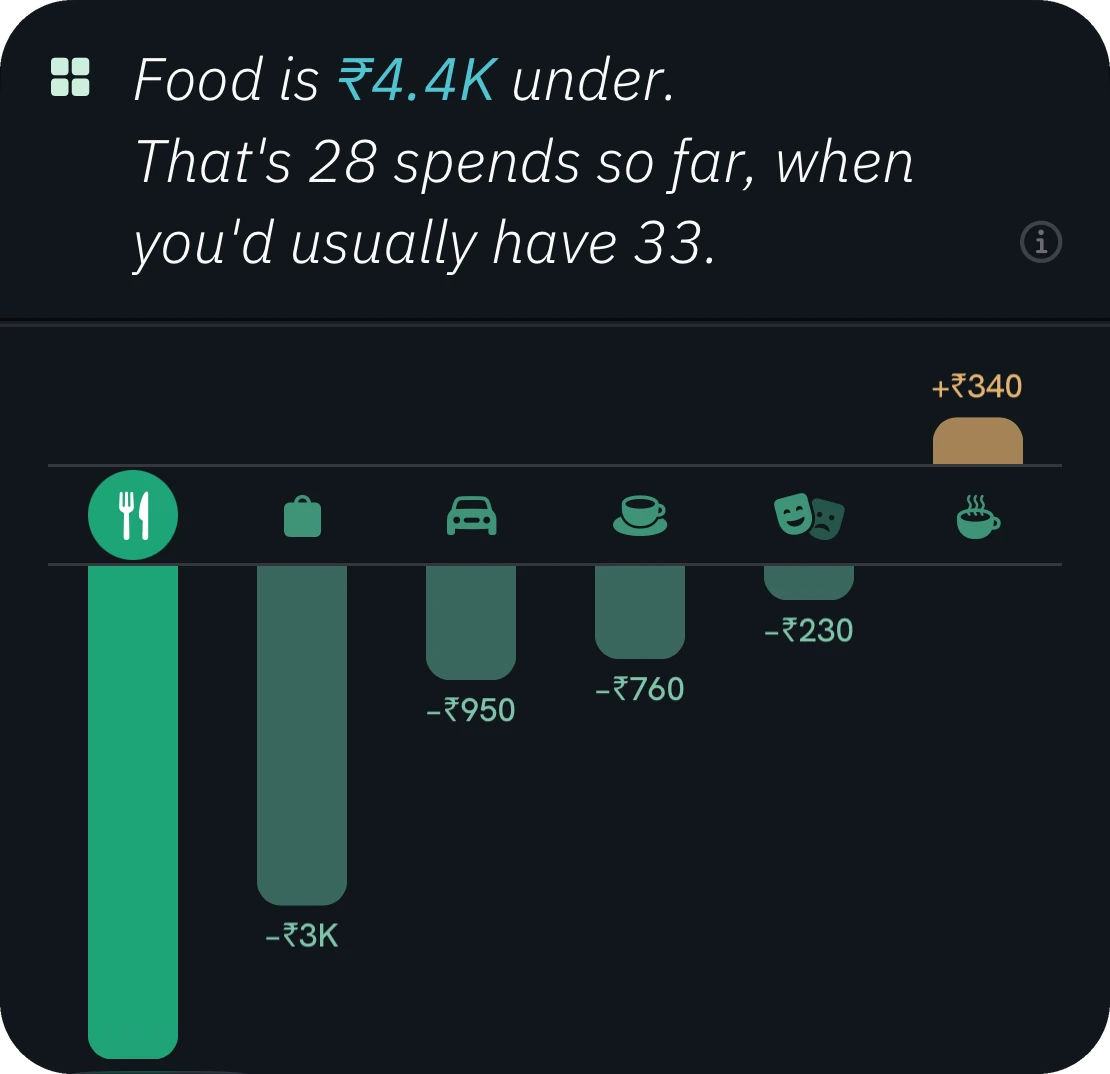
Your last four weeks against the twelve before them, so a change shows while it’s happening.
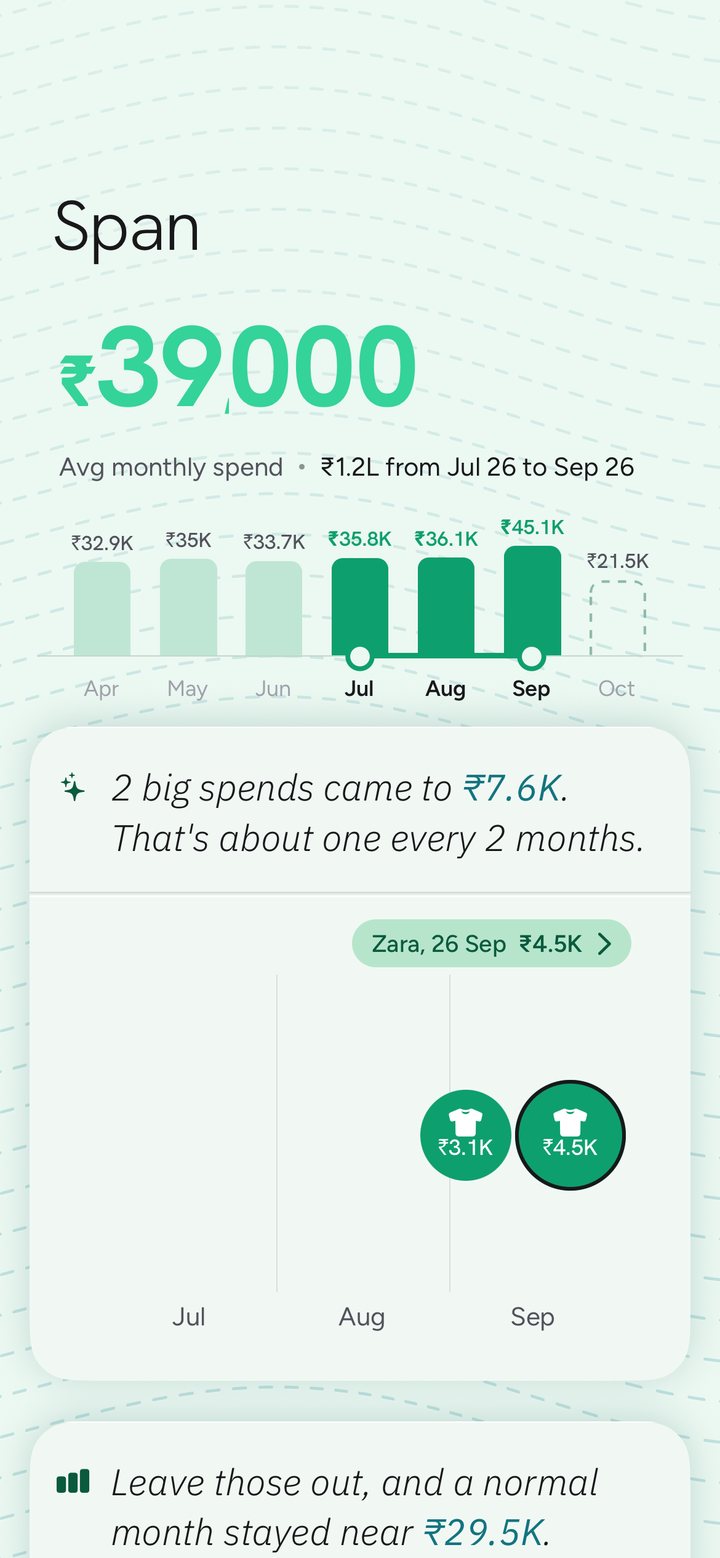
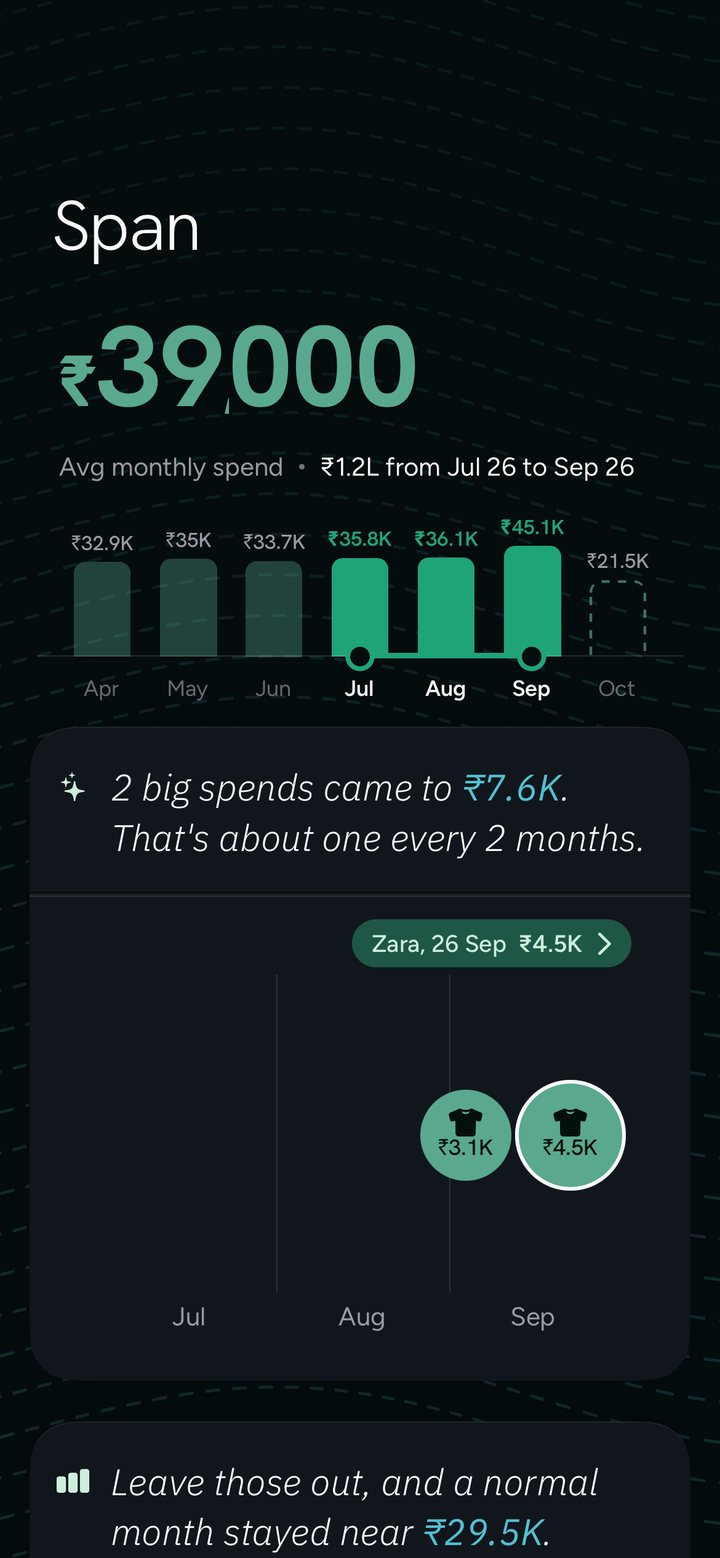
Span
Months side by side, for the patterns that only show over time.
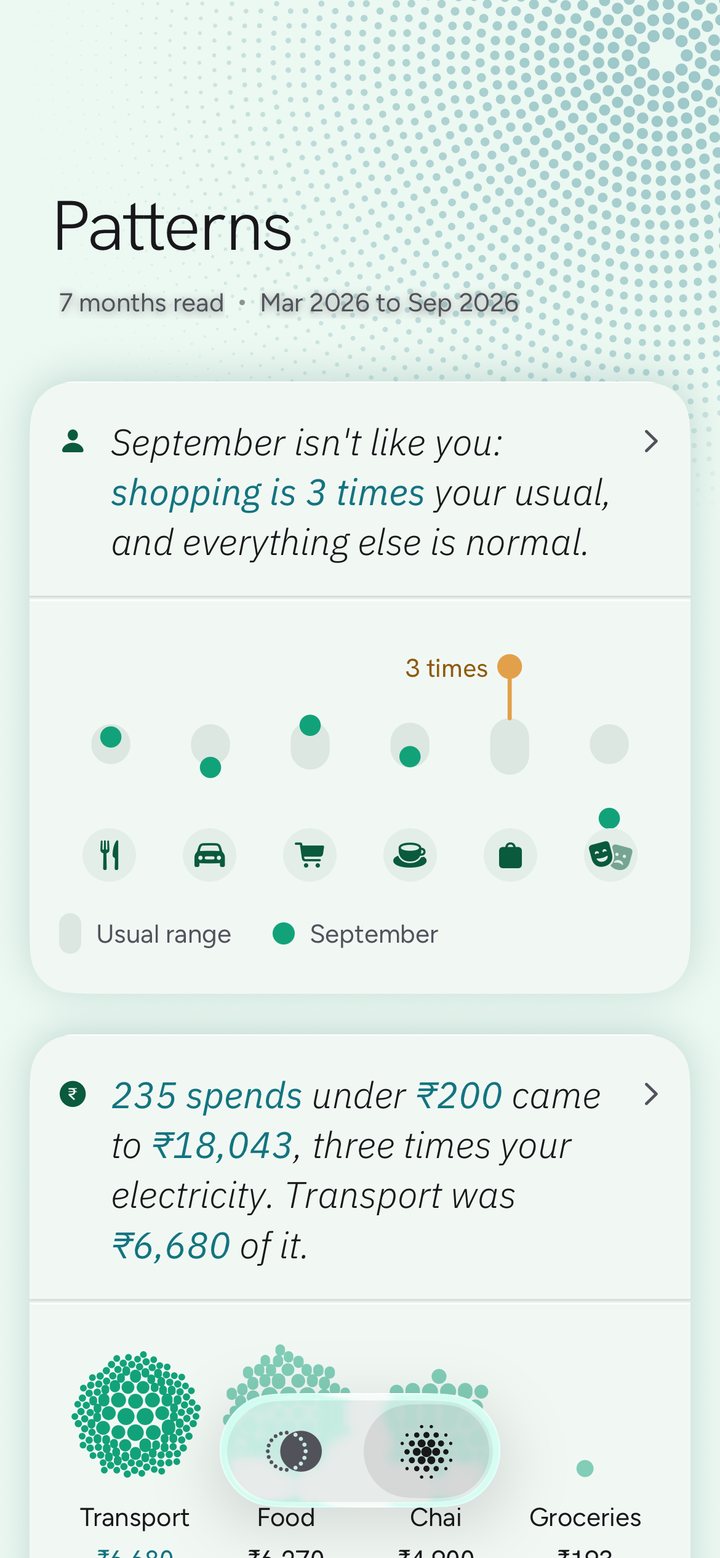
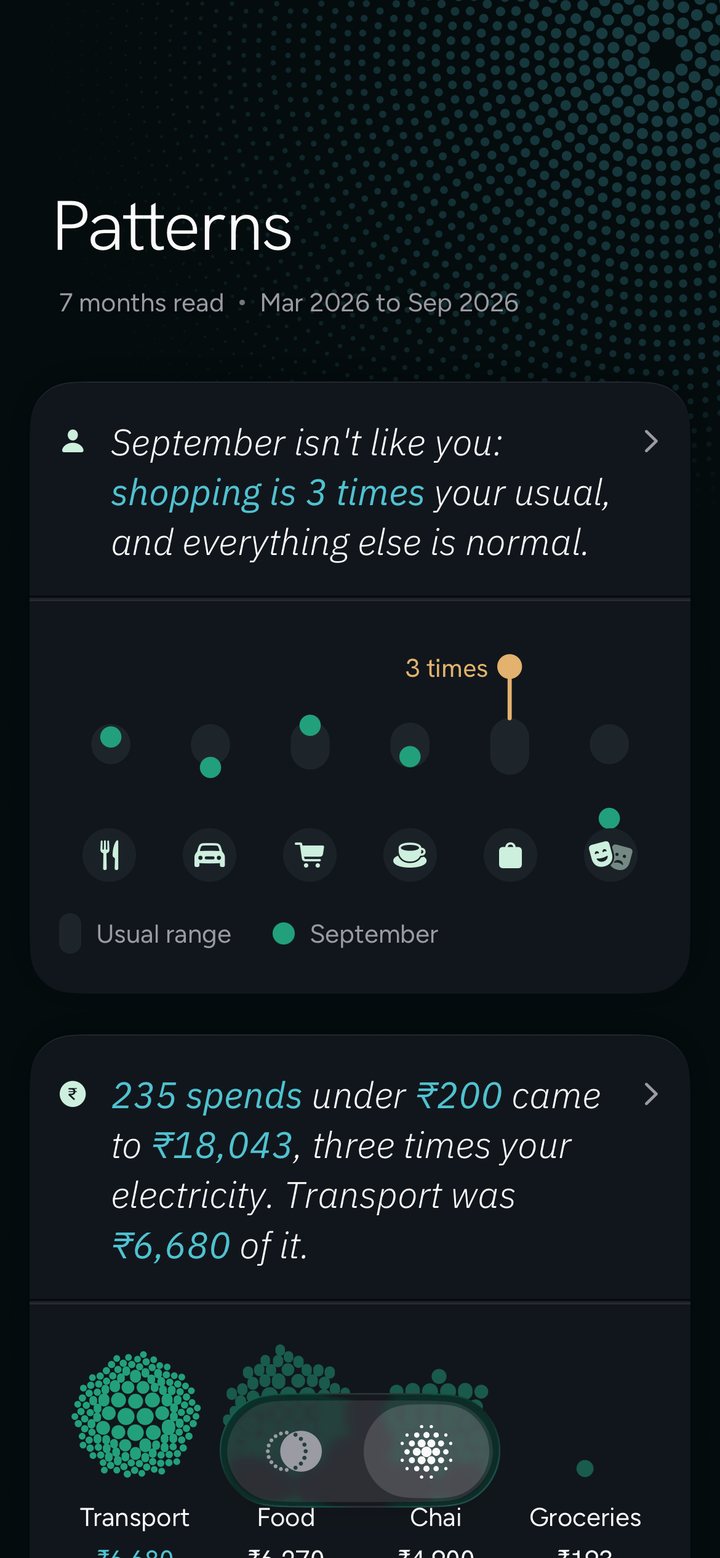
Patterns
Months of spends, read for the habits that keep coming back.
The days that cost most
Which days of the week hold the most, and the rhythm behind them.
Know your normal
Budgets and your usual
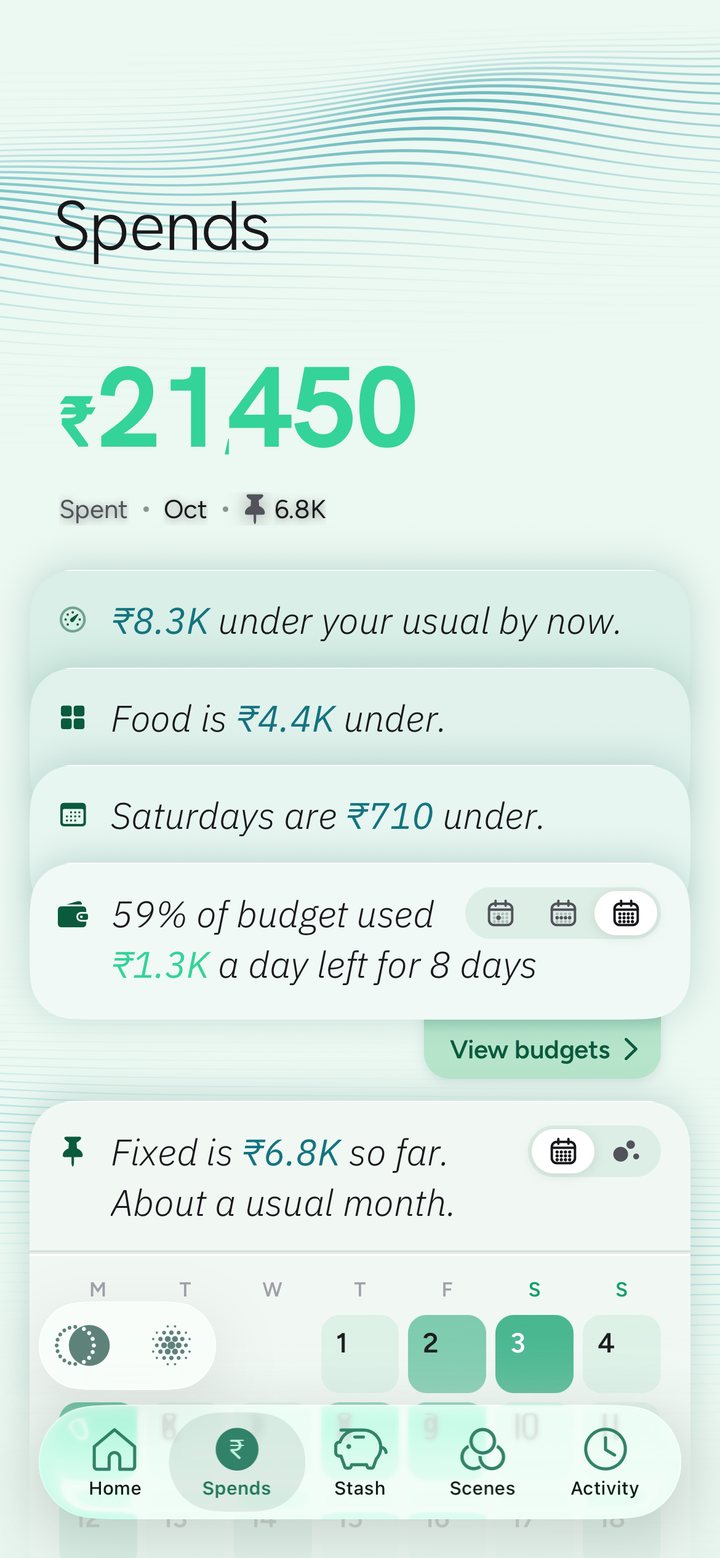
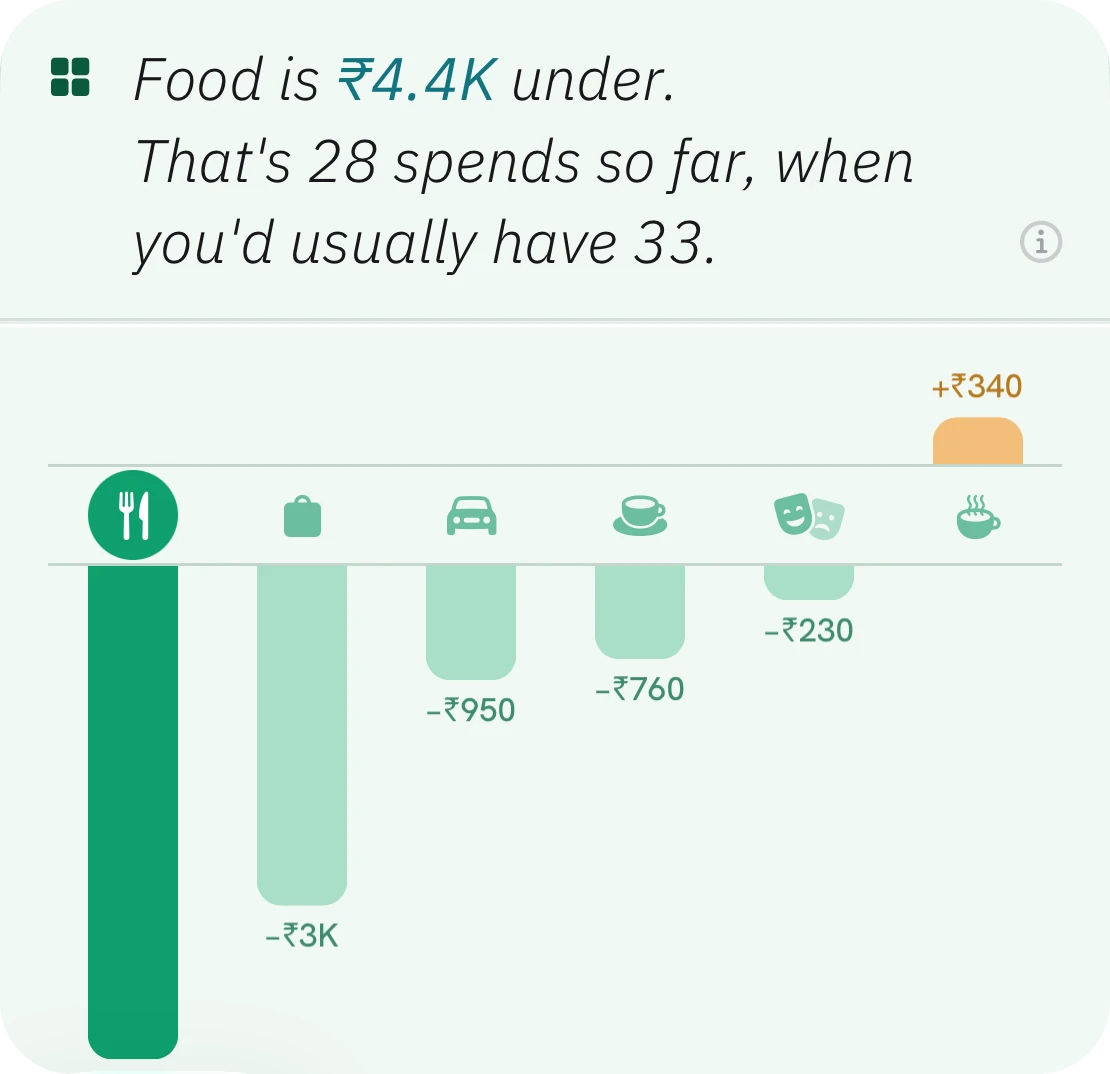
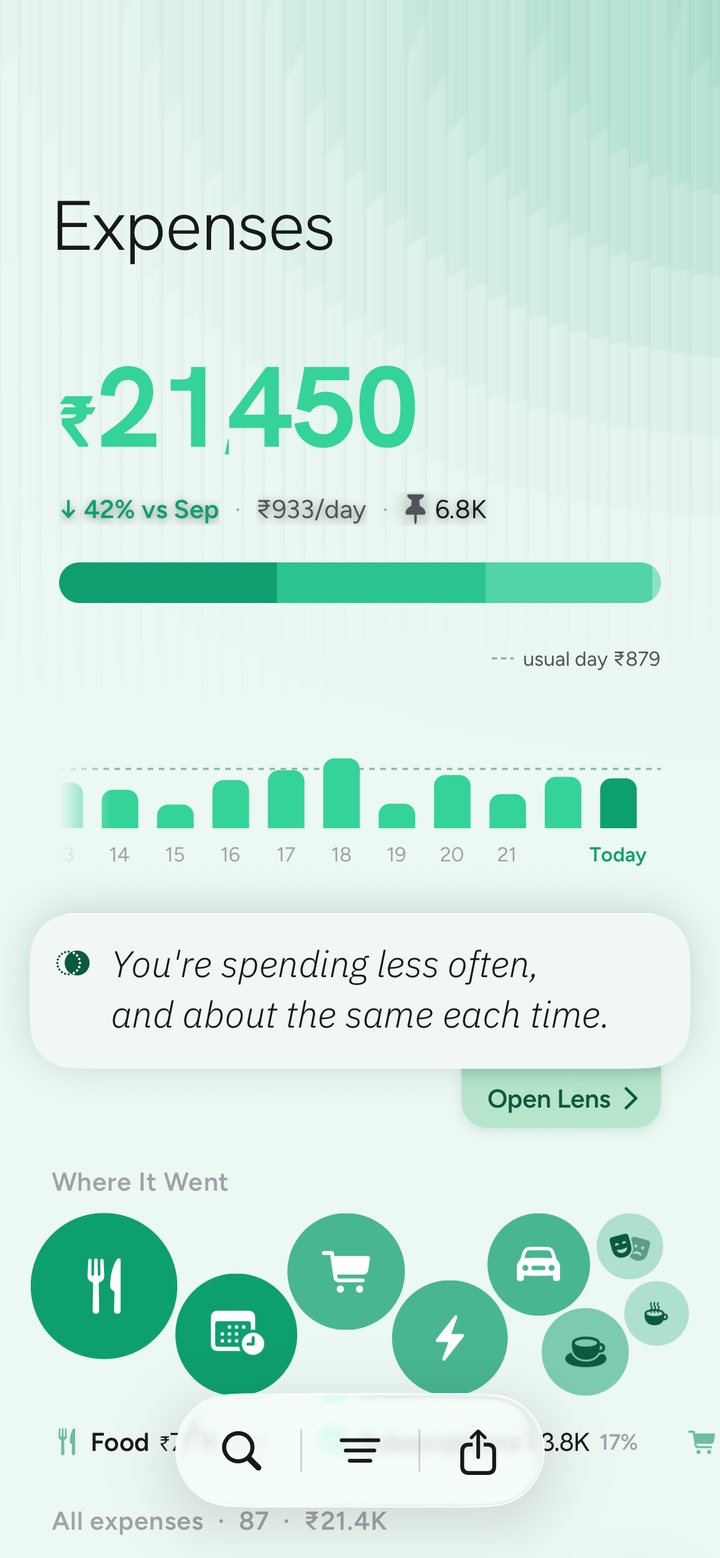
How this month is going against a normal one, said plainly, with the one-offs kept out.
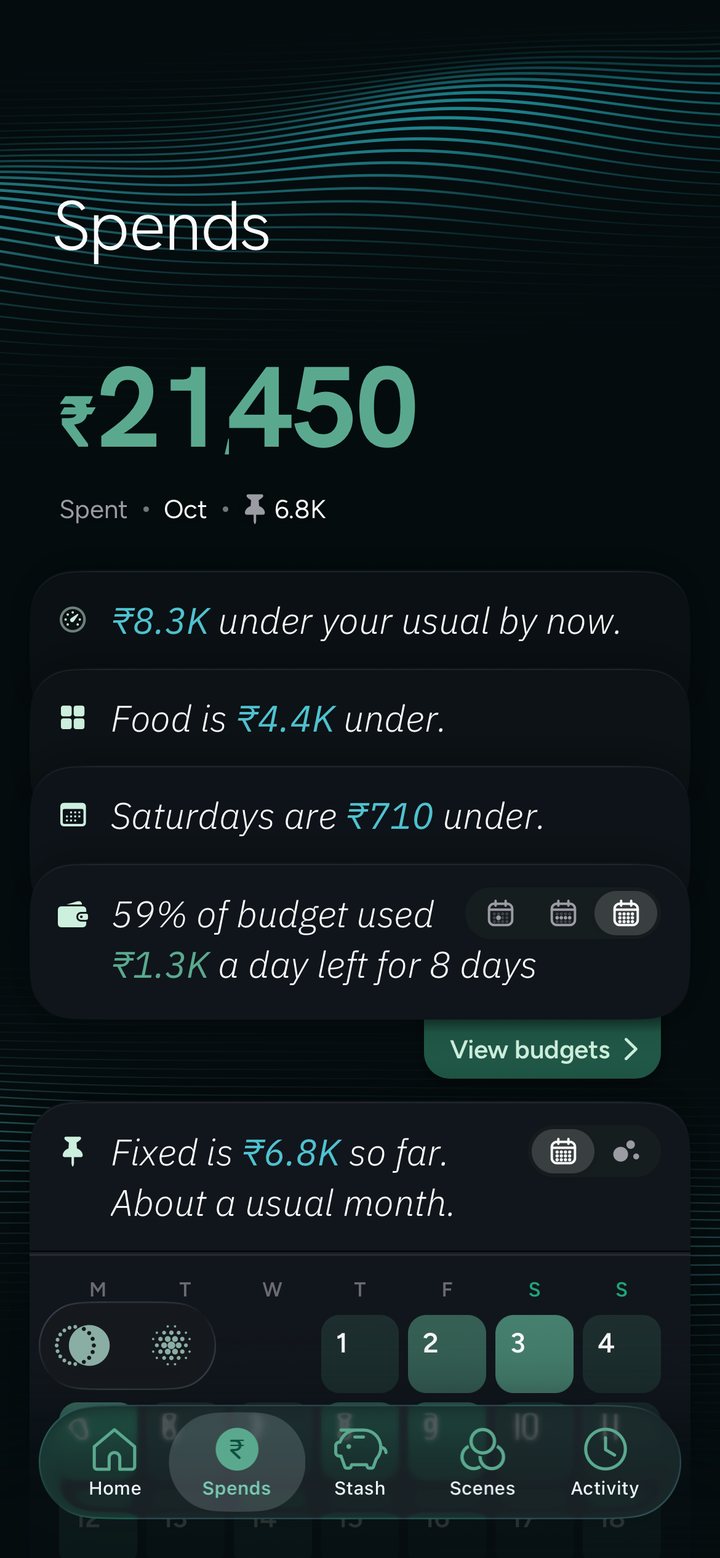
Your month, in plain words
How you’re doing against your usual, said the way you’d say it.
Budgets
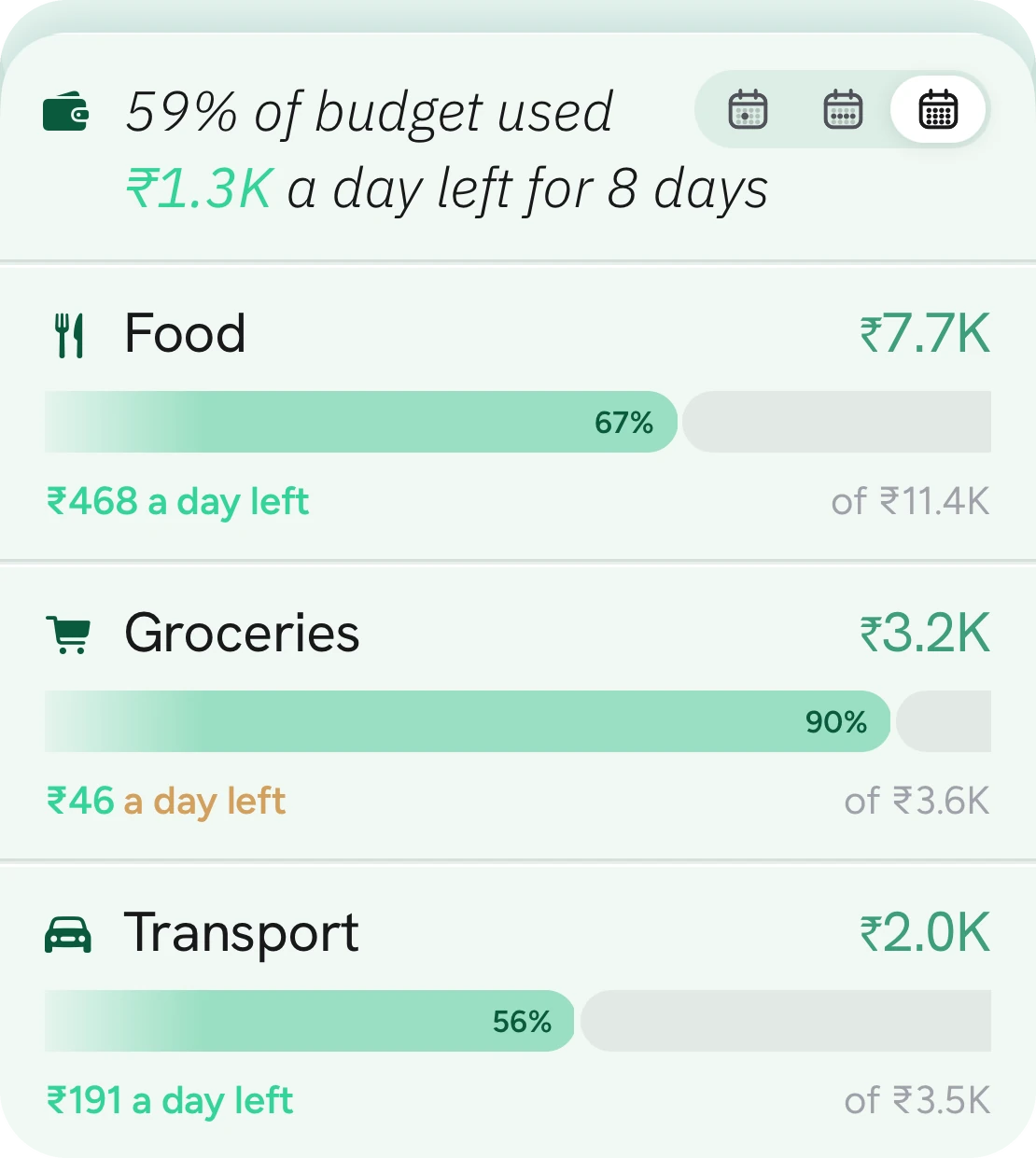
A limit for each category, and what’s left for each day of the month.
Exclude
A one-off stays listed but leaves your totals and your budgets.
Ignore
Ignore a merchant once and every spend there, past and future, stays out.
Settle up
Splits and trips
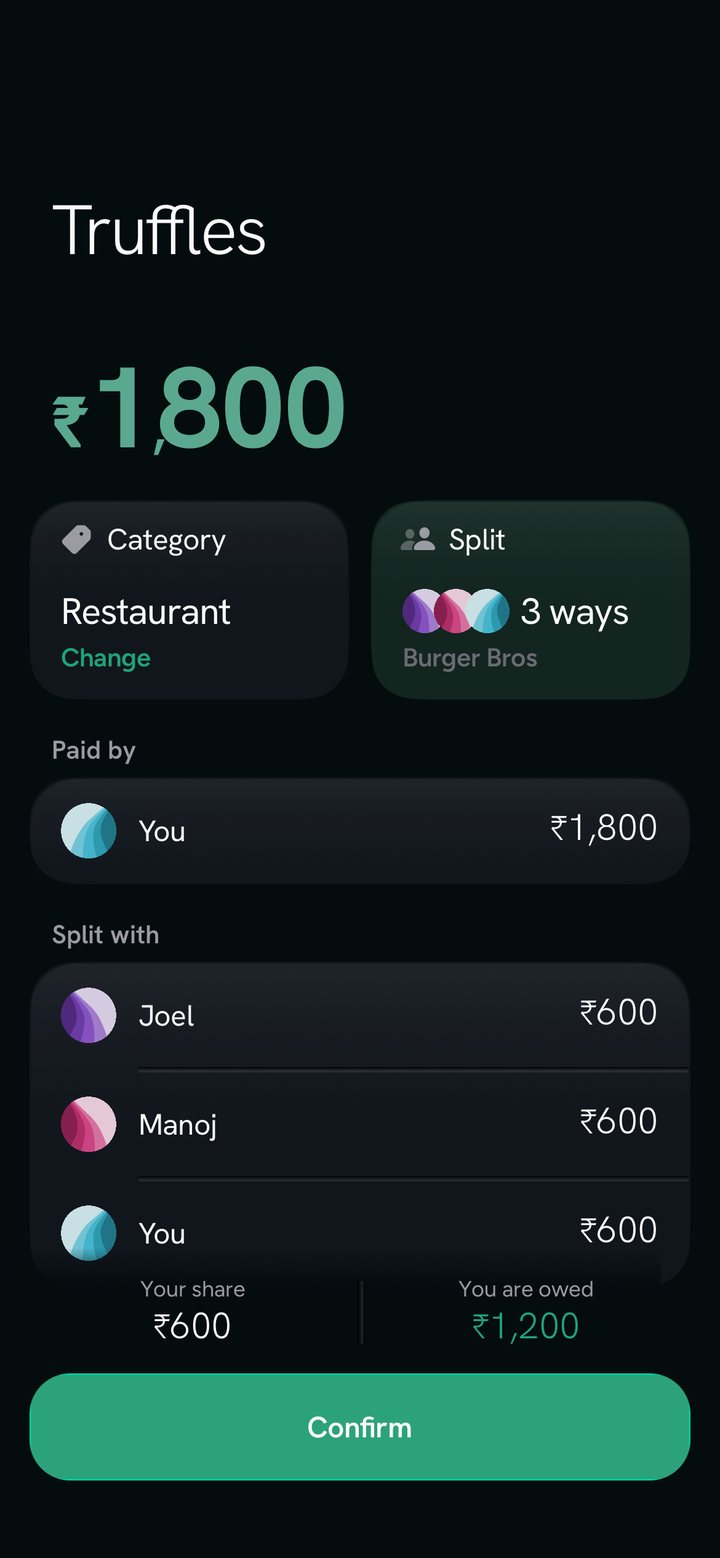
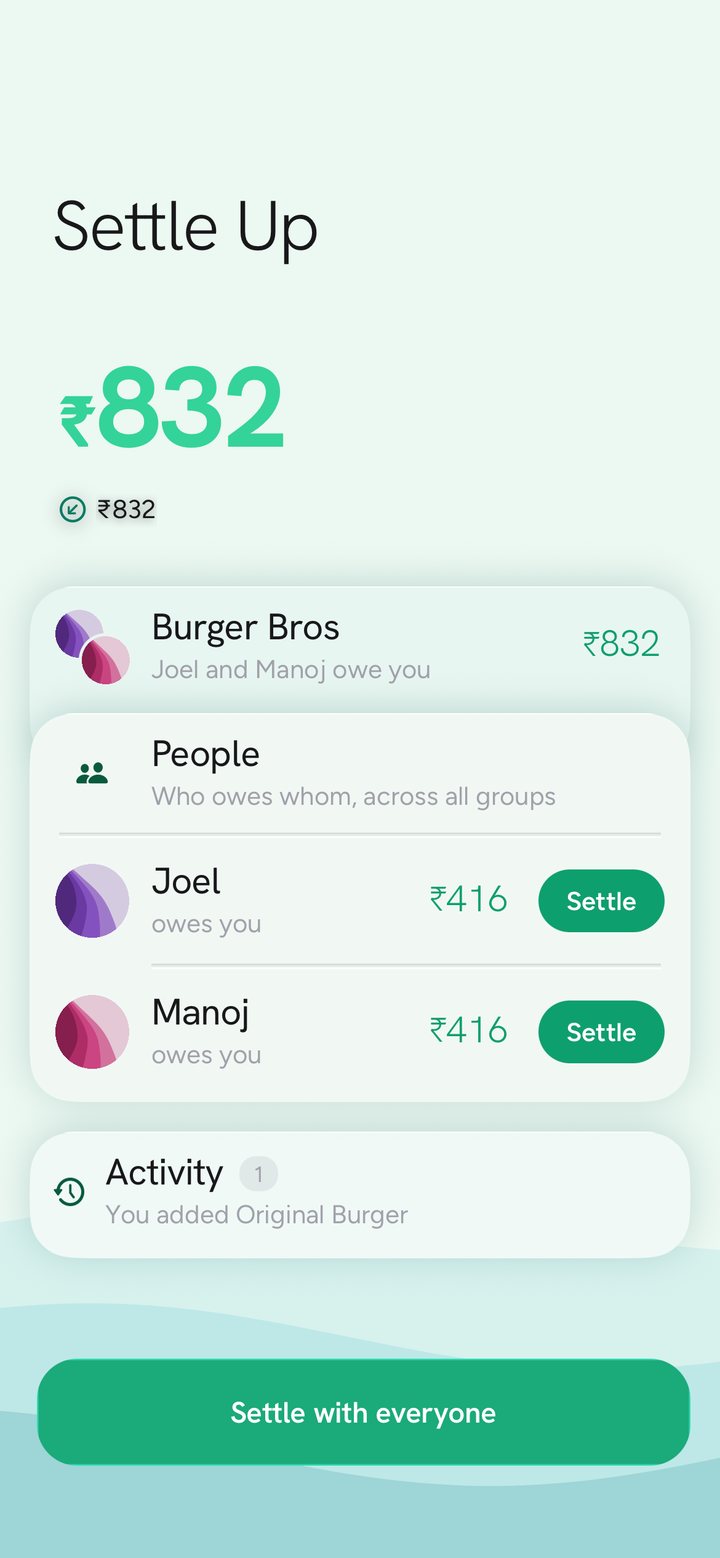
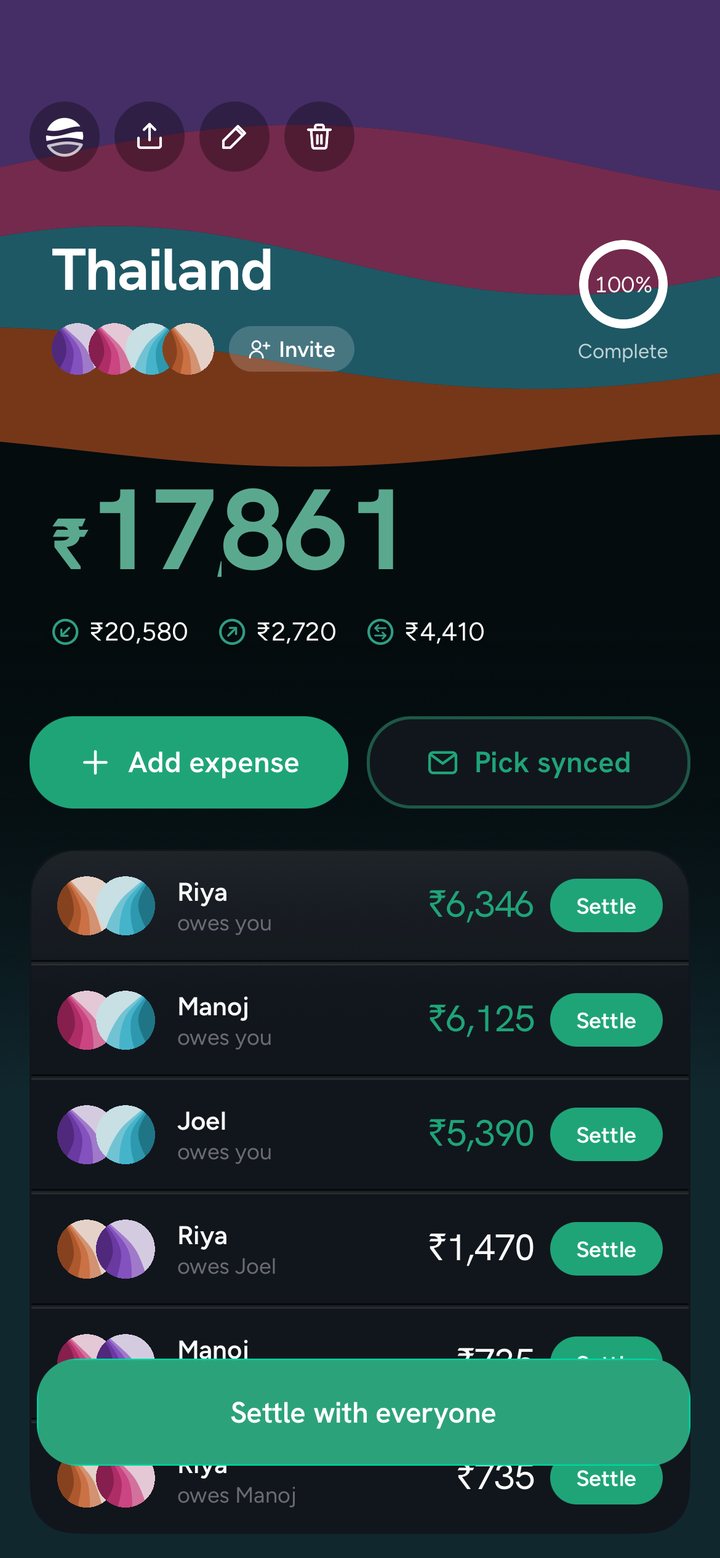
Split a bill with anyone, keep a trip’s spends together, and get paid back.
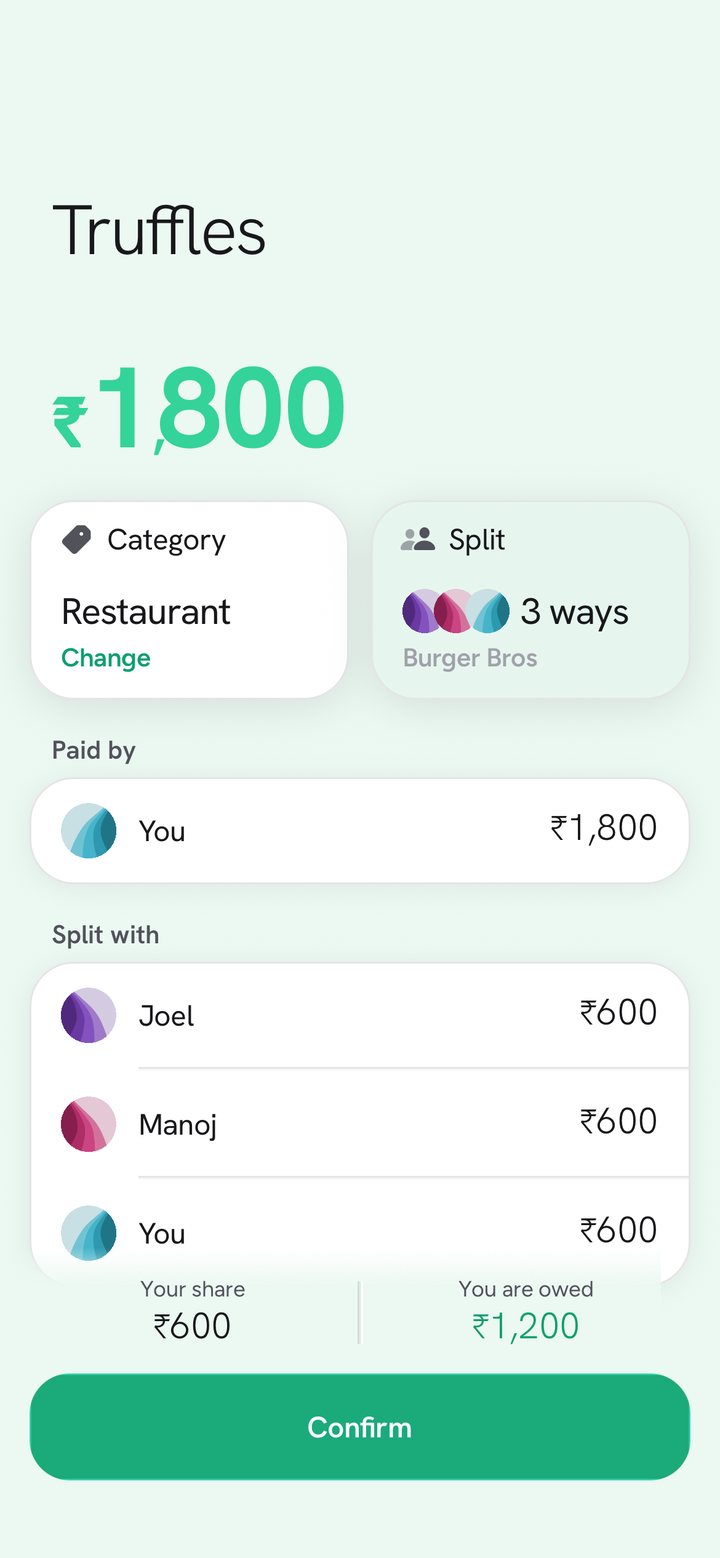
Split with anyone
Pick who was there. Anyone not on figrd gets their share on WhatsApp, with a link.
Get paid back
Send a receipt as a link or an image and ask for the money over UPI.
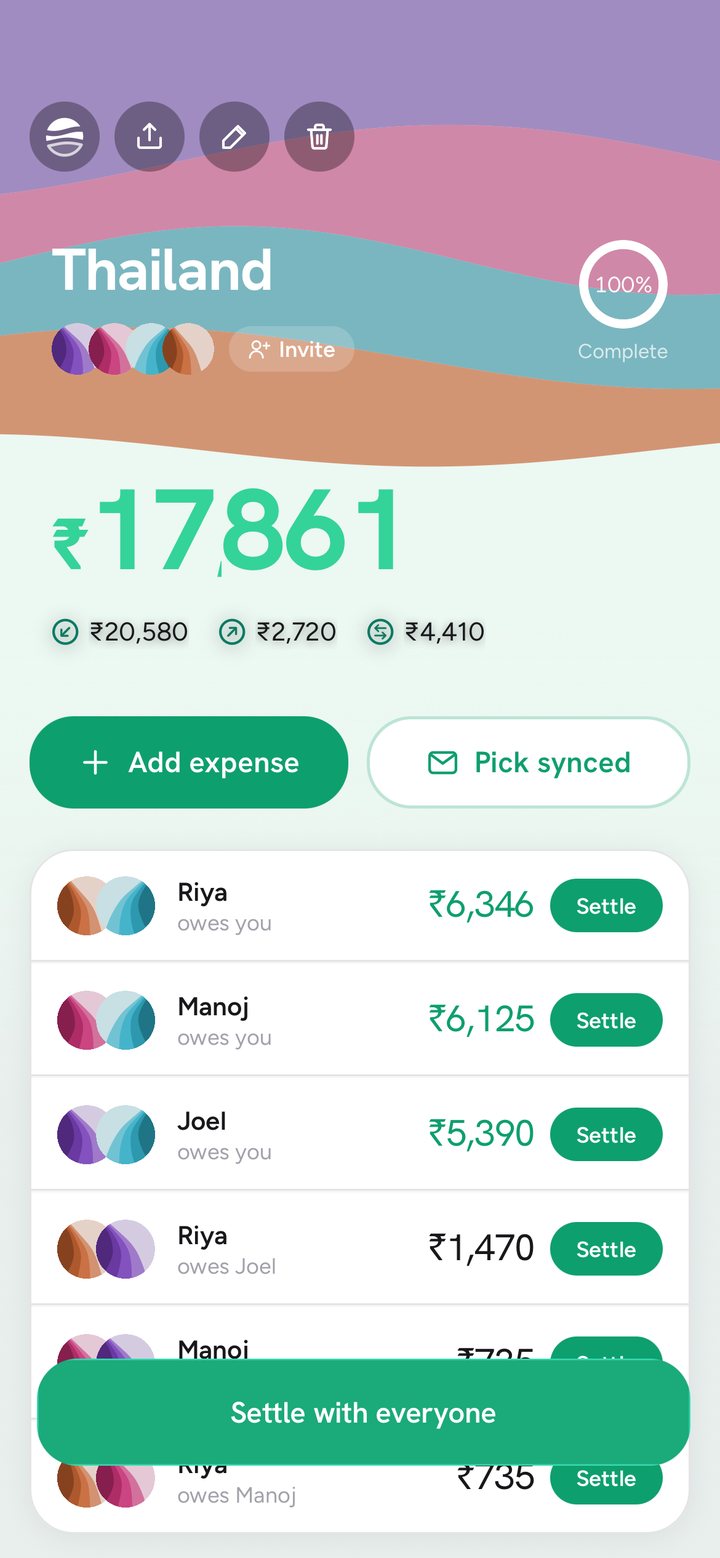
Trips and occasions
Gather a trip’s spends in one place and settle up, in 20 currencies.
The household
Link a partner’s inbox and share a budget.
Play your own game
Stash
Spend less than usual and keep the difference, one day at a time.
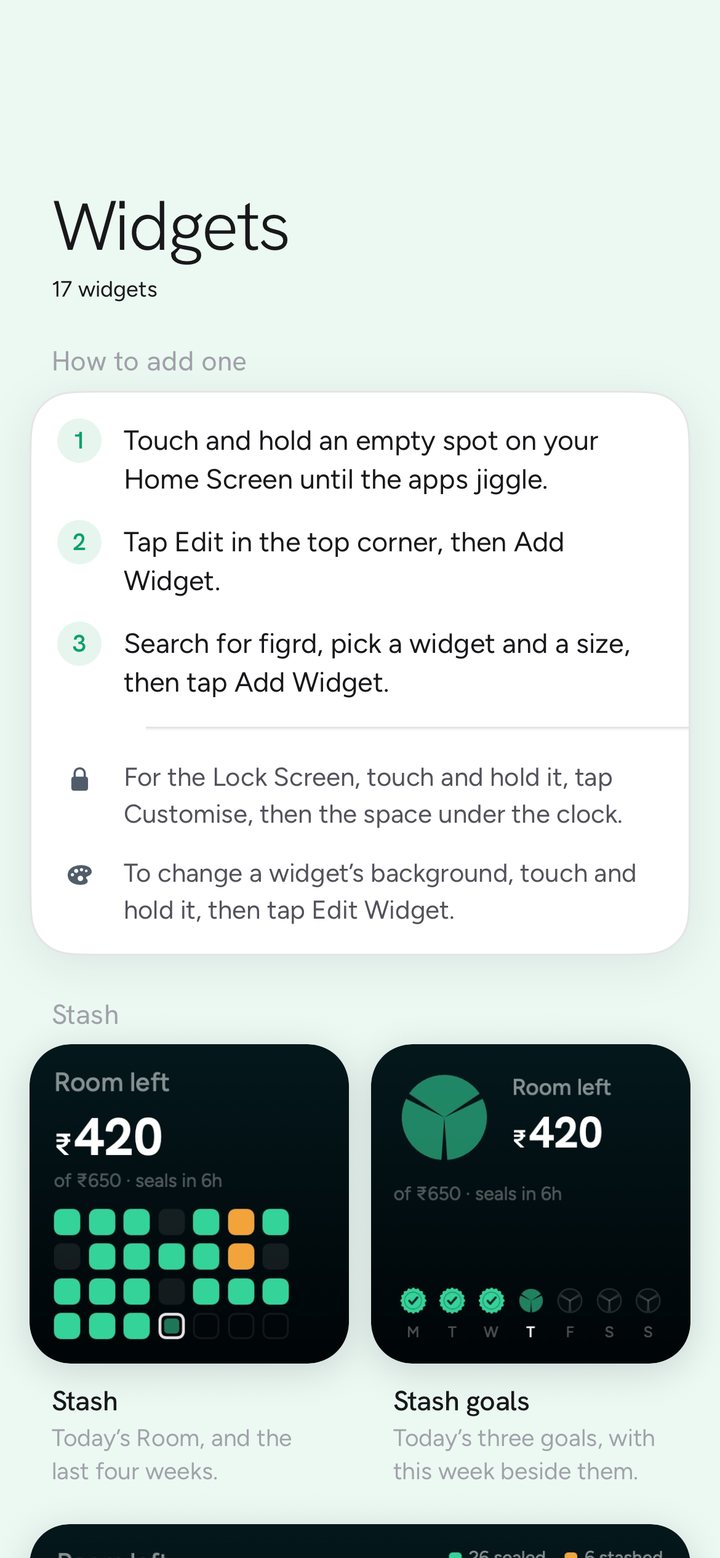
Stash
Stay under your usual and the rest is stashed, one day at a time.
Seal the day
Hold all three of the day’s goals and the day seals.
A challenge each month
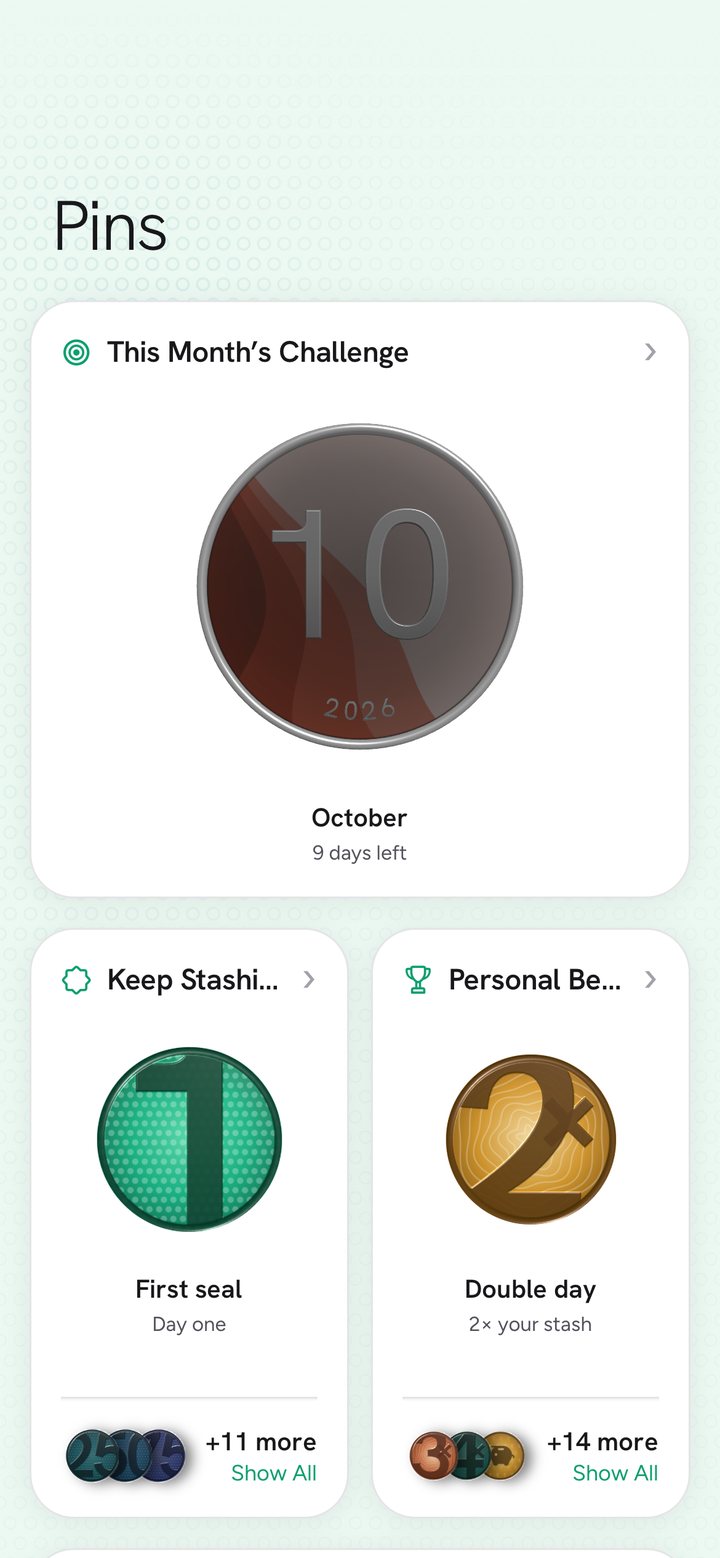
figrd picks one habit for the month. Hold it and its pin is yours.
Pins
Earned by holding back, never just for opening the app.
Private by design
Privacy
Your spending is yours. figrd is built so it stays that way.
On your phone
Every email is read and sorted on your device. No server holds your data.
Read only
figrd can read your inbox. It can never send, change or delete an email.
No bank login
figrd never asks for your bank password. It reads the alerts your bank already sends.
Gmail and Outlook
Connect one inbox or several, yours or a partner’s.
And the rest
The extras
The small things that make it yours.
The Roast
Once a quarter, your spending read back to you. No mercy.
Widgets
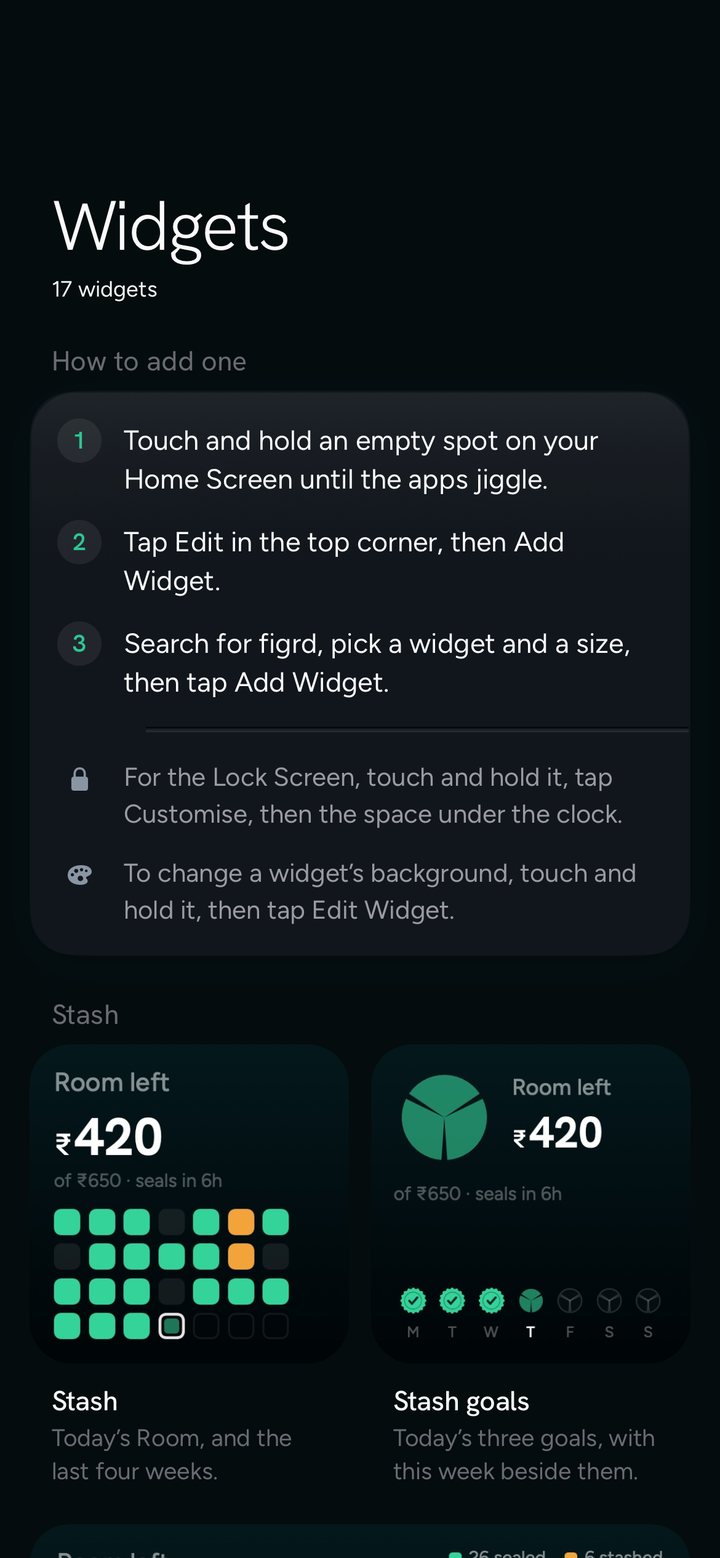
Today’s spend, your month and your Stash, on your Home Screen and Lock Screen.
Money that moves
Transfers to yourself, savings and card bills are kept out of your spending.
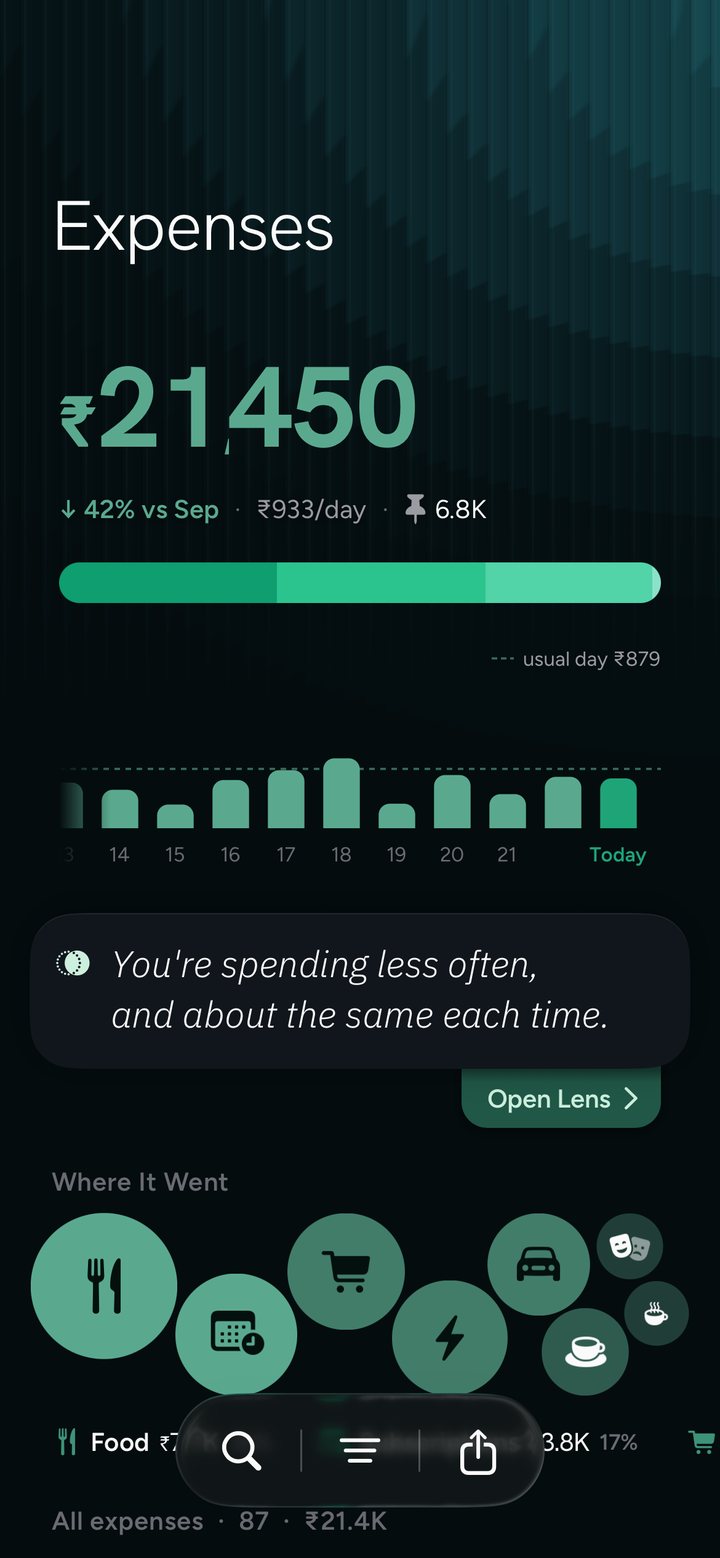
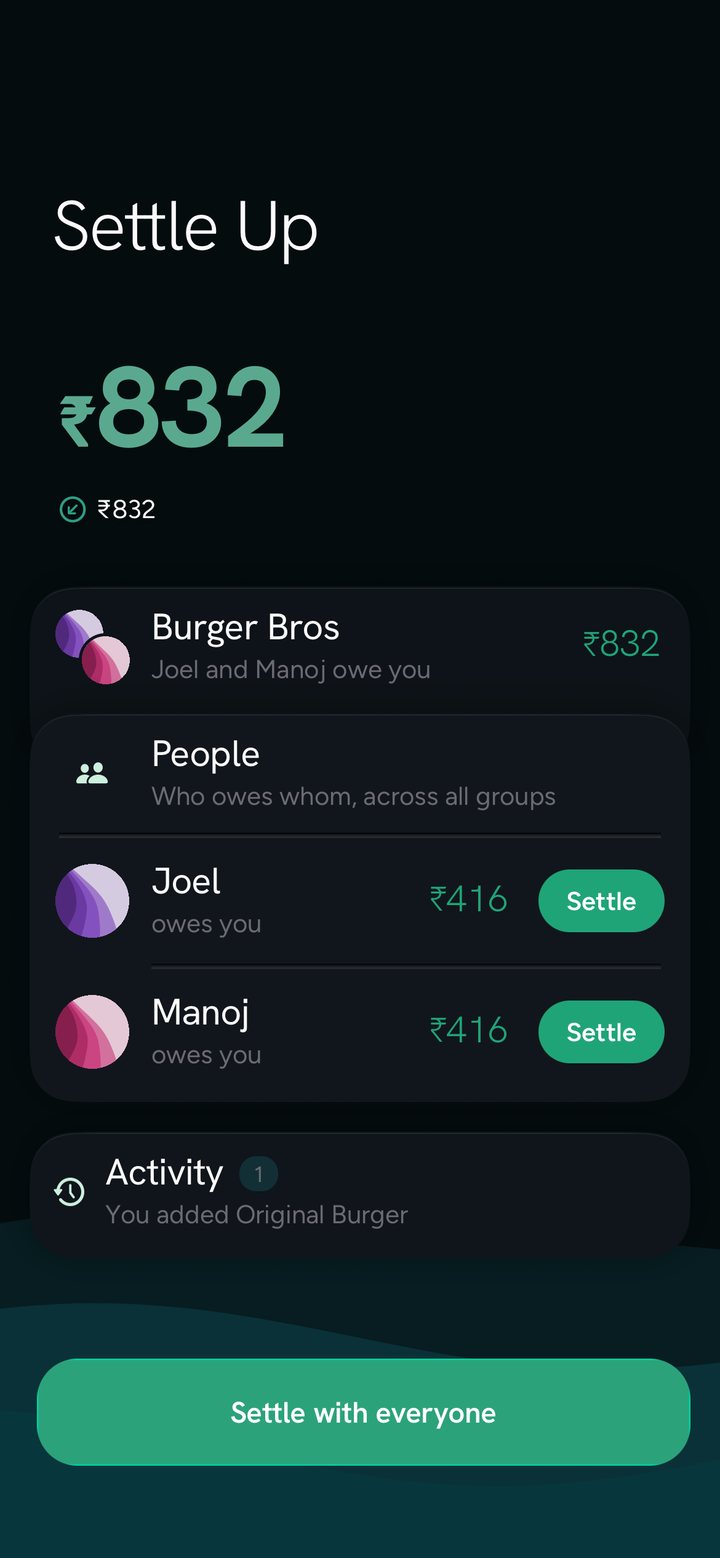
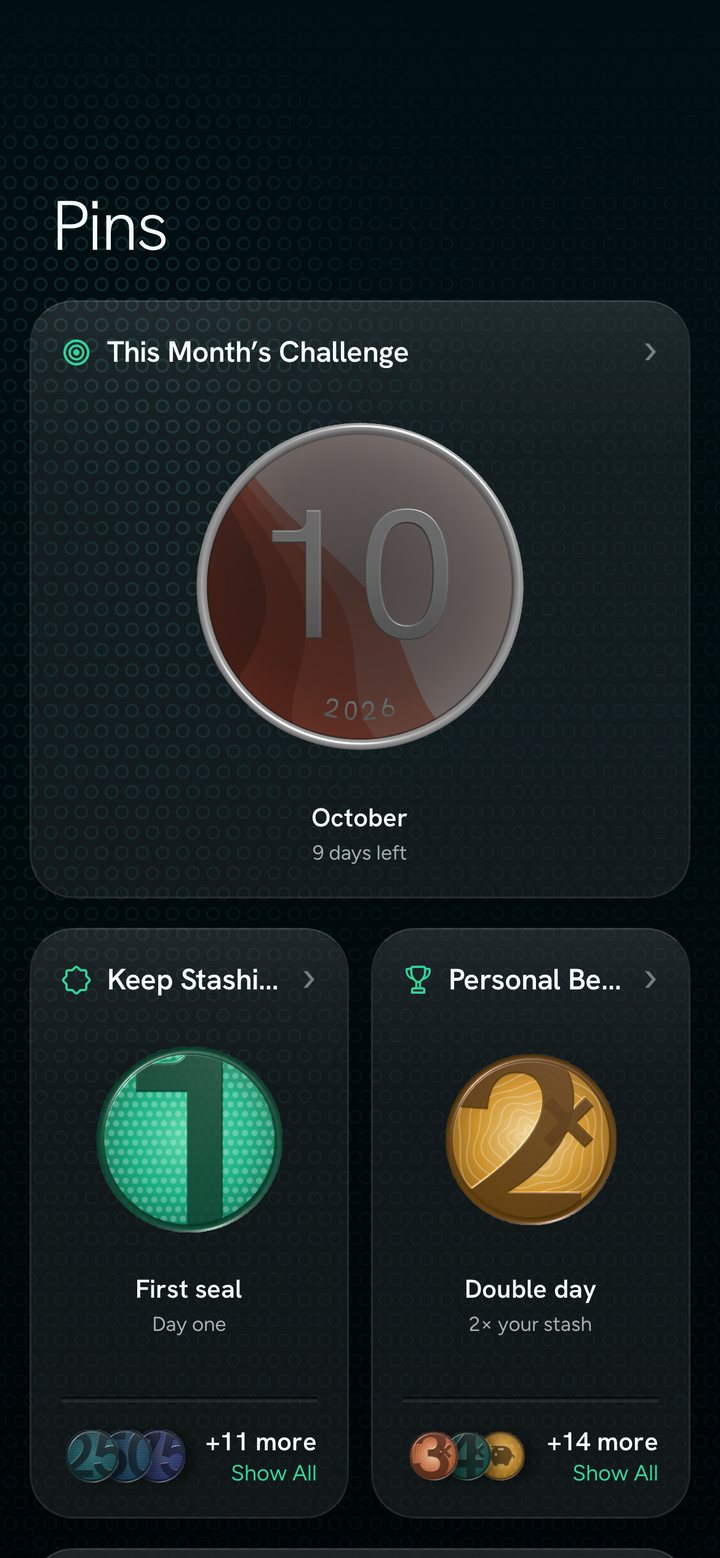
Light or dark
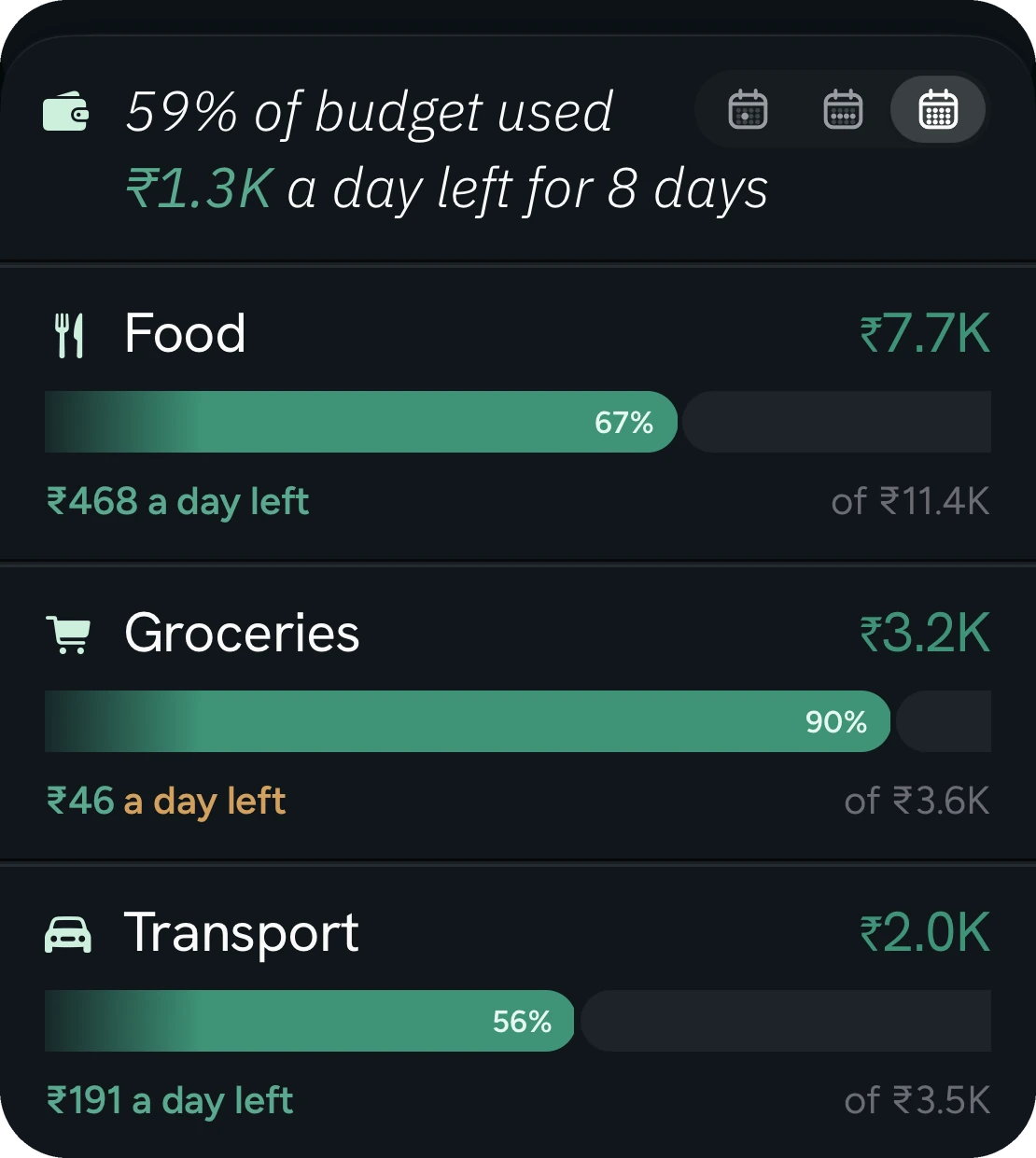
figrd has a light look and a dark one. Pick yours.