


















Every spend figrd in.
Every spend figrd out.
Your money follows your habits.
Most of them go unnoticed.
figrd brings them to light.
Get the inviteYour spending says a lot about you.
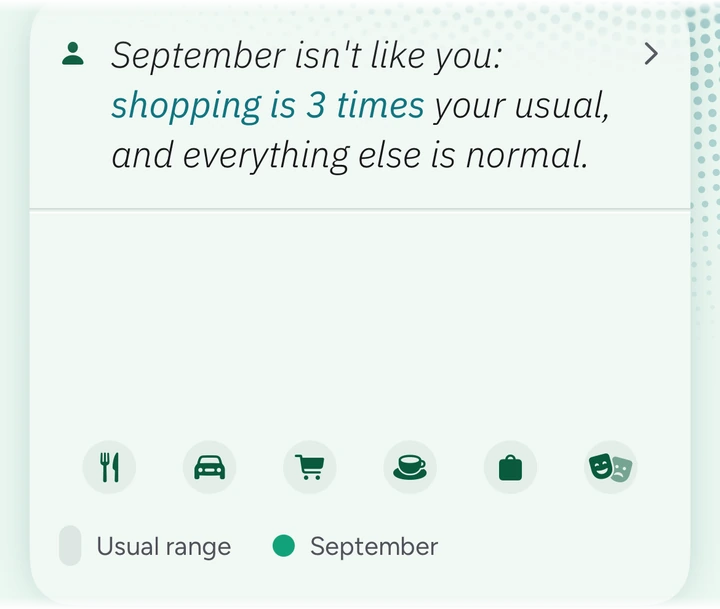
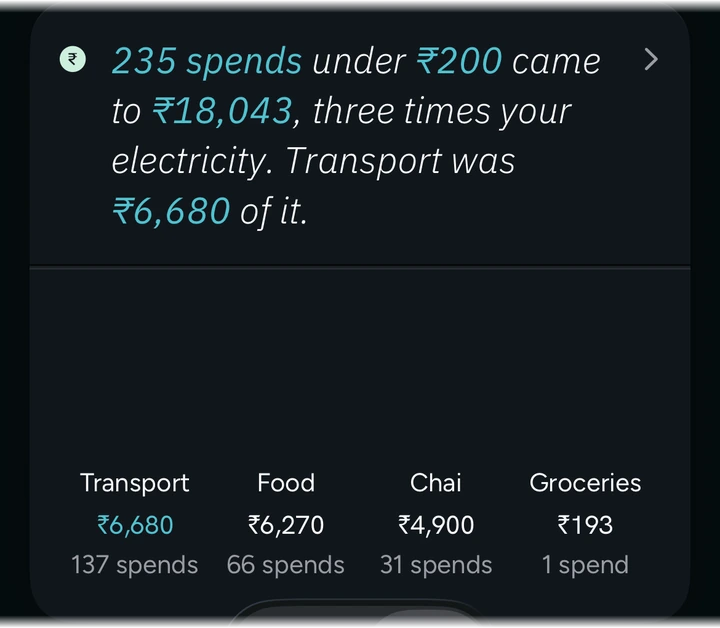











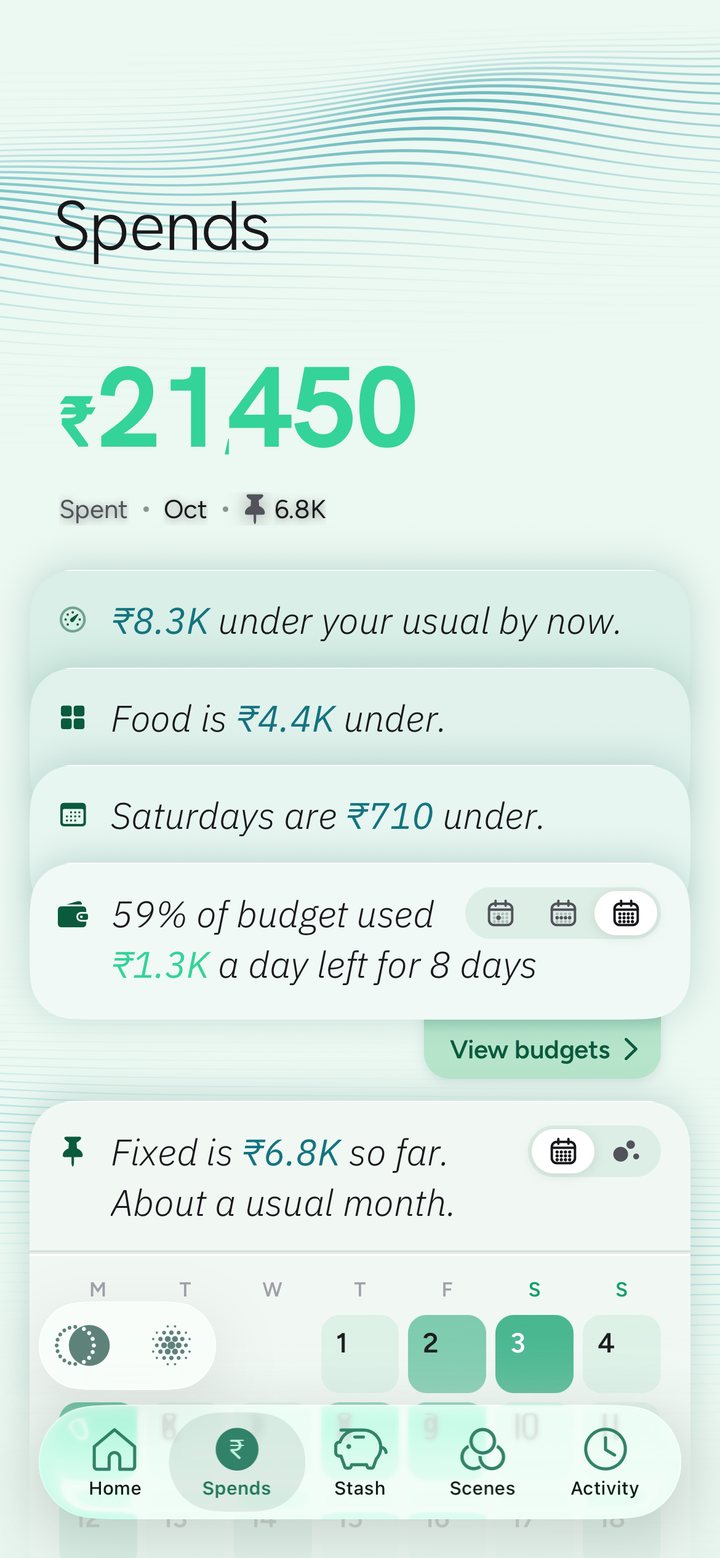
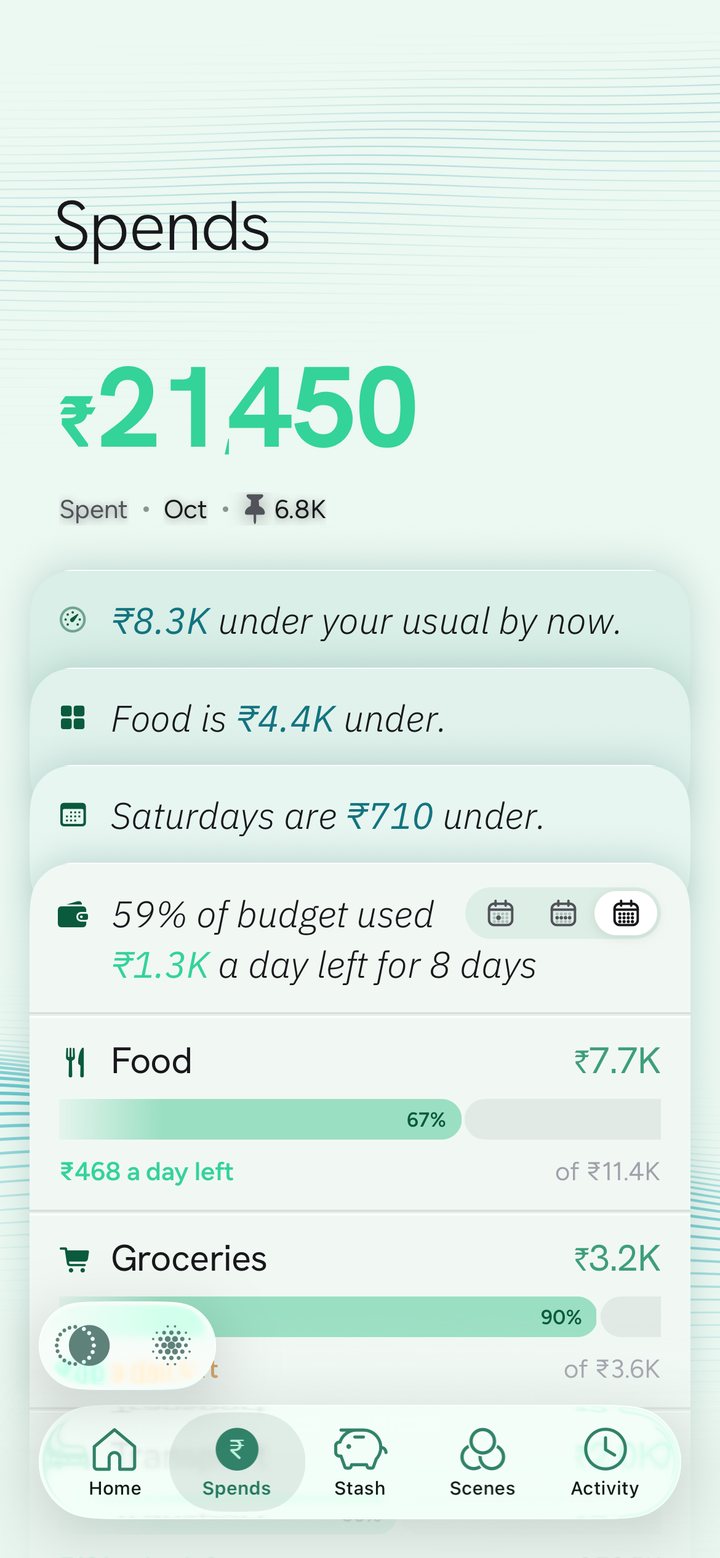
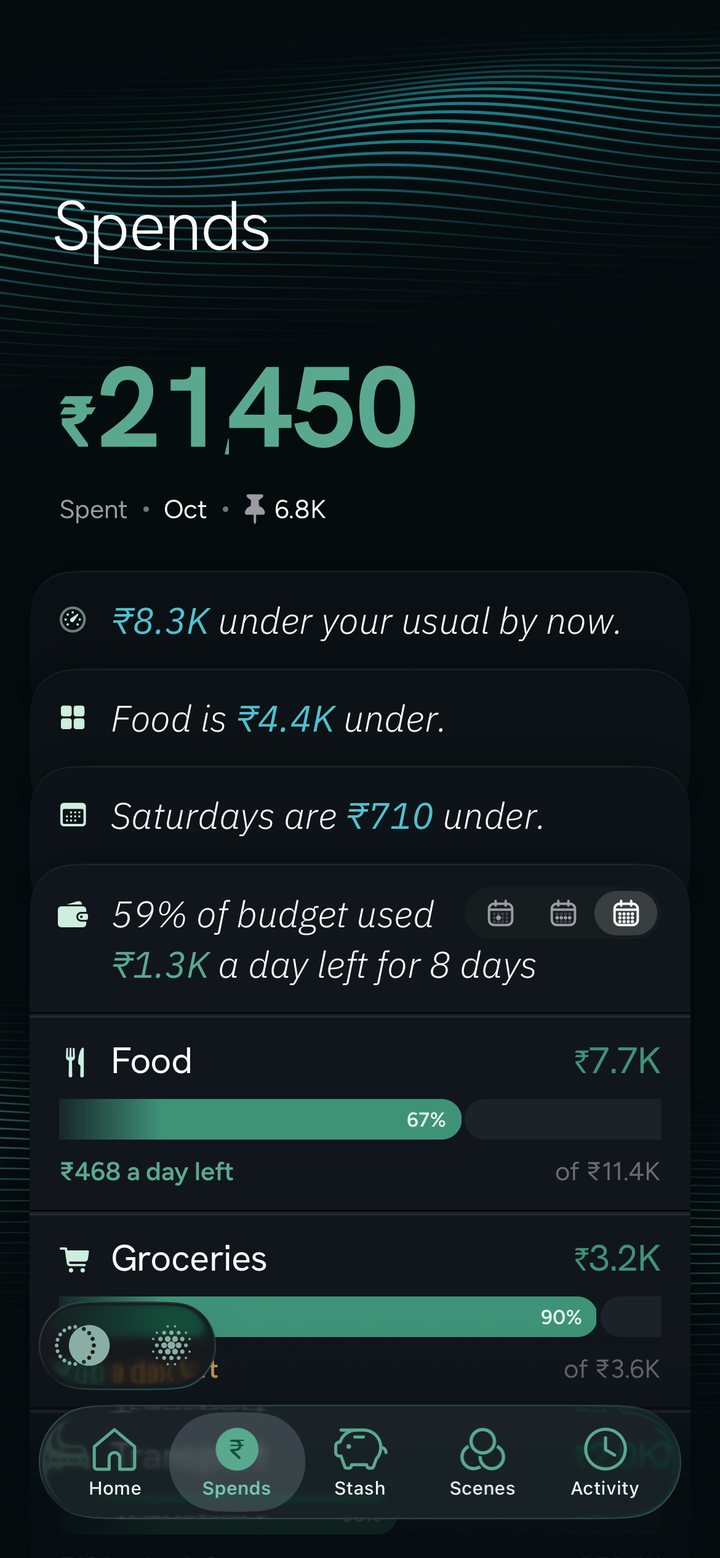
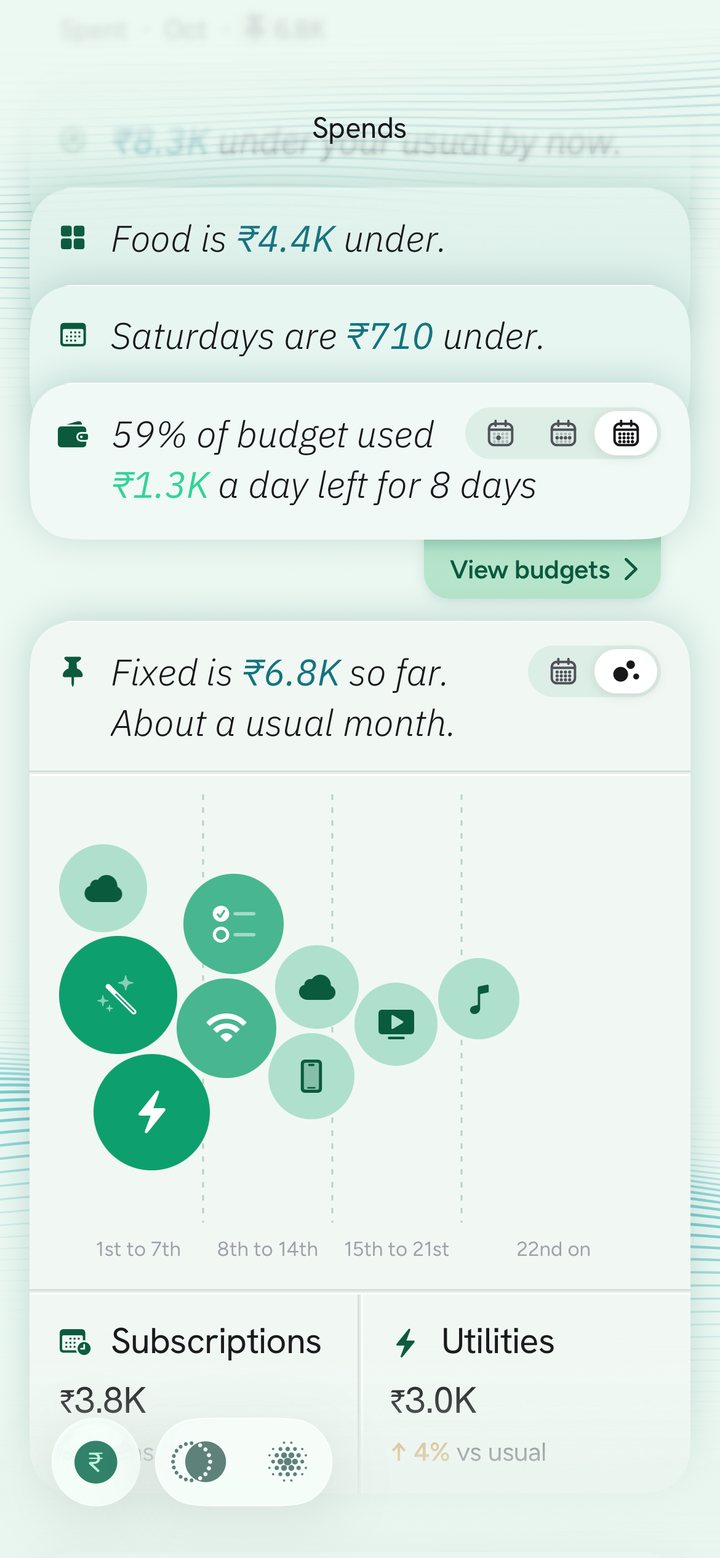
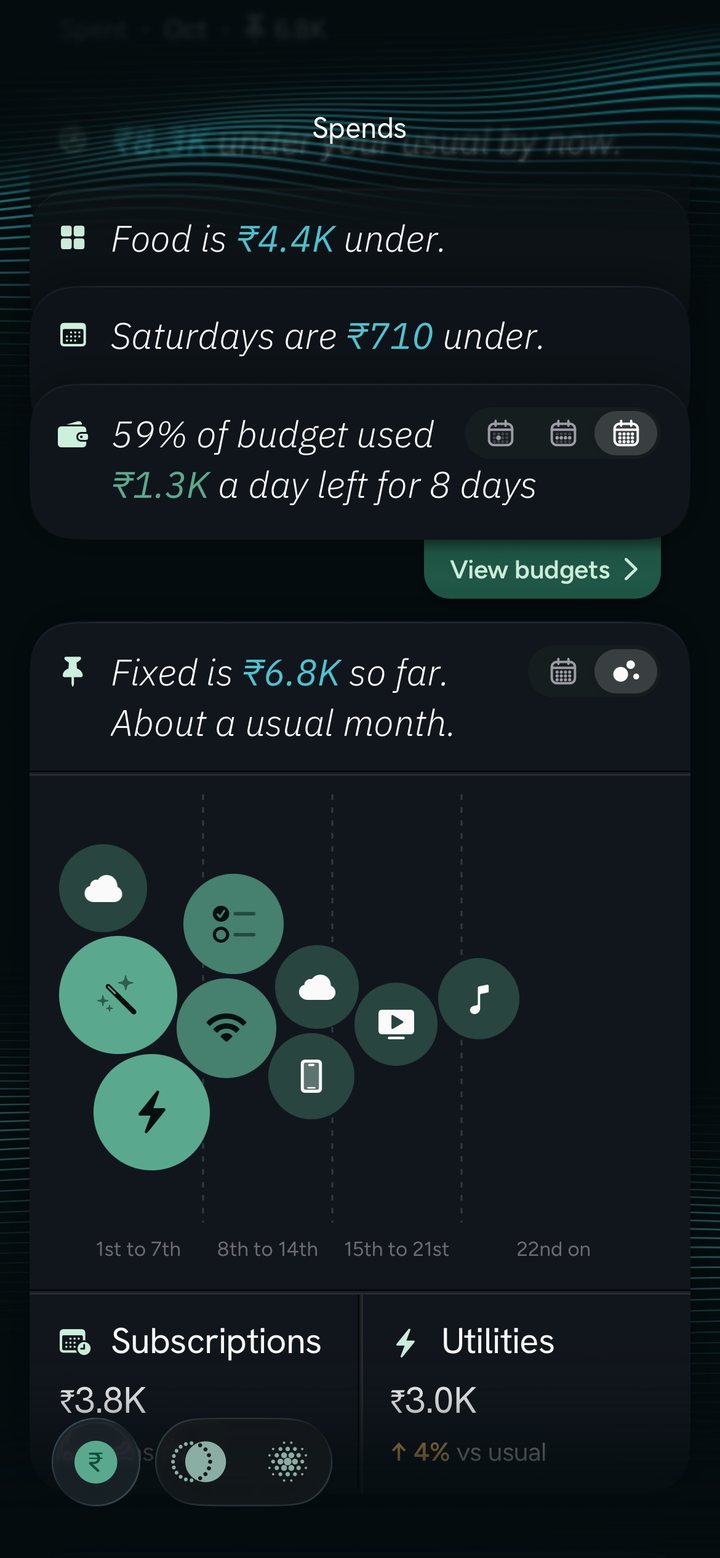
Saturdays are ₹710 under.
Your weekends are lighter this
month: ₹2,700 each, when
you’d usually spend ₹4,000.
You’re cooking more. Since July,
43% of your food money goes on
groceries, up from 30% in April
to June.
Fixed is ₹6.8K this month.
About a usual month.












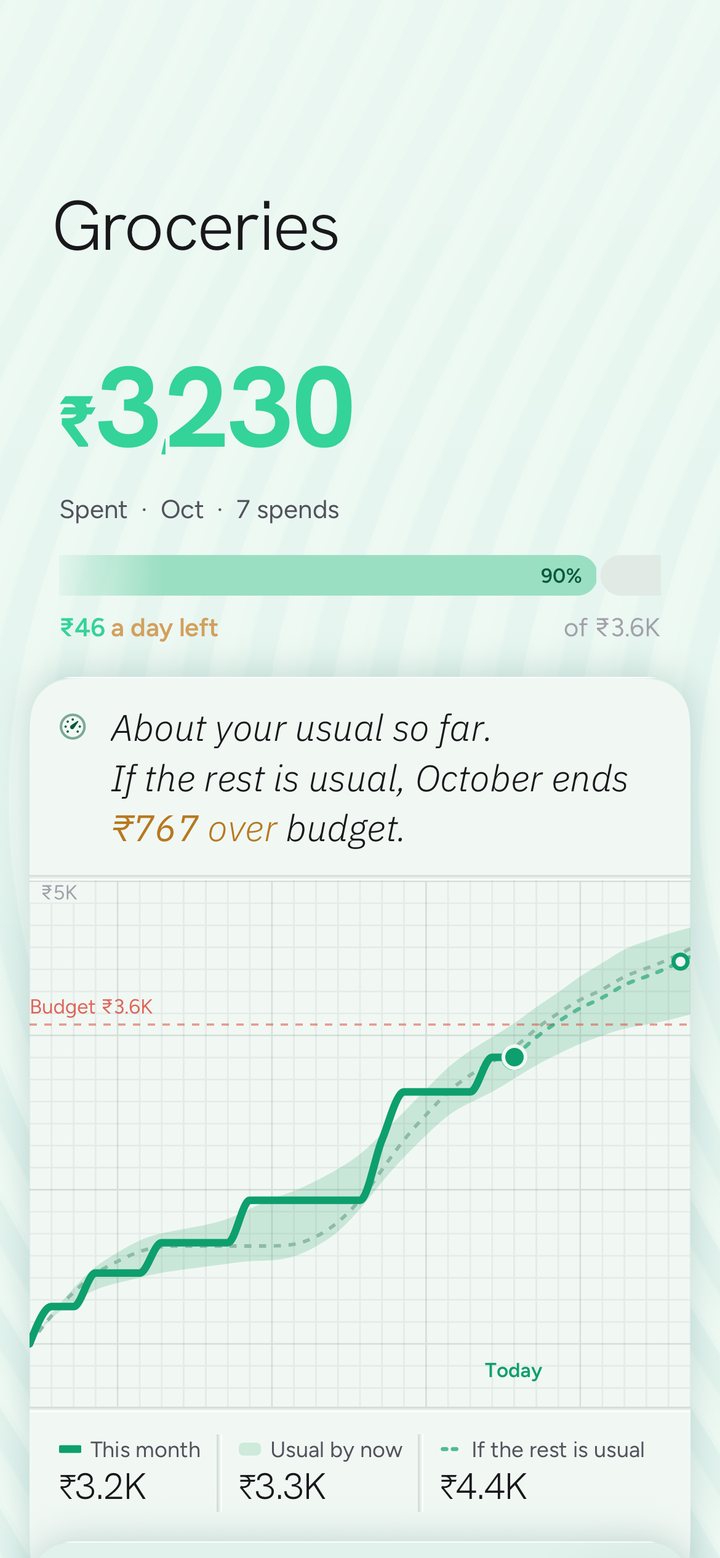
5 of 5 months went over budget.
October is on course not to.
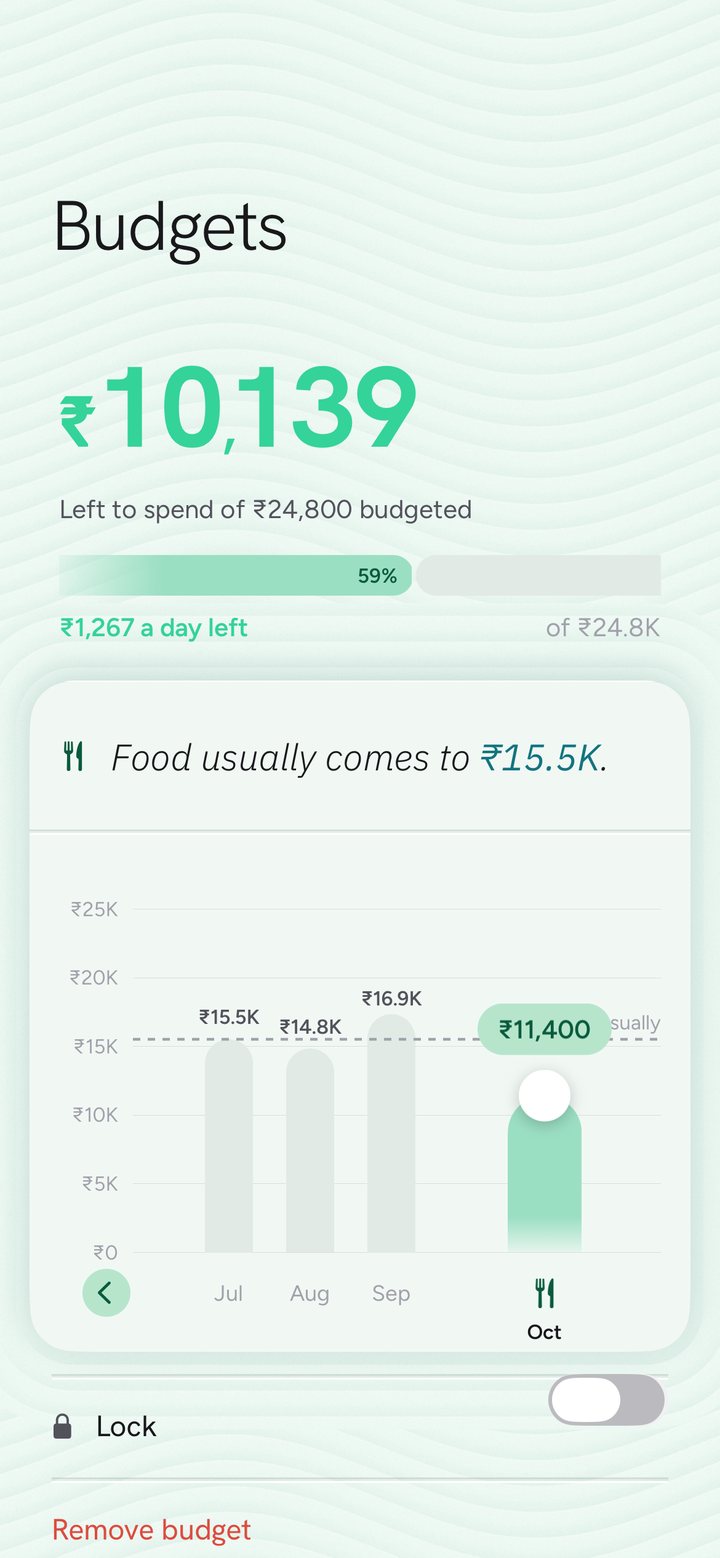
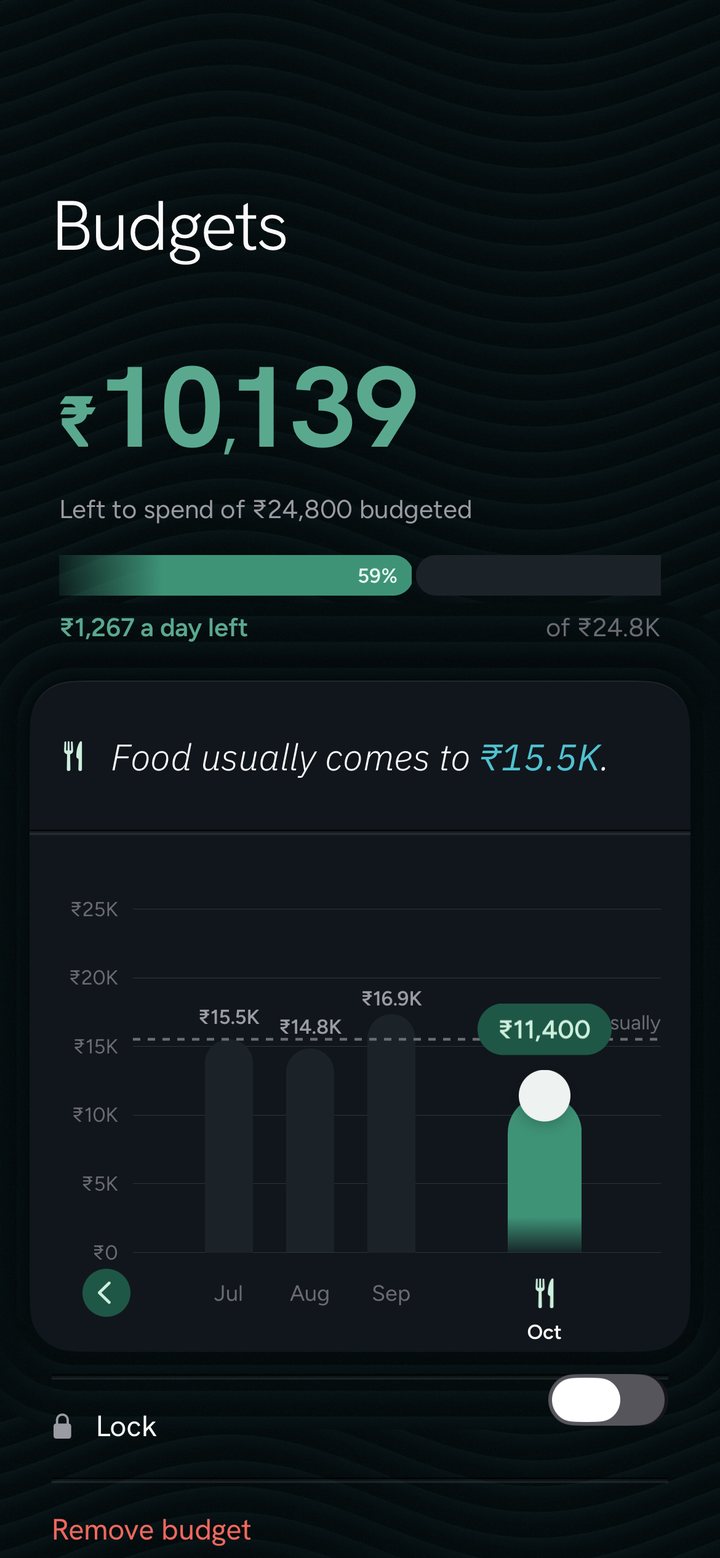
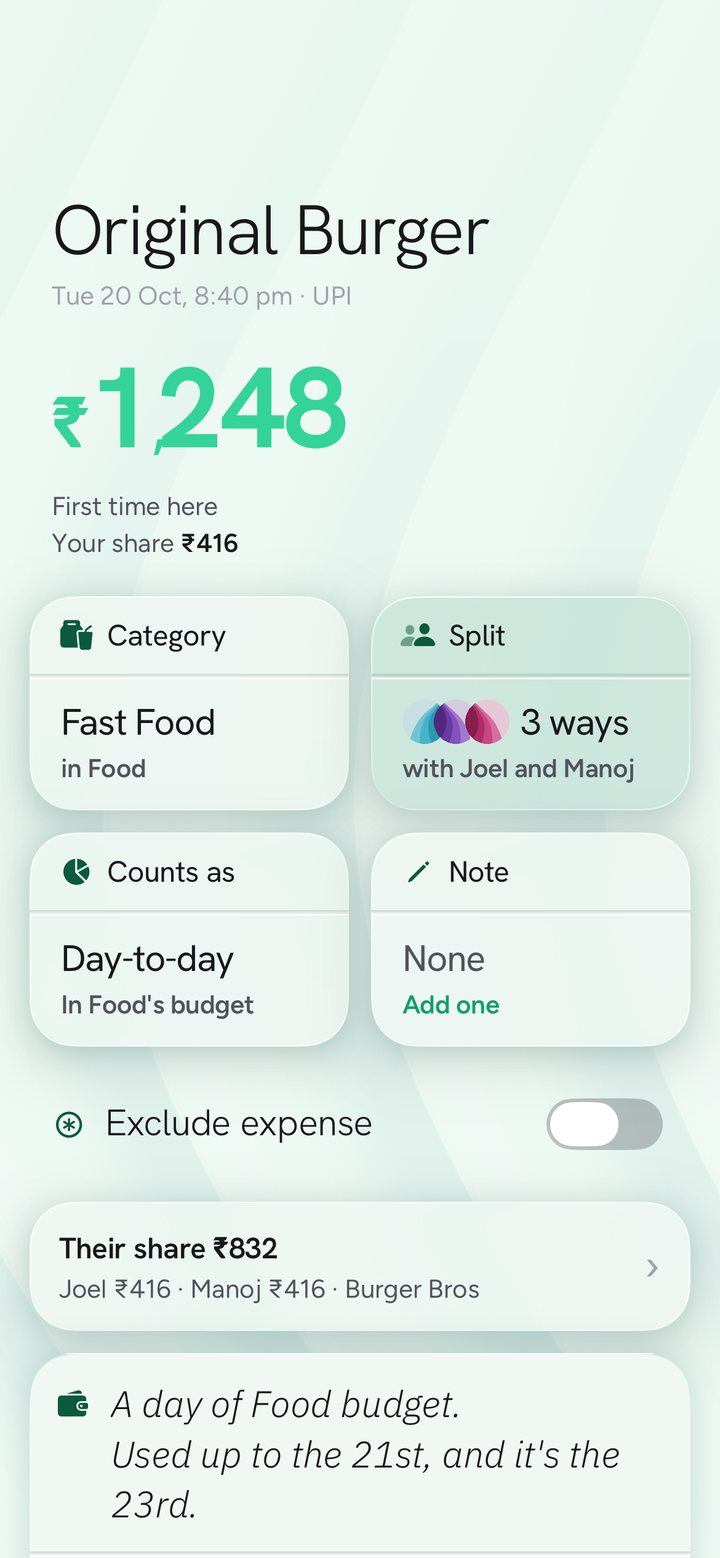
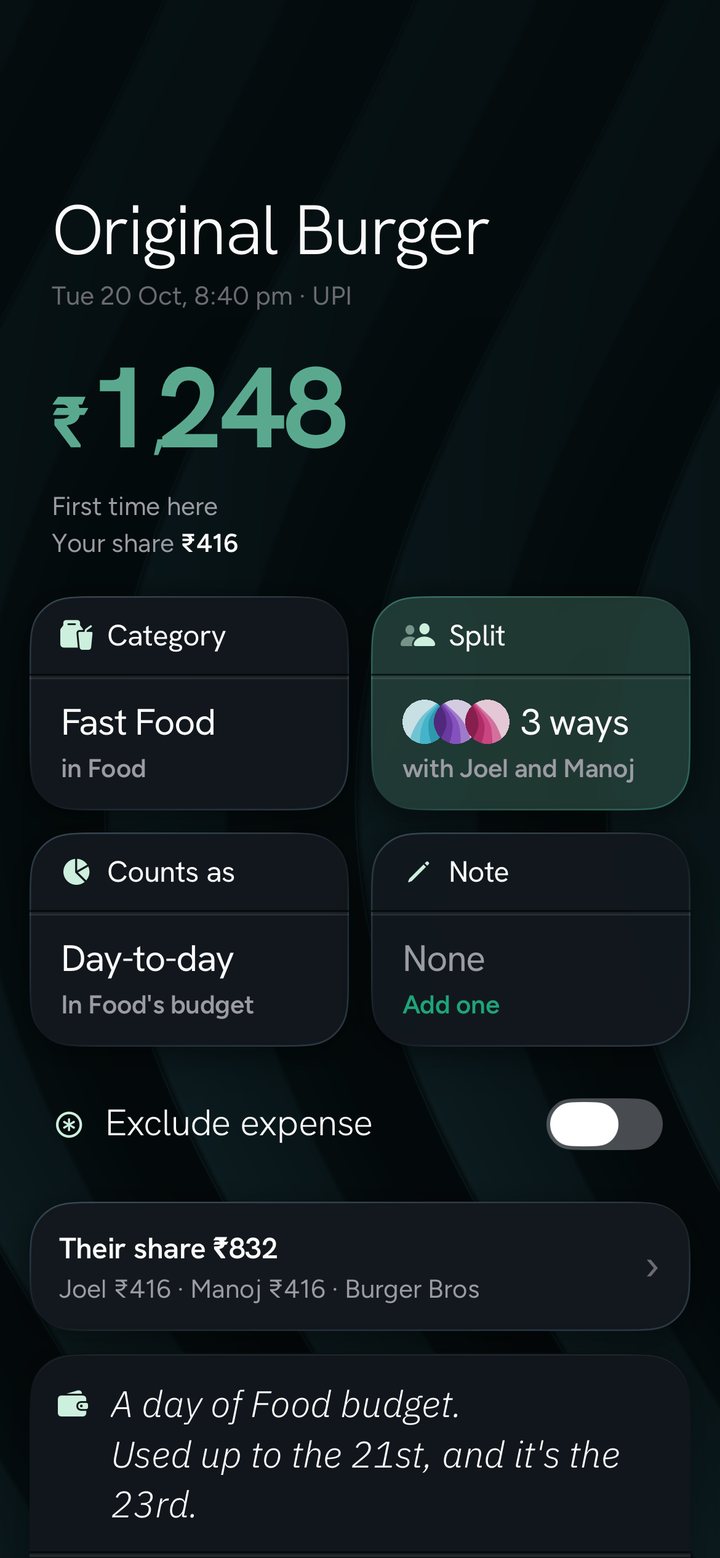
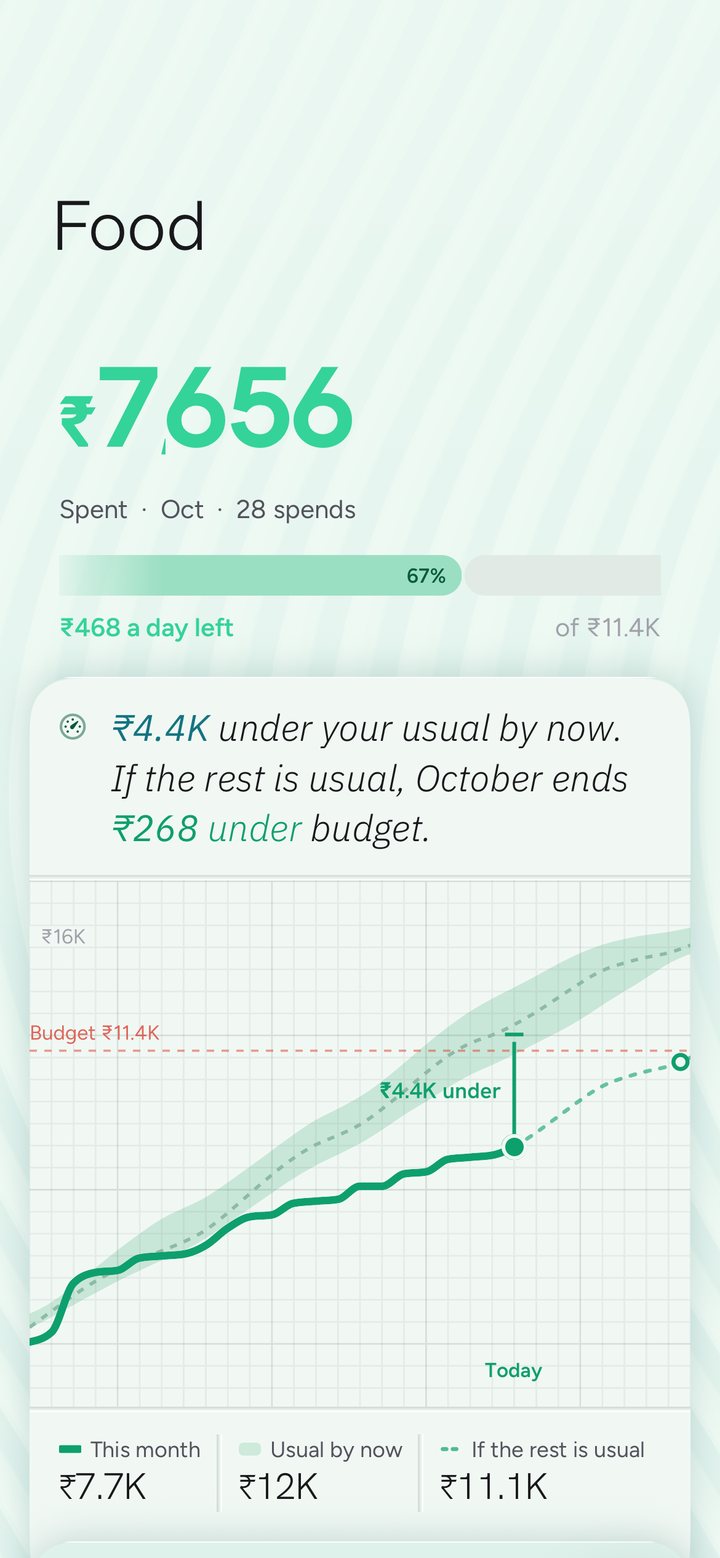
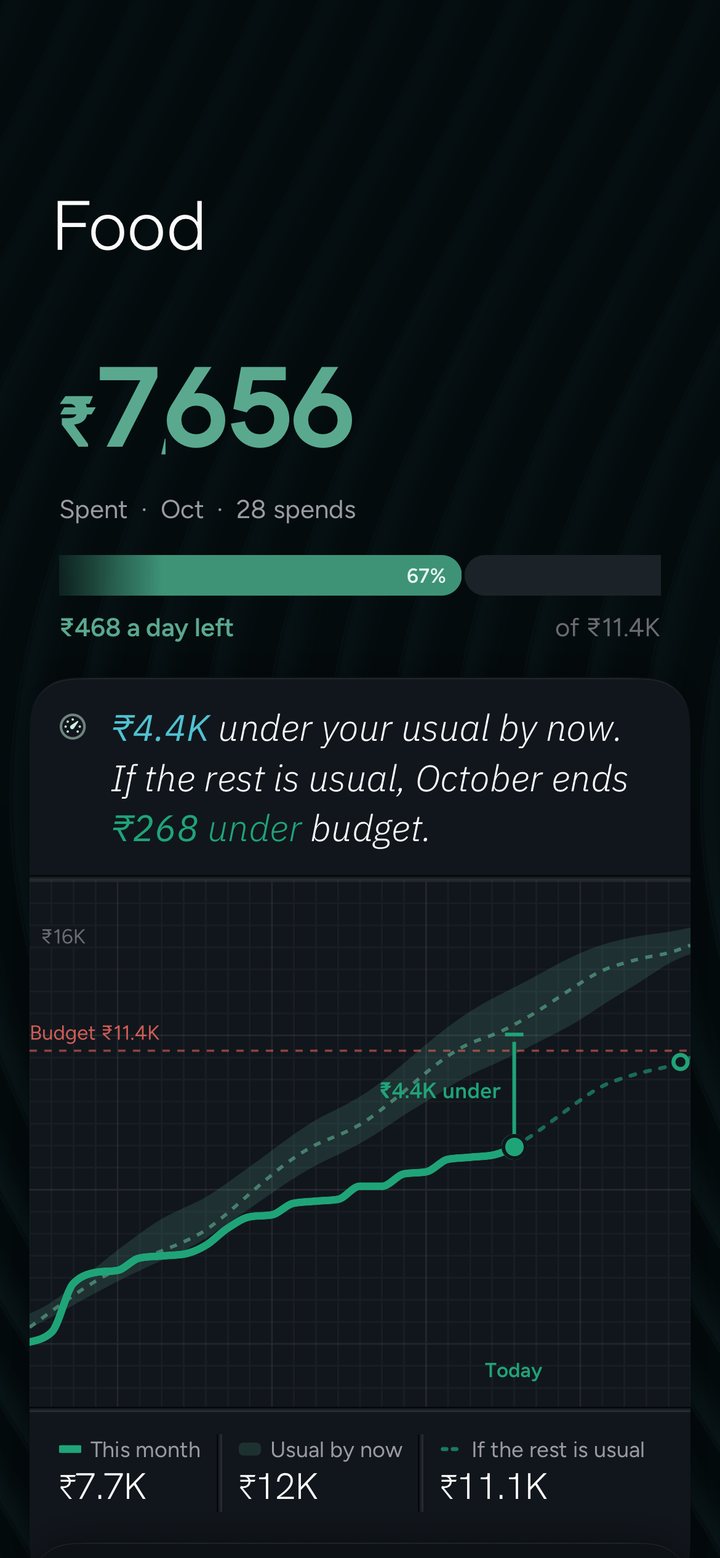
A day of Food budget.
Used up to the 21st, and it’s the
23rd.
The July to September Roast 🔥
🛵Roast 1 / 8
₹42,600 on delivery
₹42,600 on delivery. The rider sees you more often than your parents do.
₹42,600 on delivery. The rider knows your gate code, your usual, and that it’s always dinner for one.
figrd notices what you wouldn’t.
figrd helps you stay ahead.




and figrd makes staying ahead fun and rewarding.
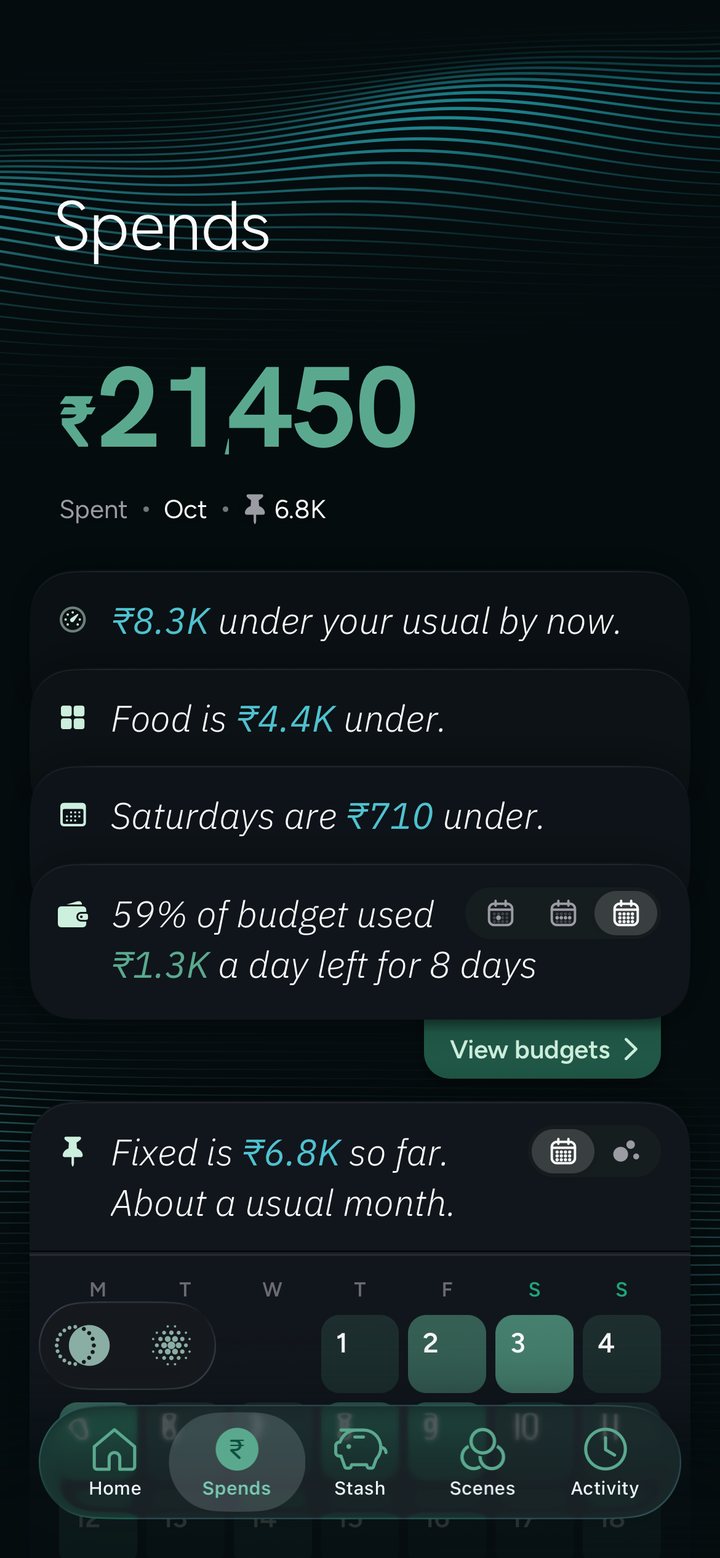
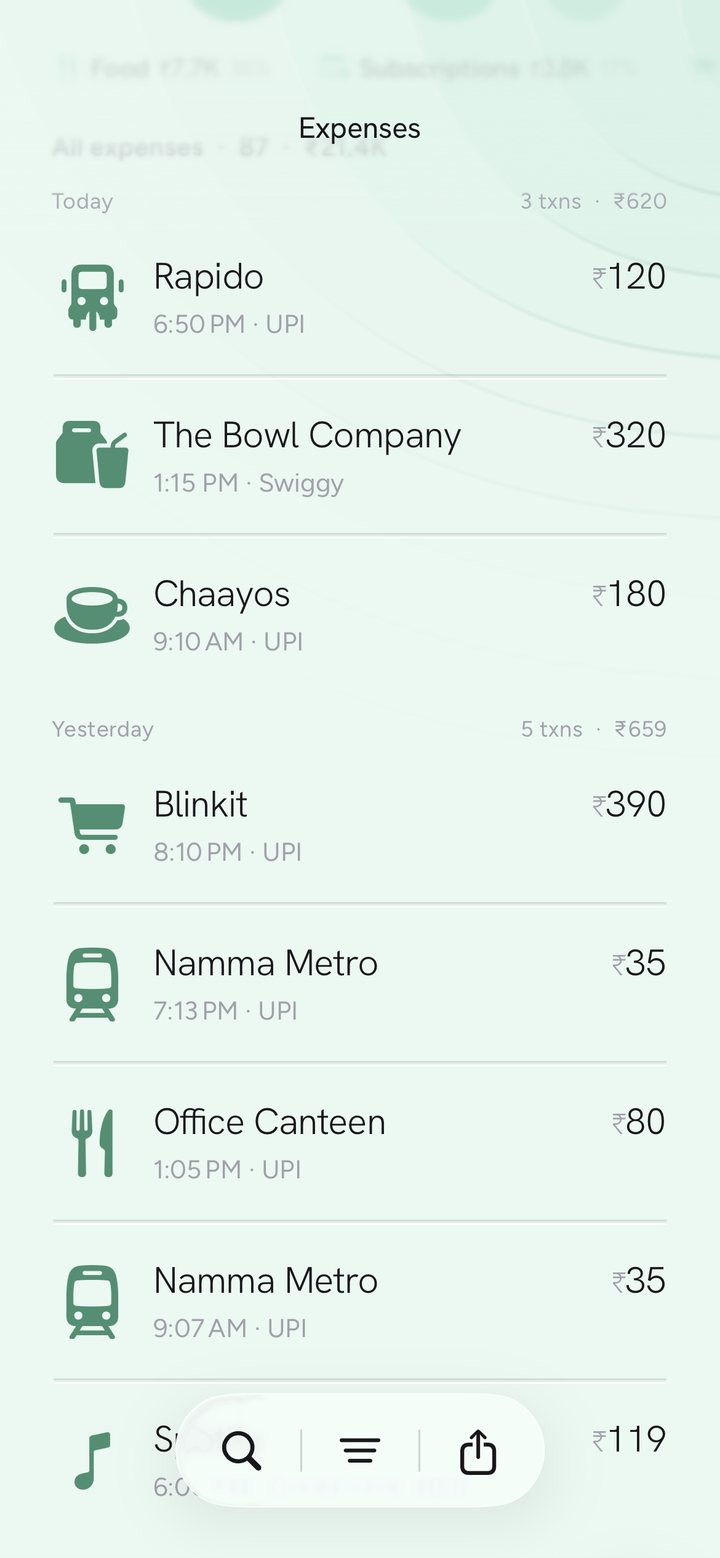
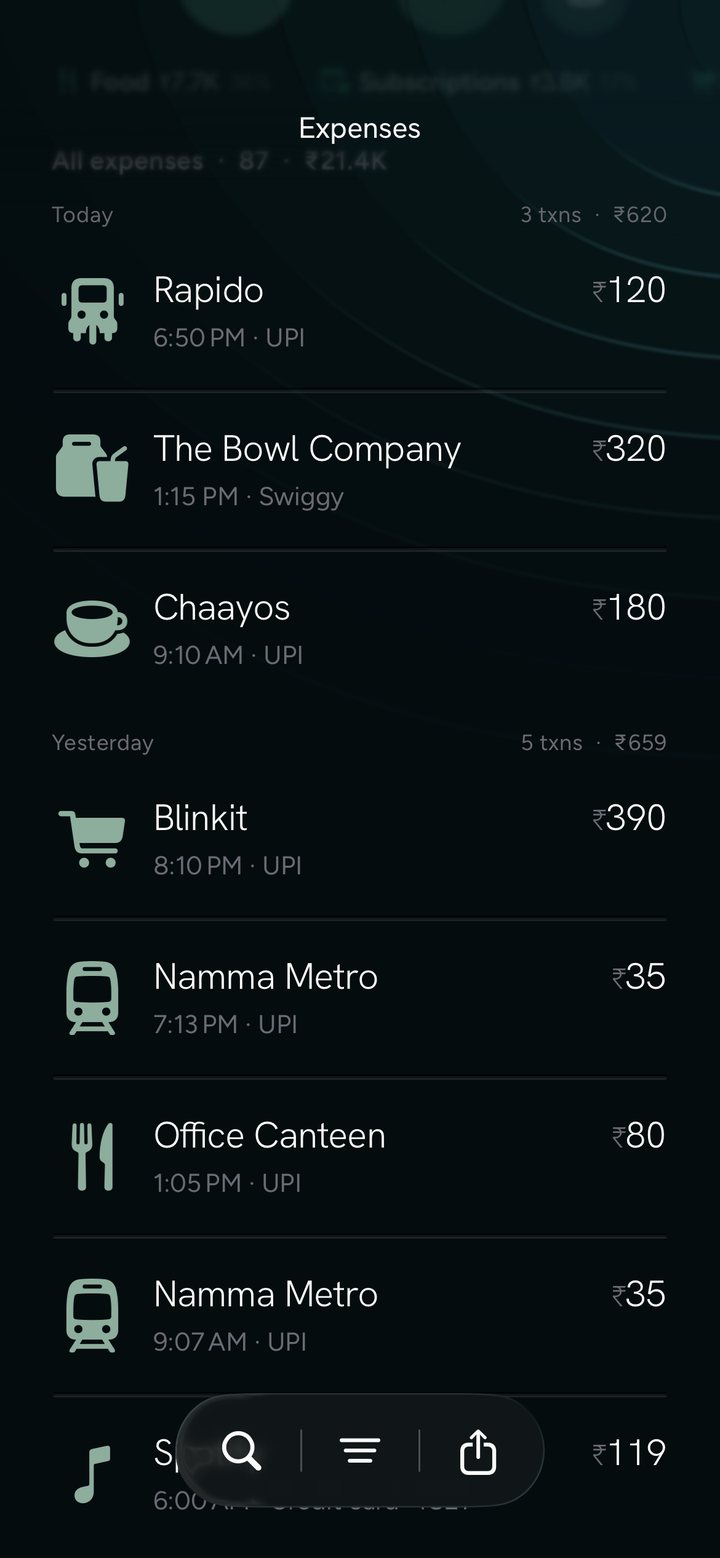
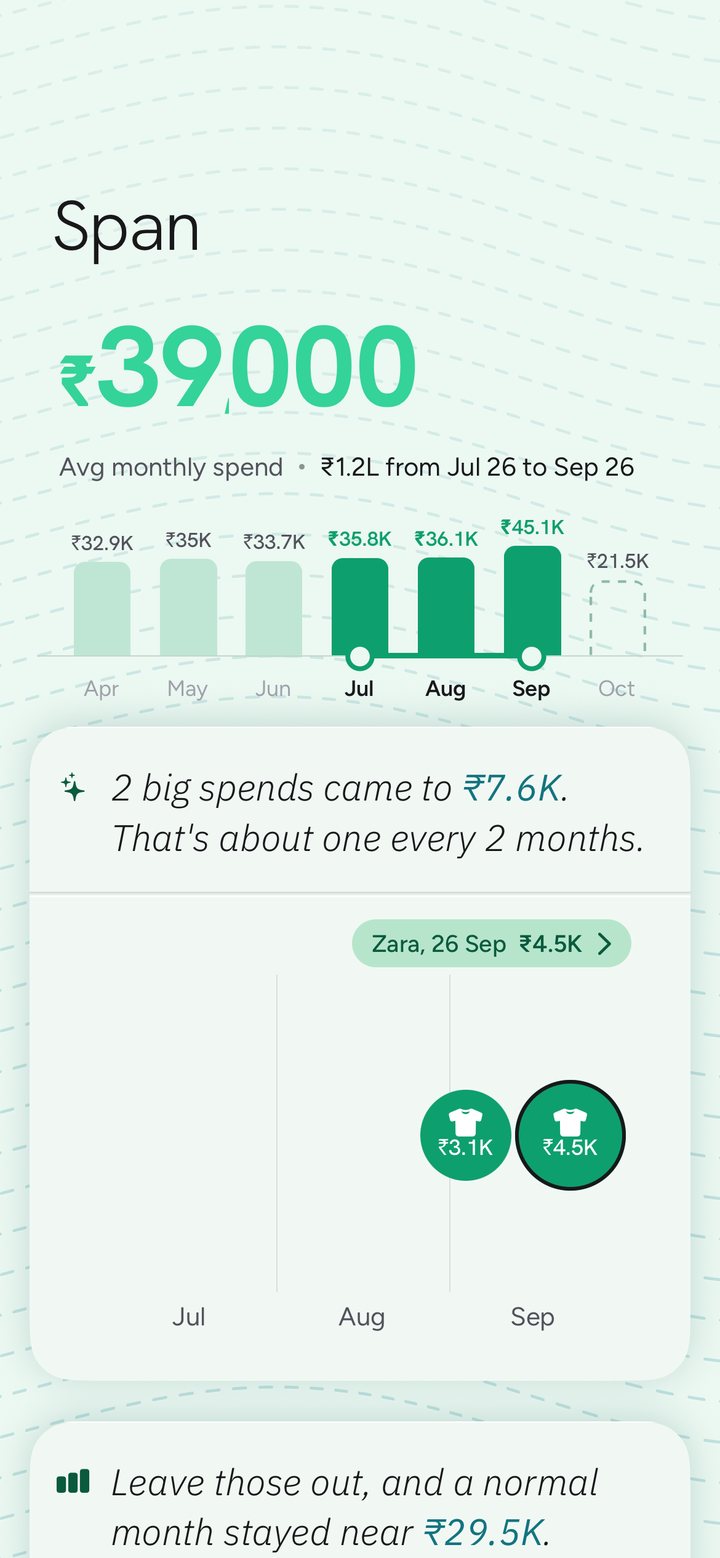
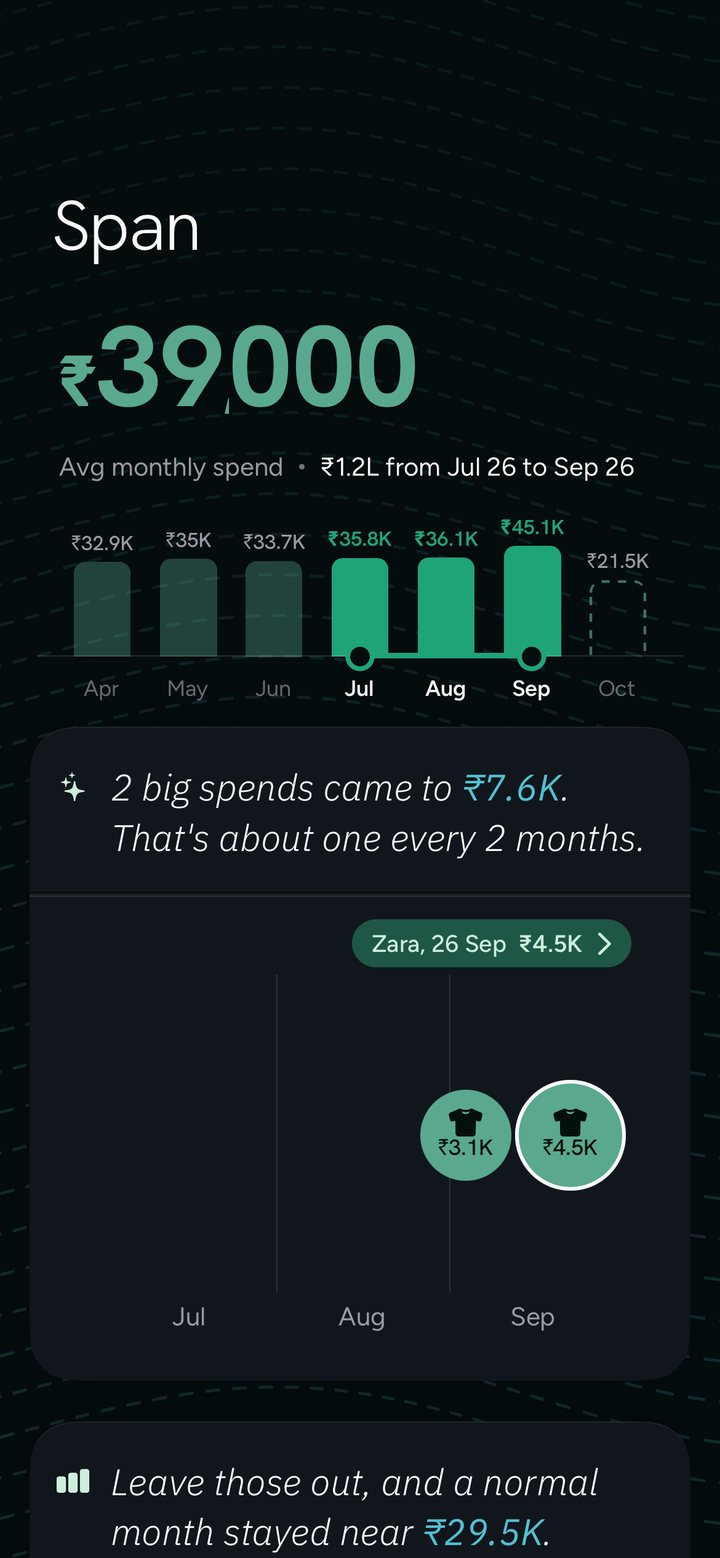
Your spending. figrd out.
figrd’s features
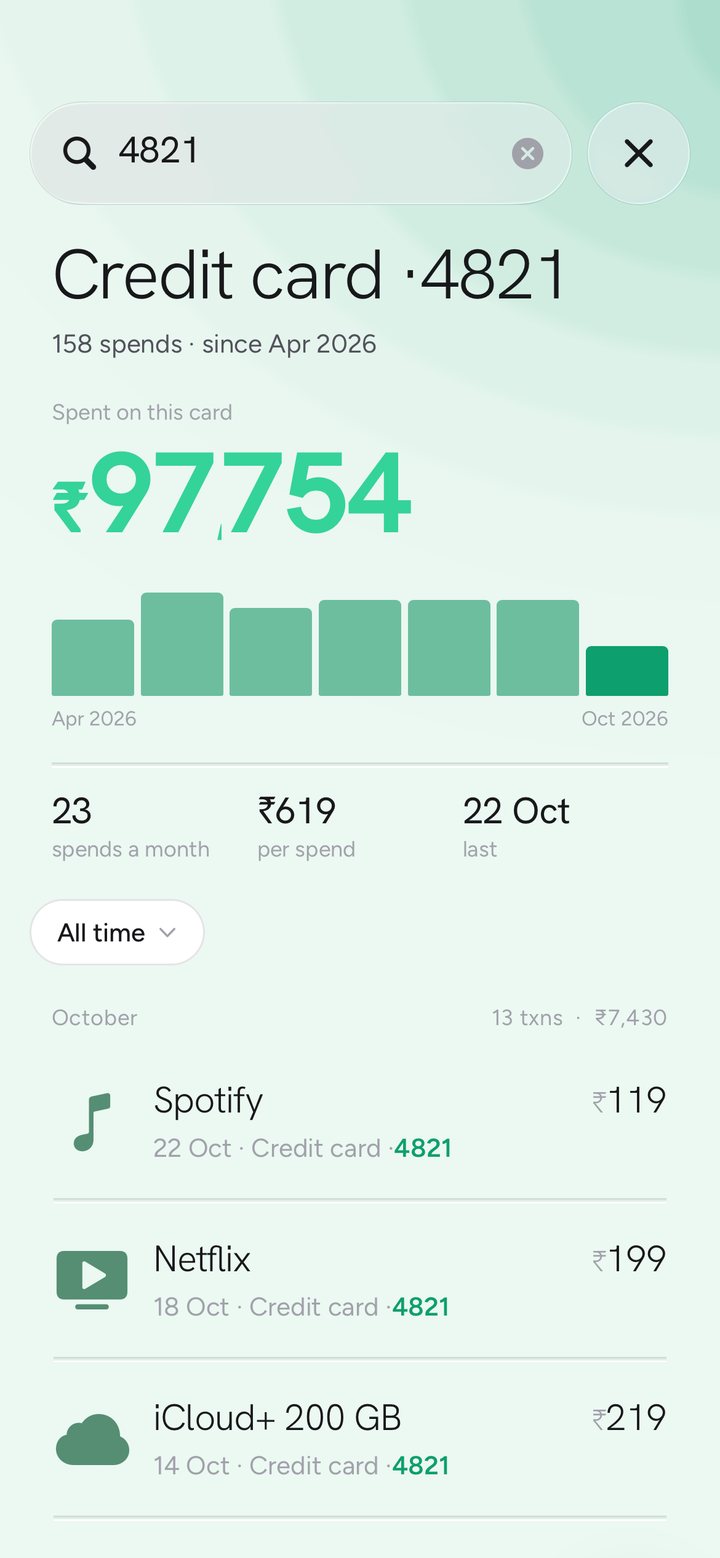
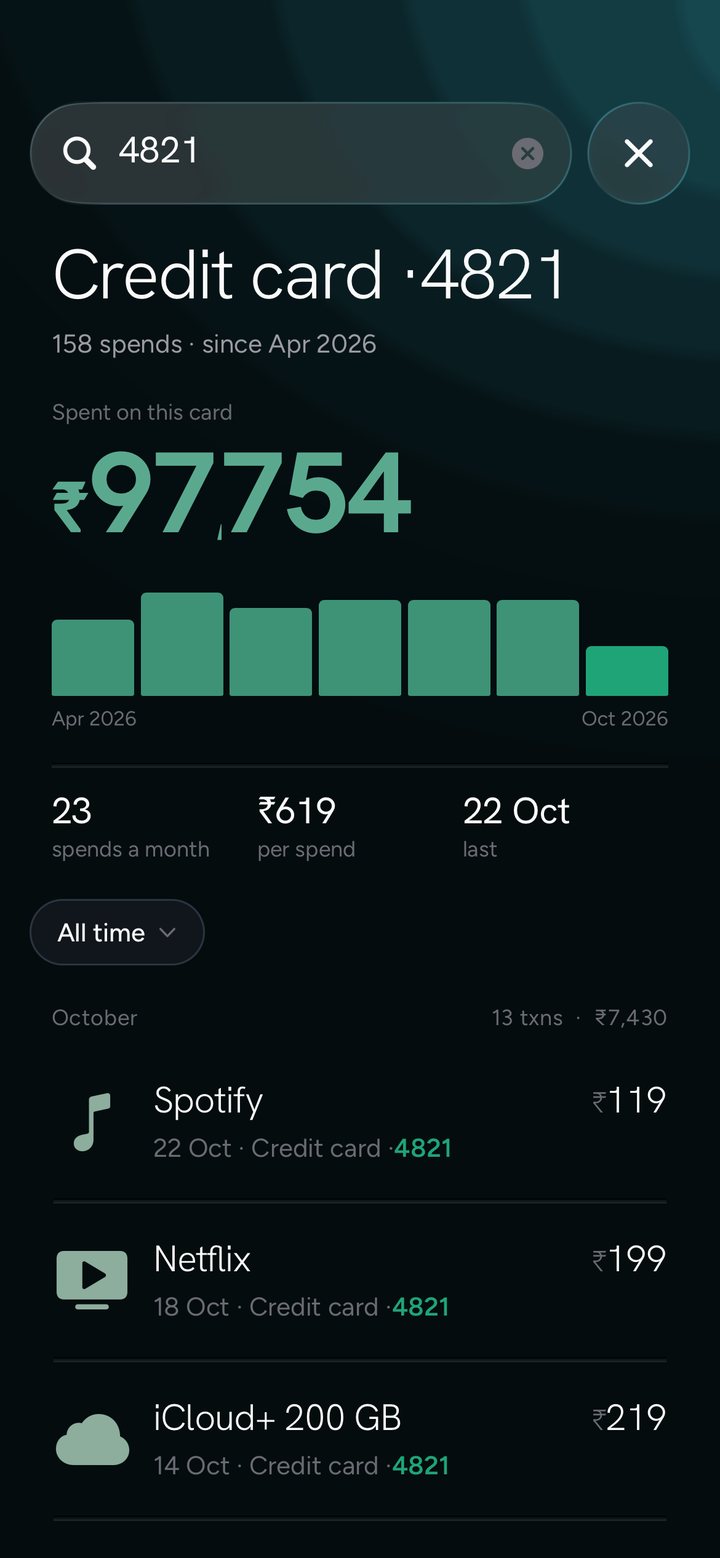
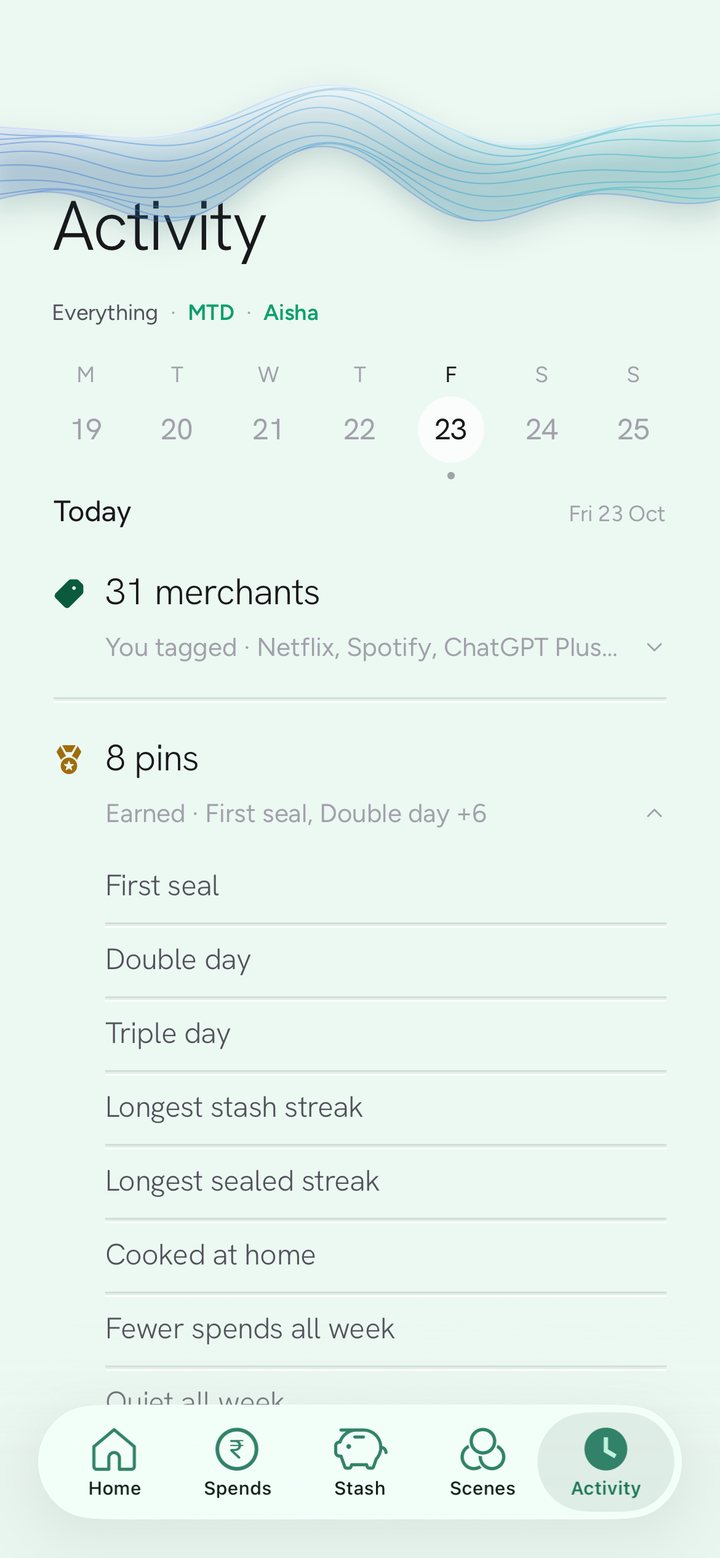
Every spend, tracked instantly. figrd reads the bank alerts in your Gmail or Outlook. Nothing to type.
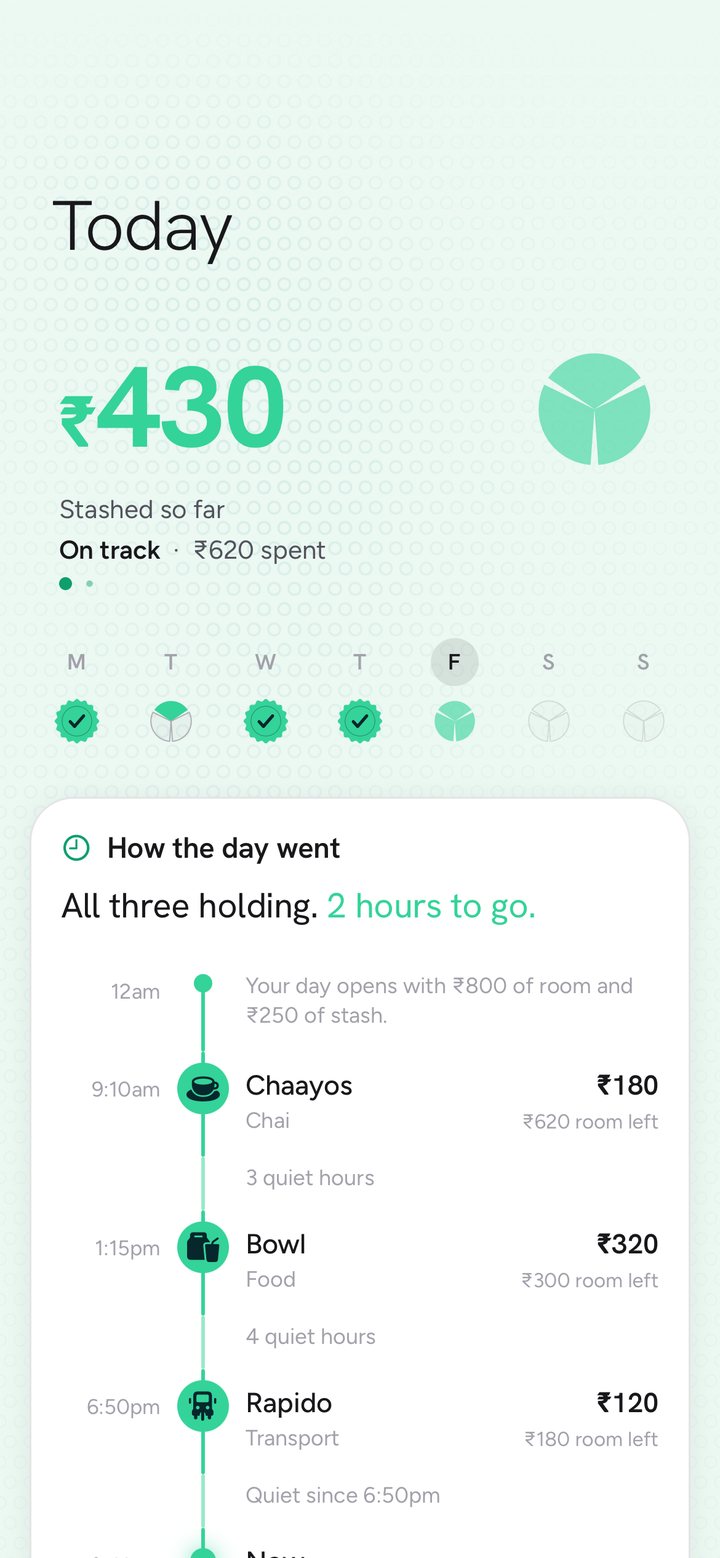
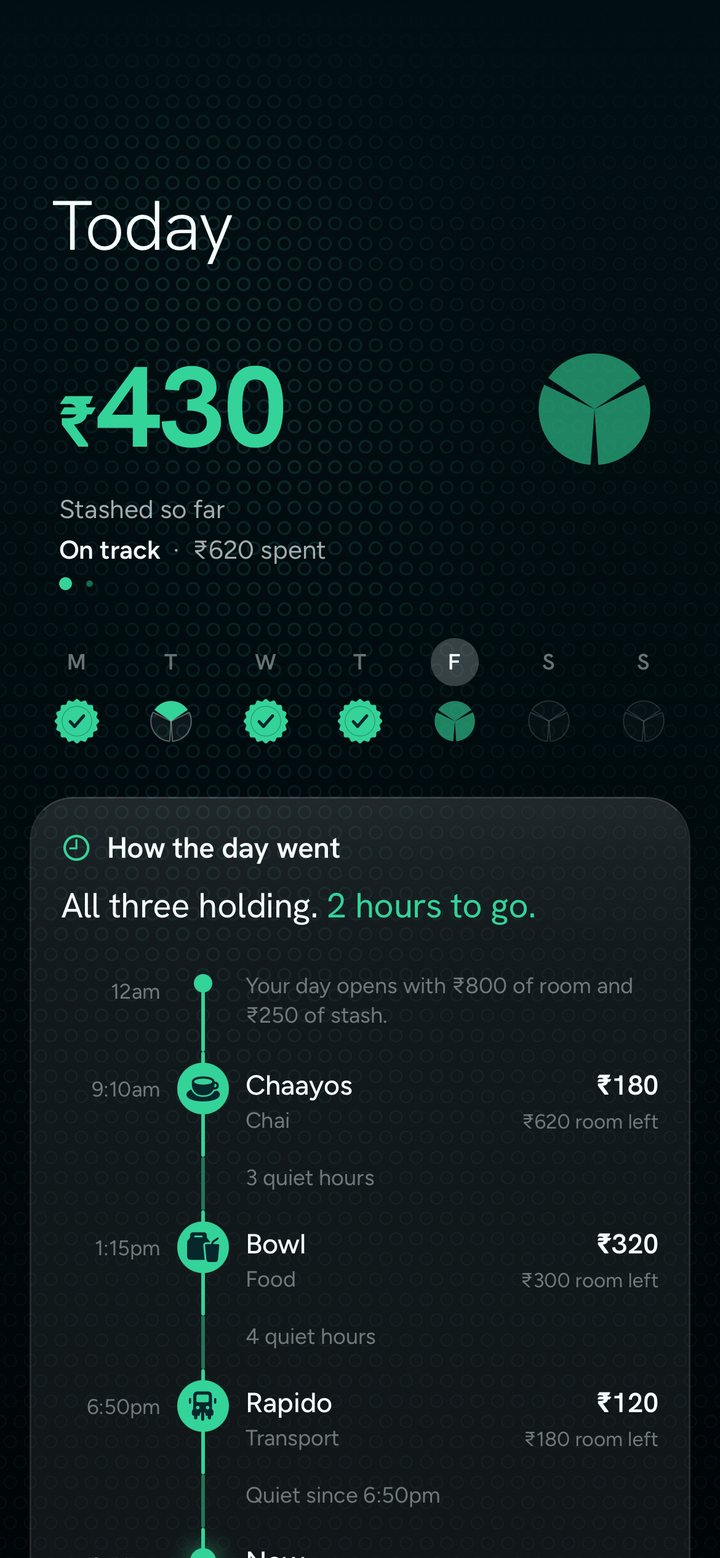
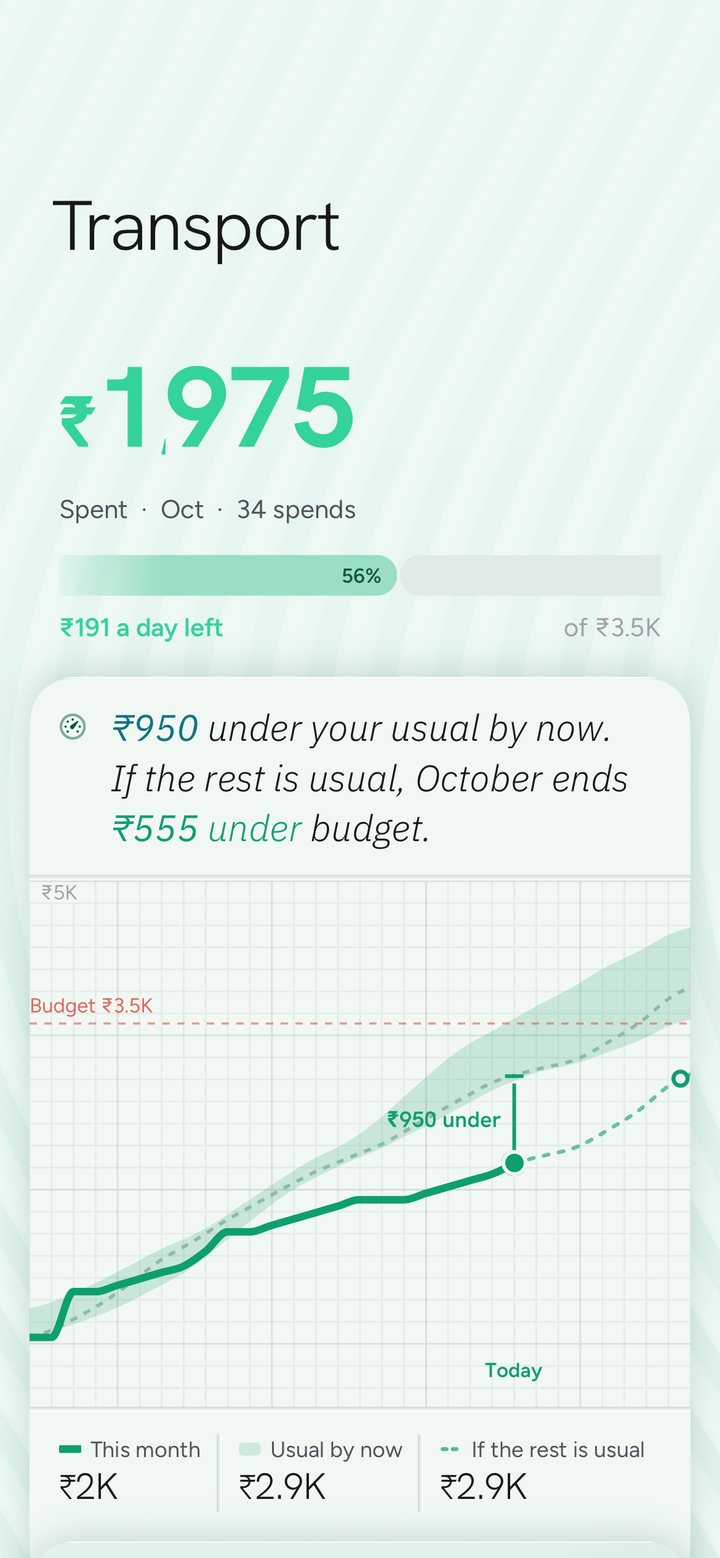
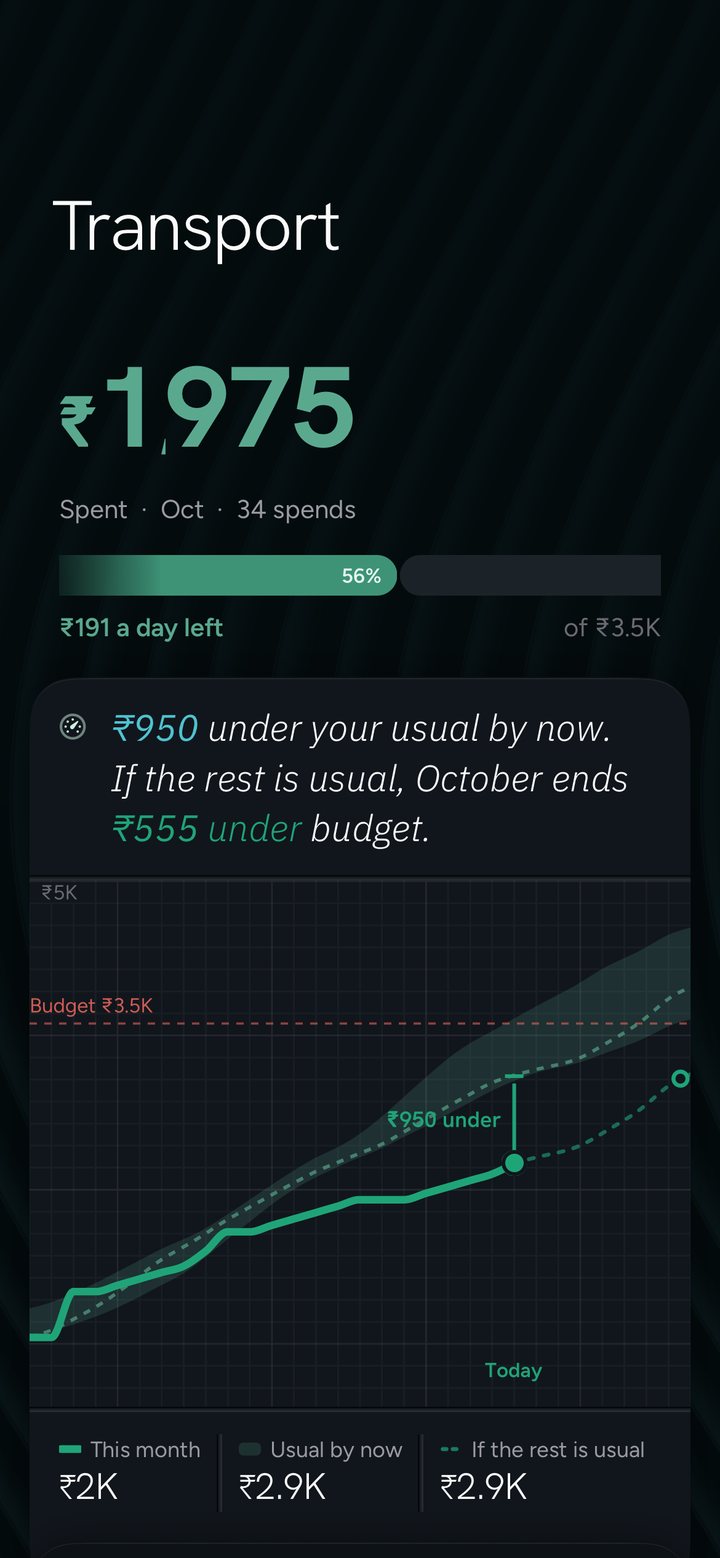
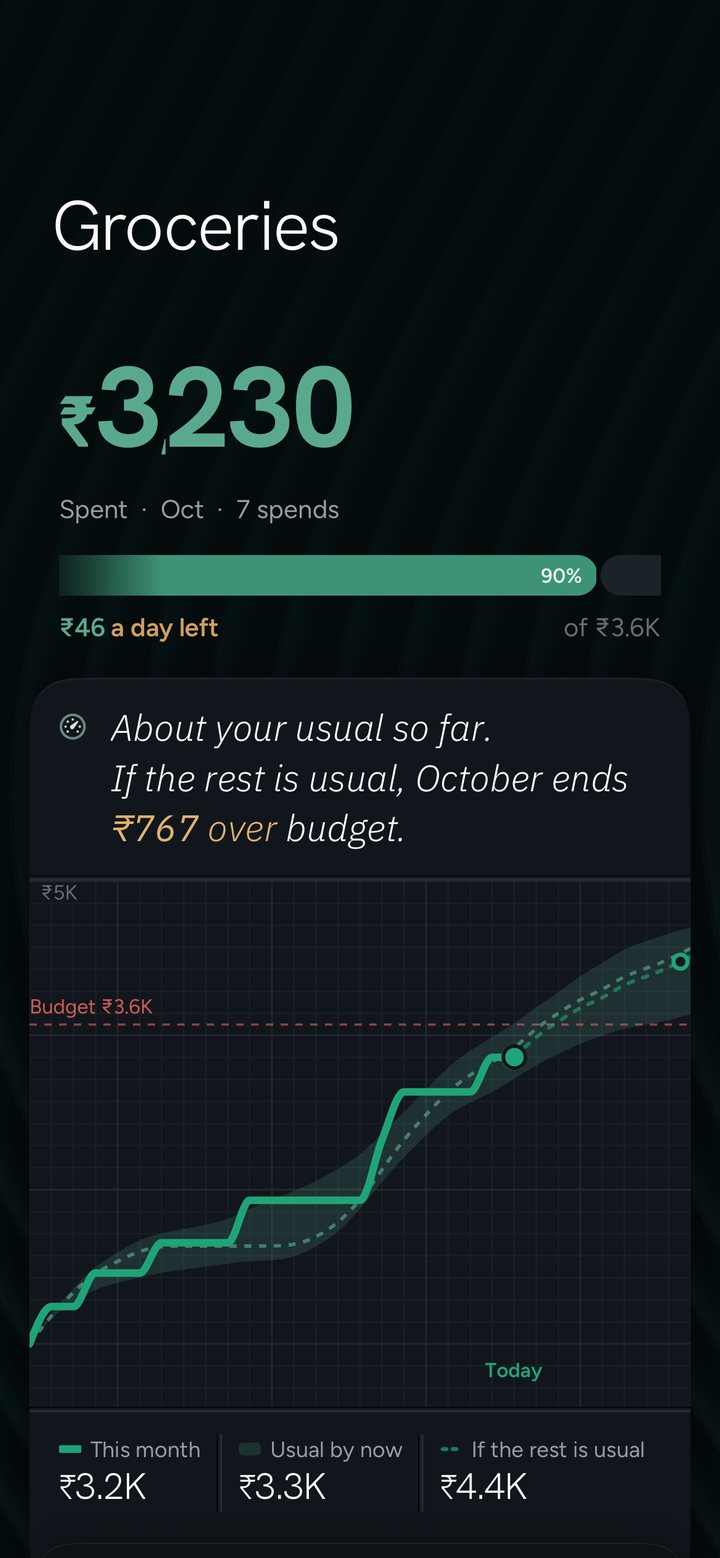
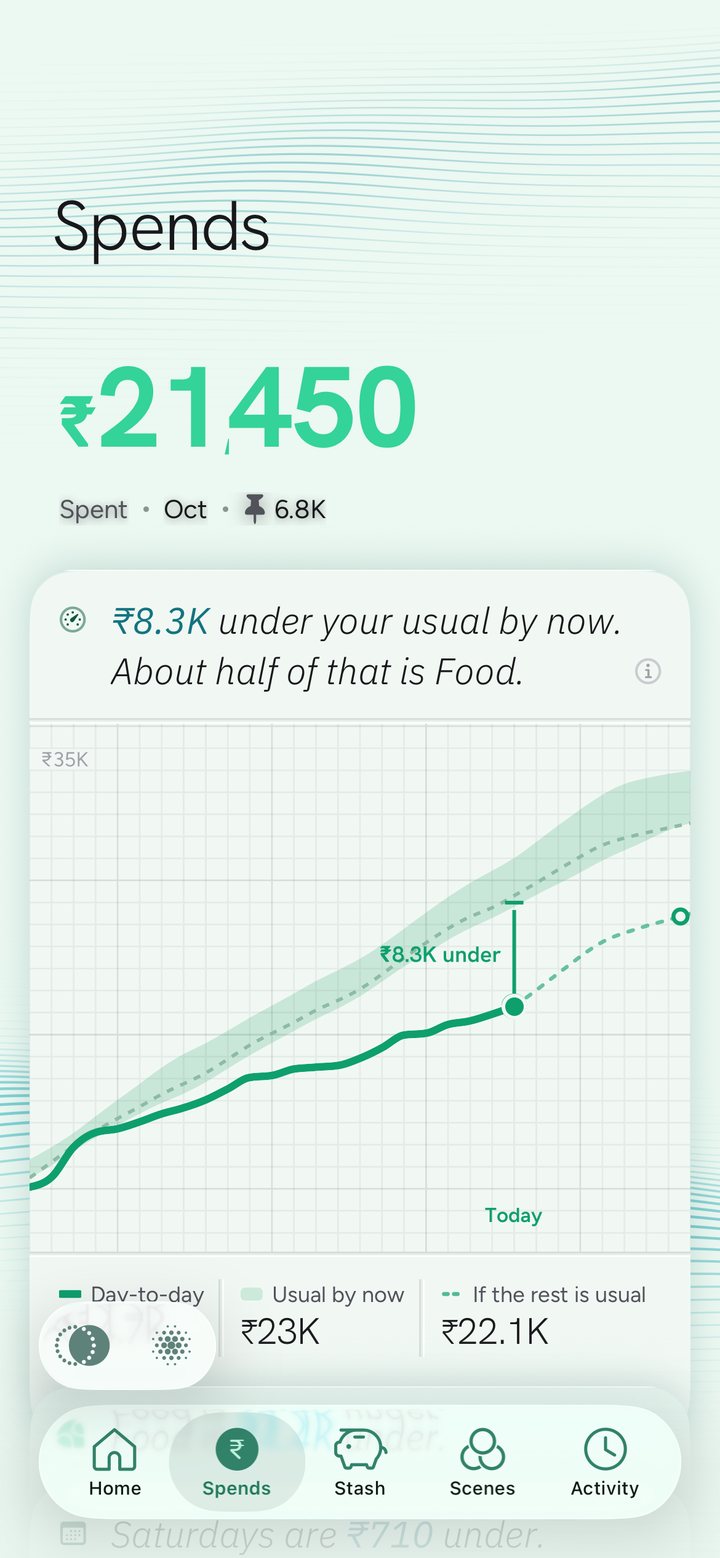
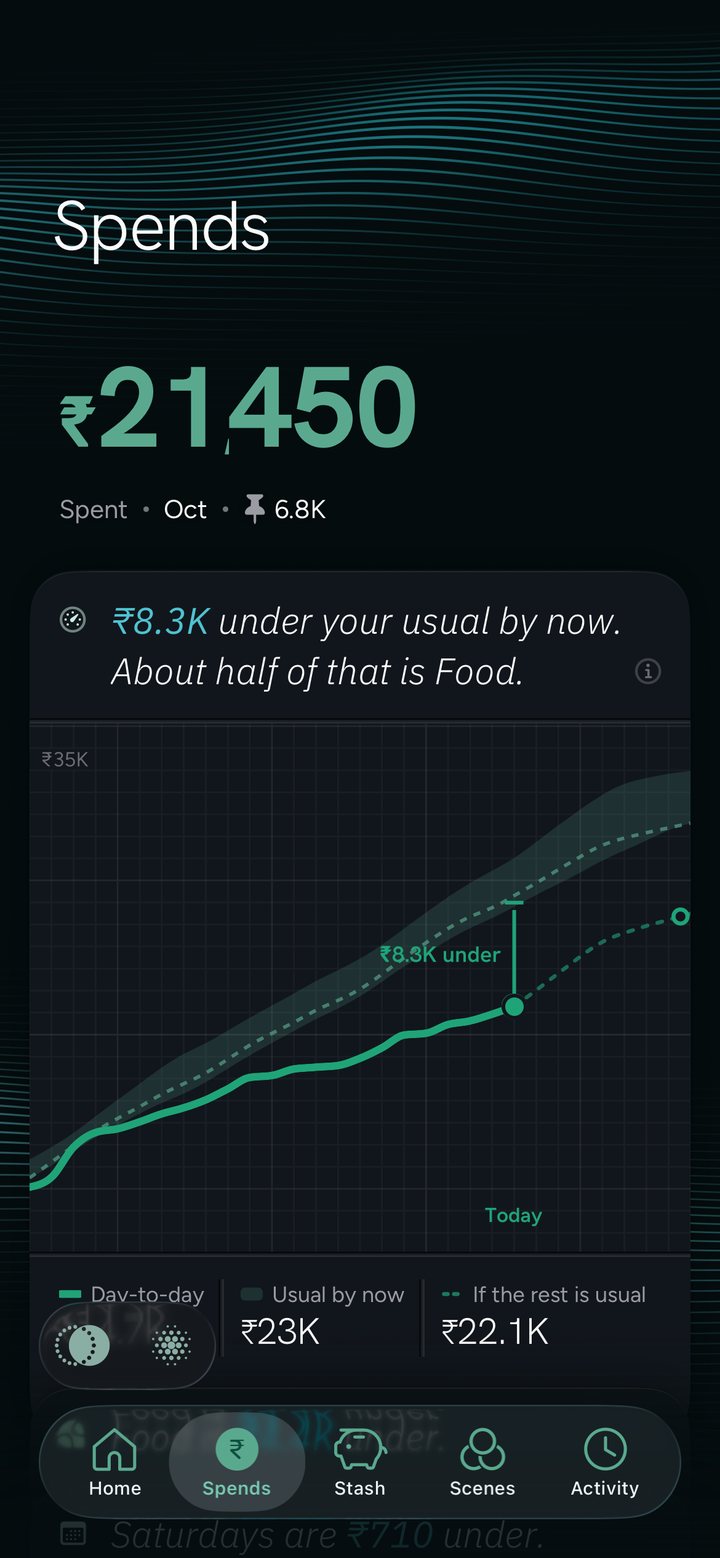
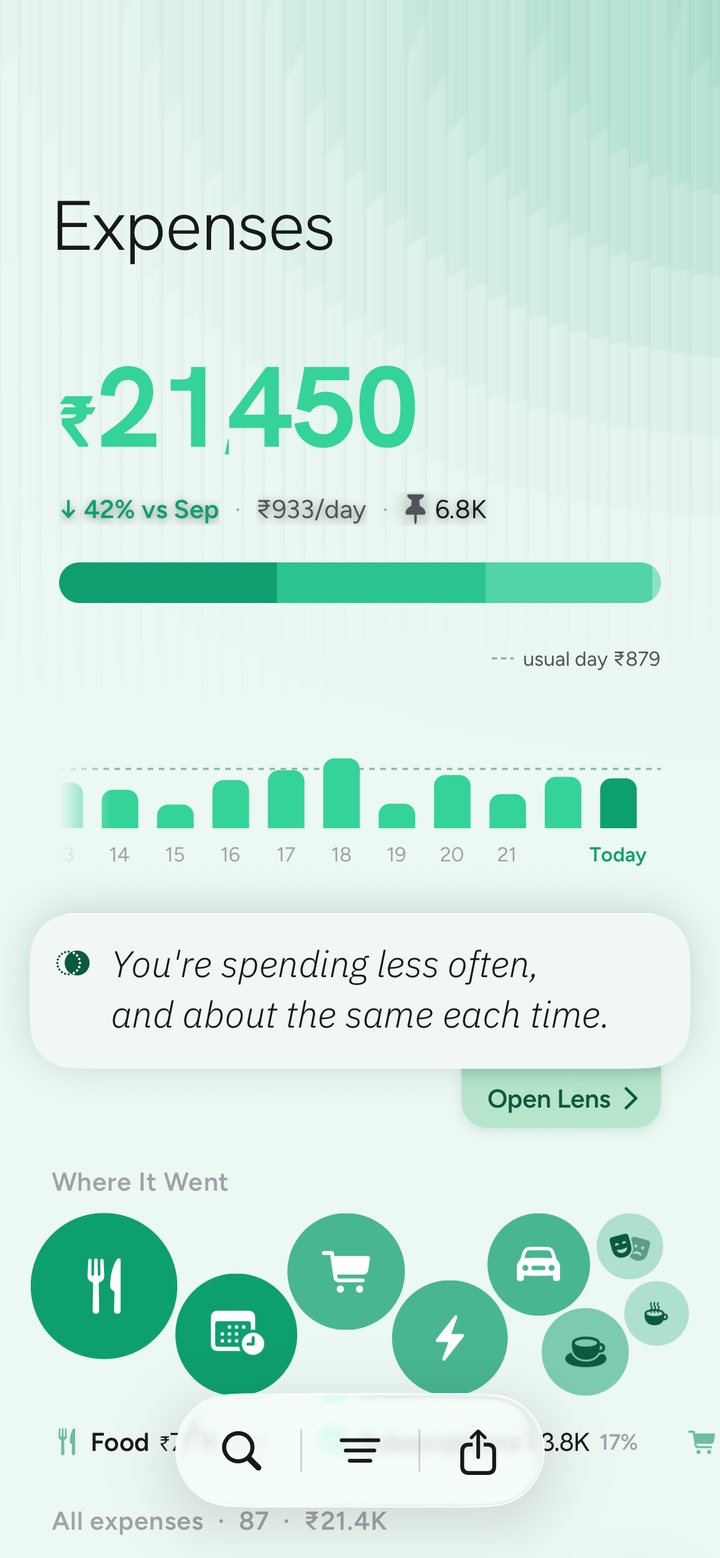
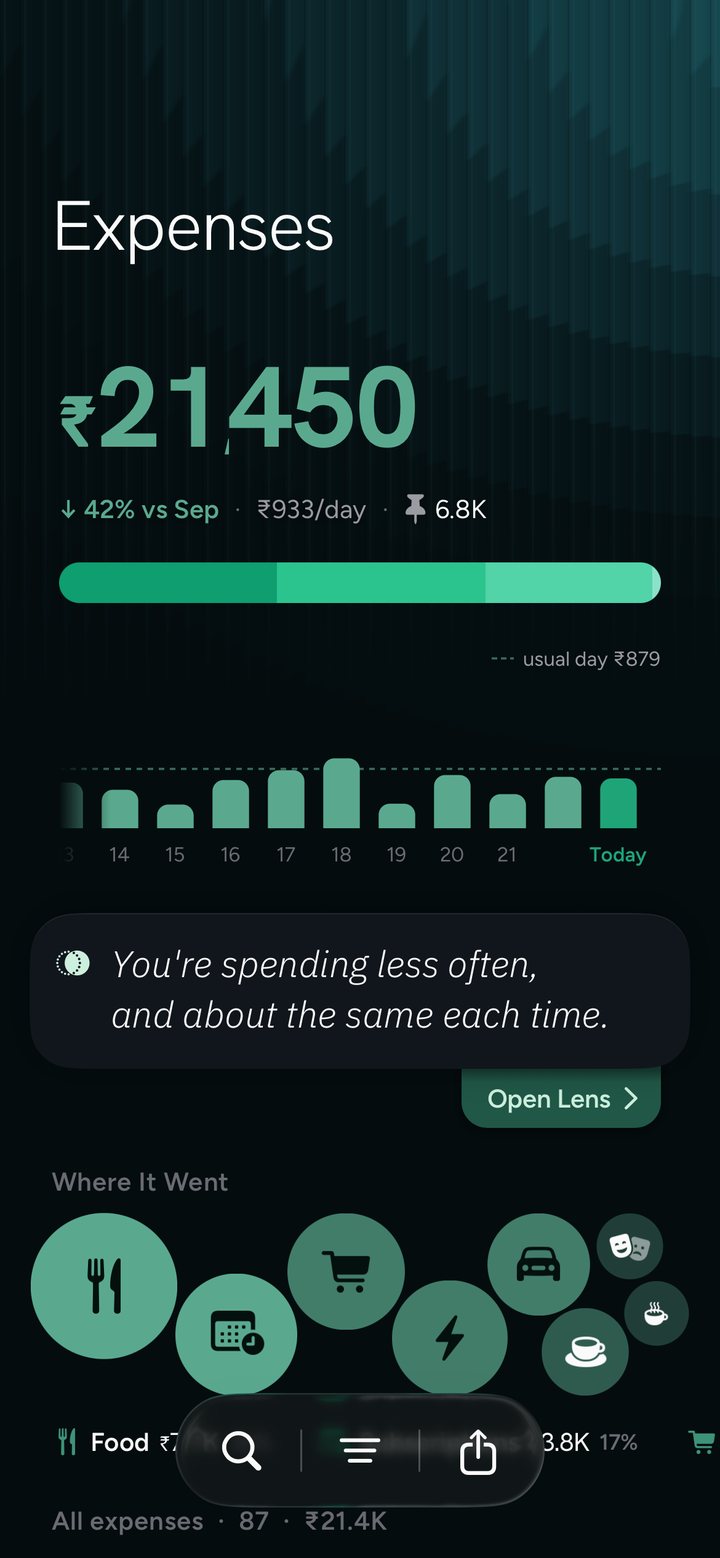
See how you’re doing. This month against your usual one, day by day.
Budgets based on your spending. figrd sets each one from what you usually spend. Drag to change it.
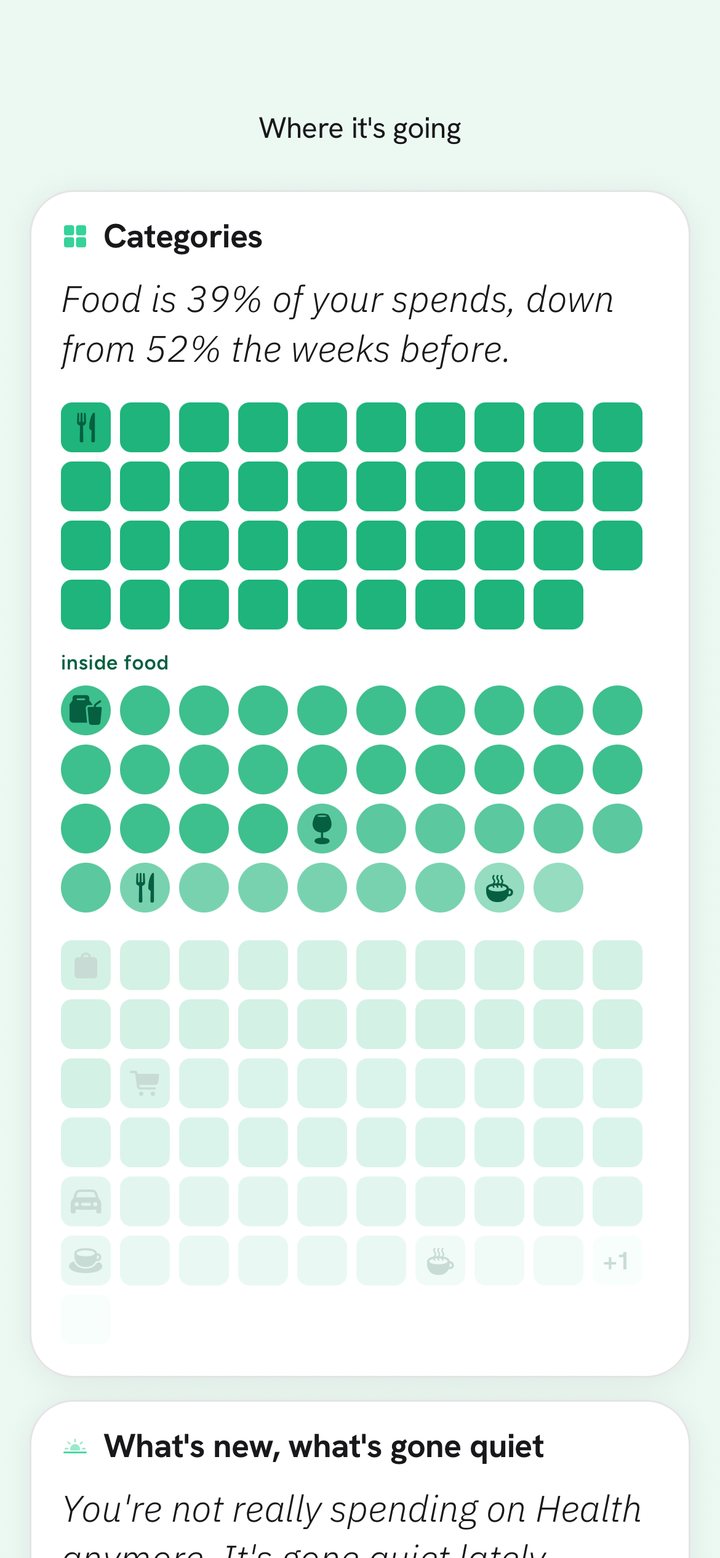
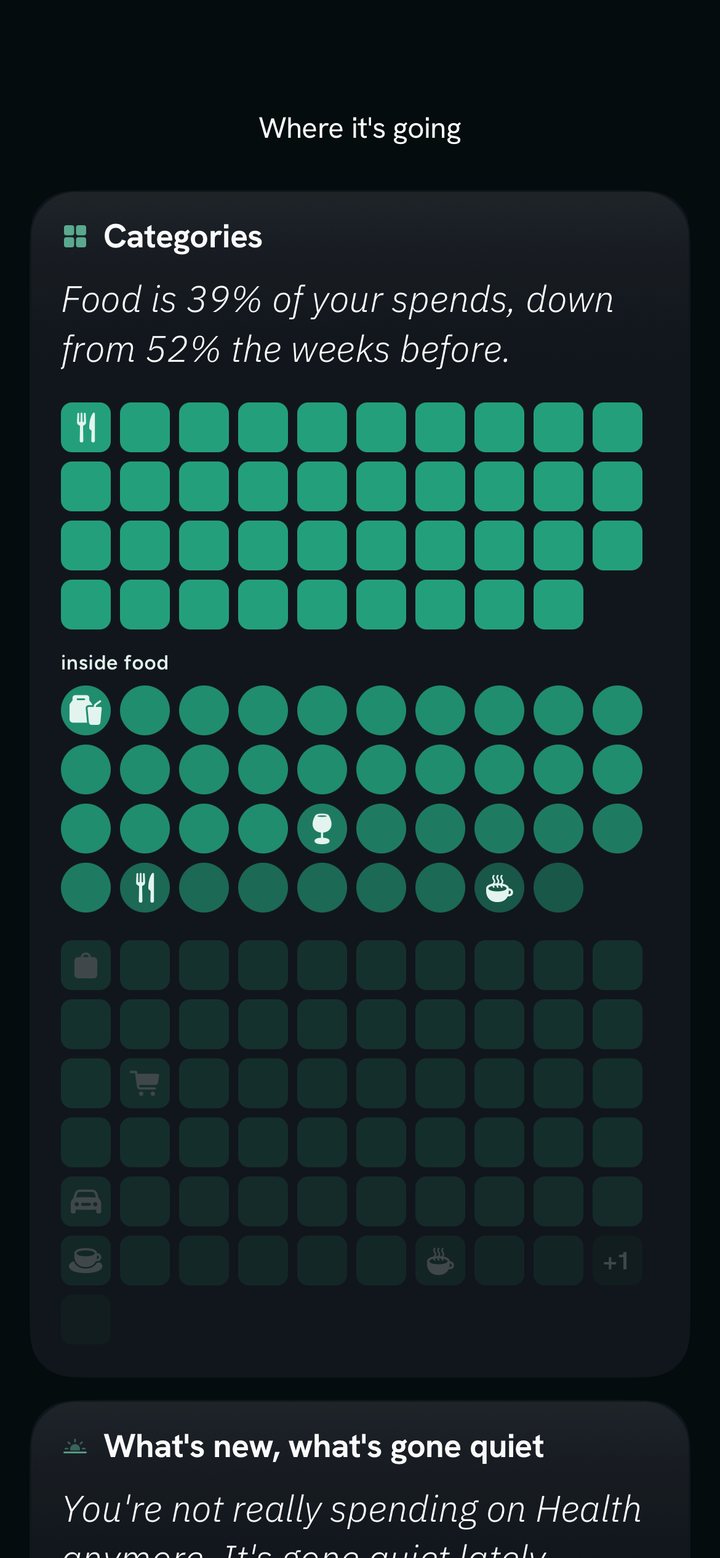
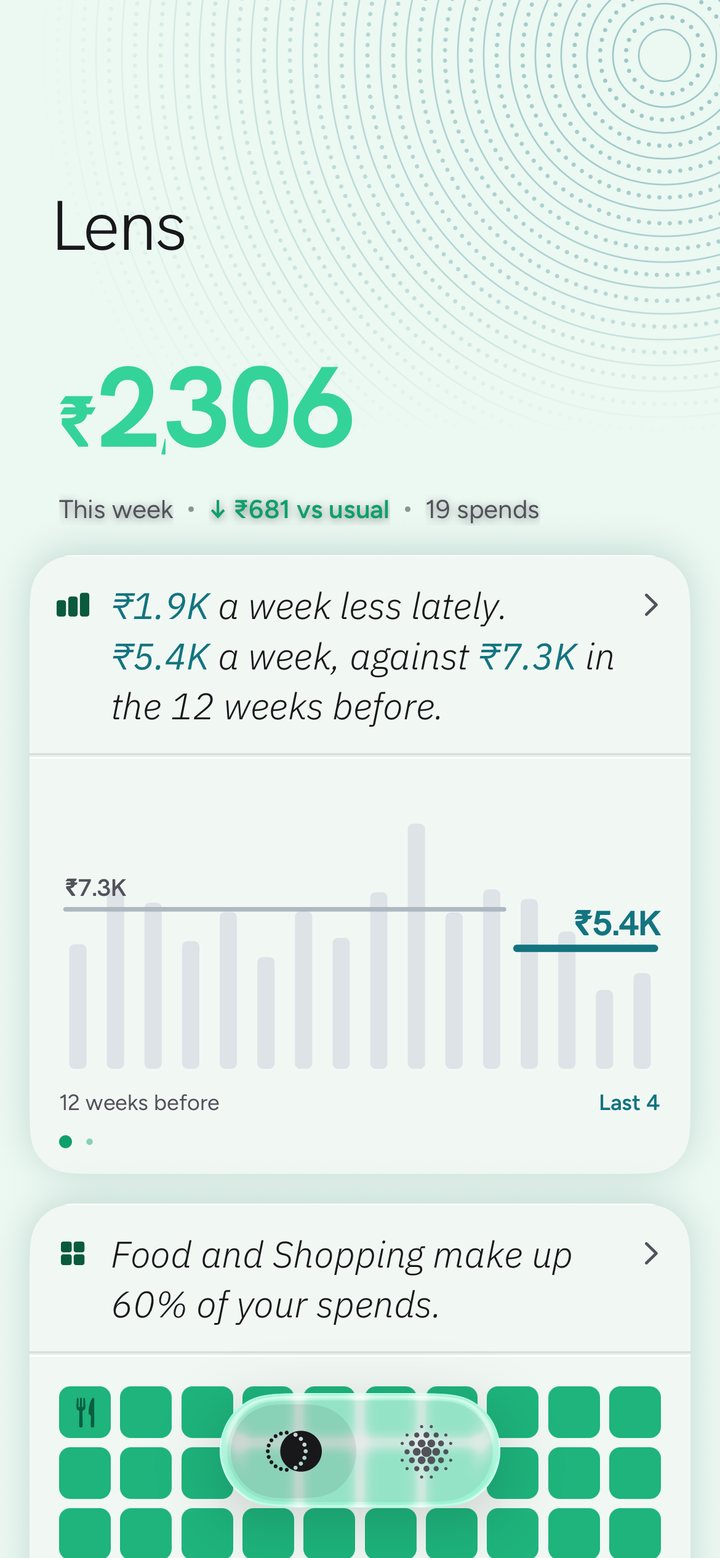
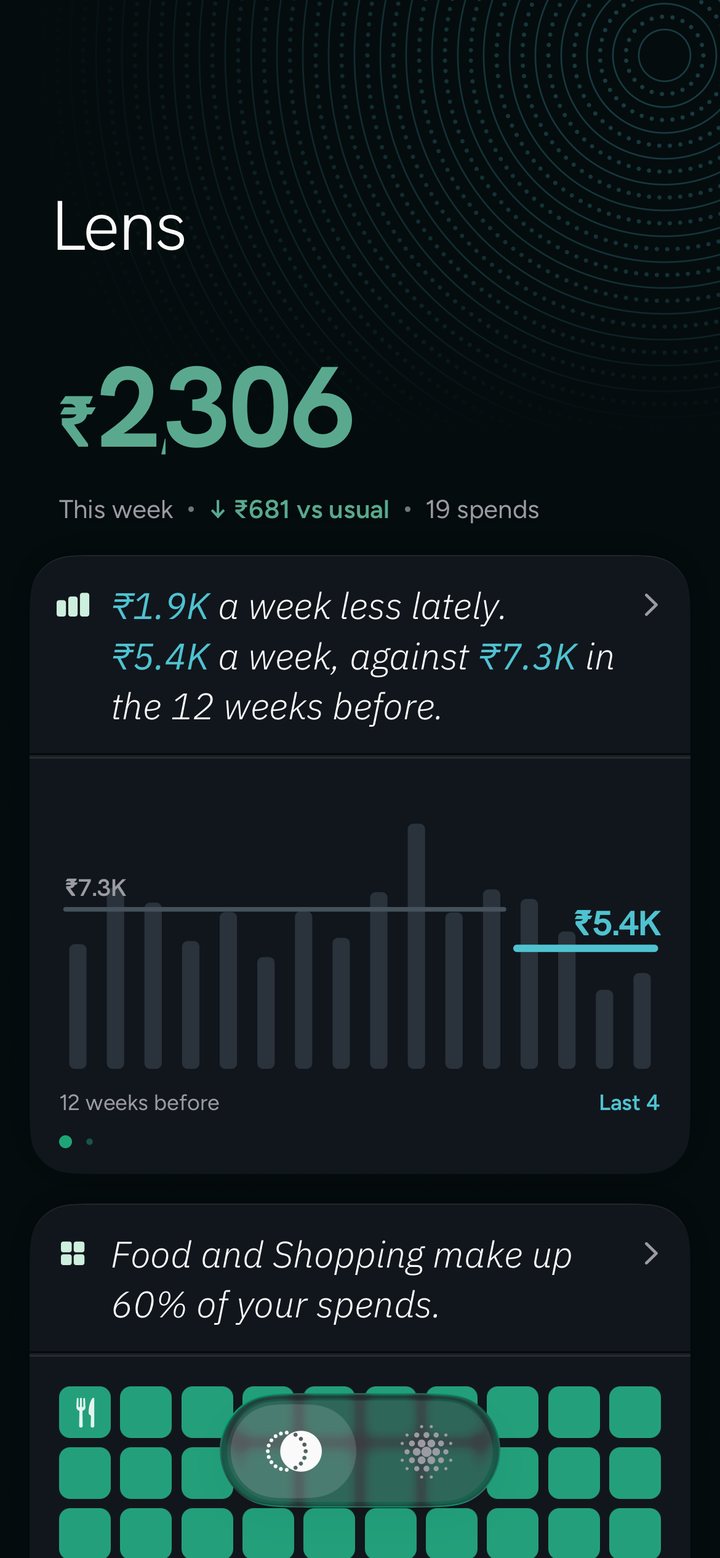
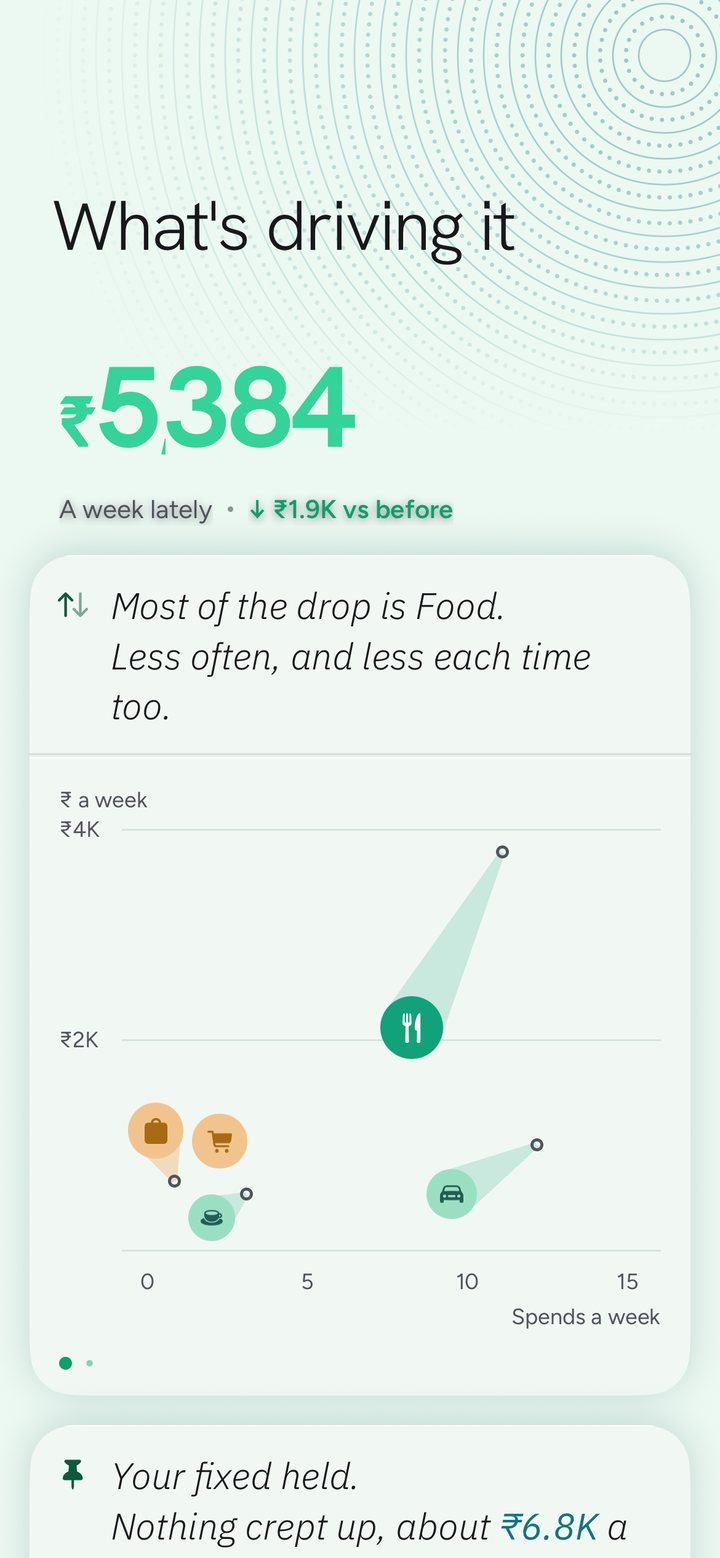
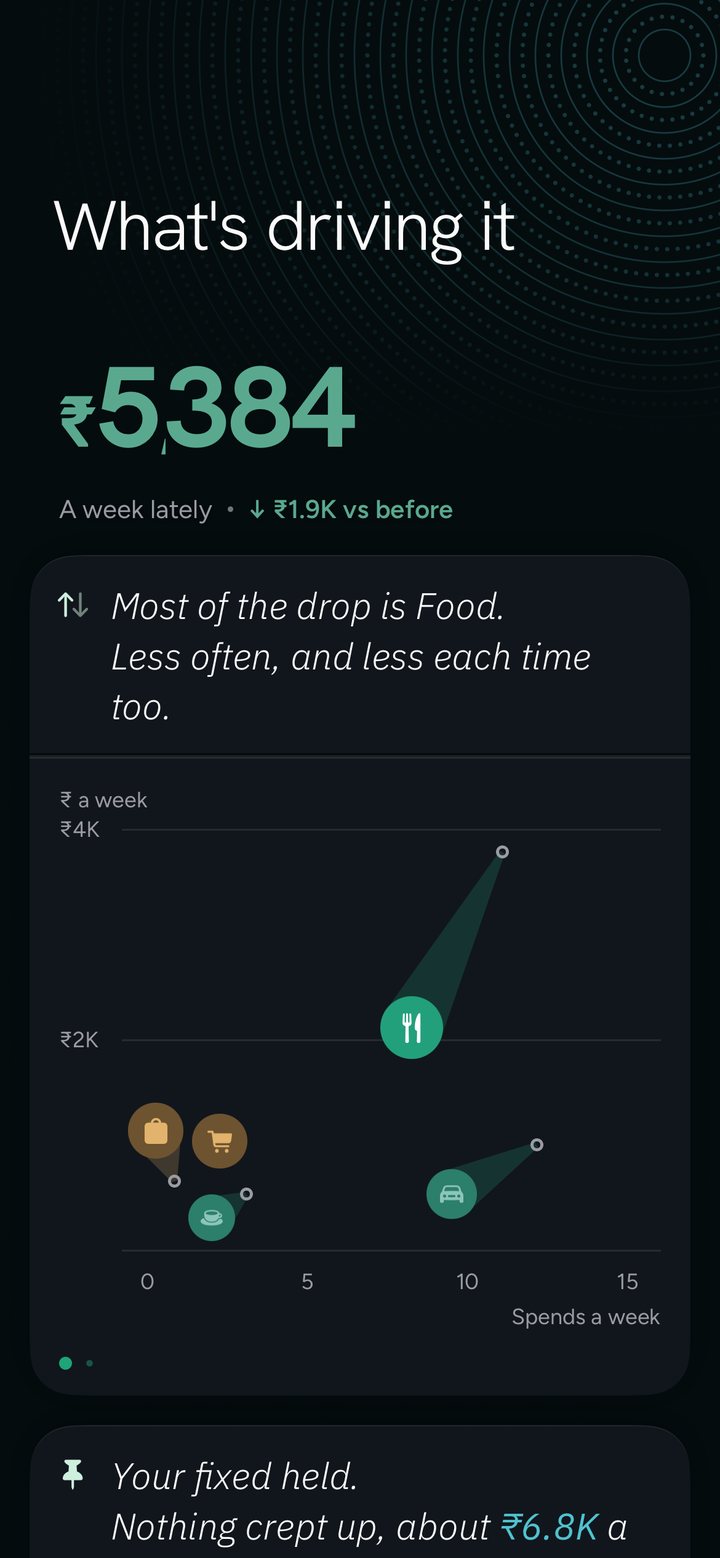
See what’s moving. Which categories are up and which are down lately, week by week.
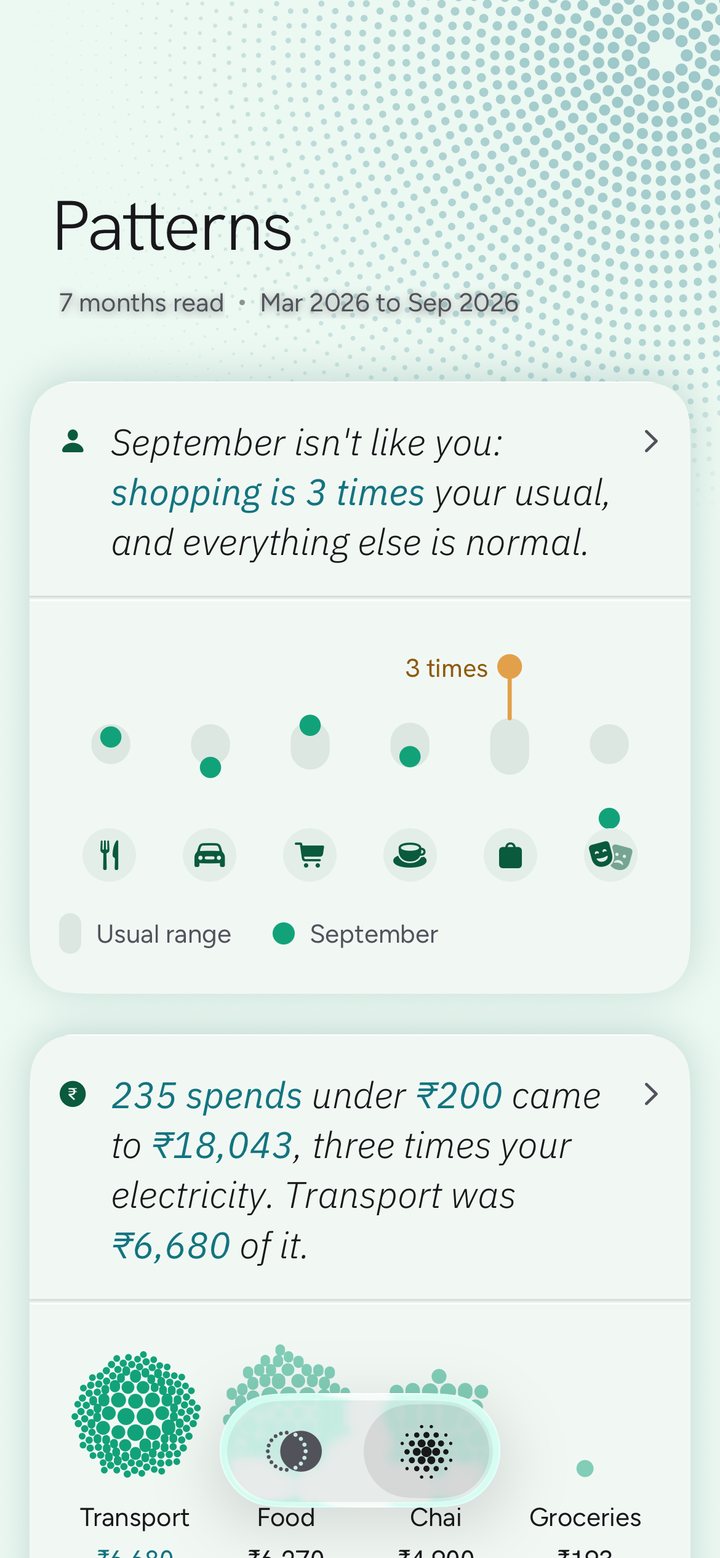
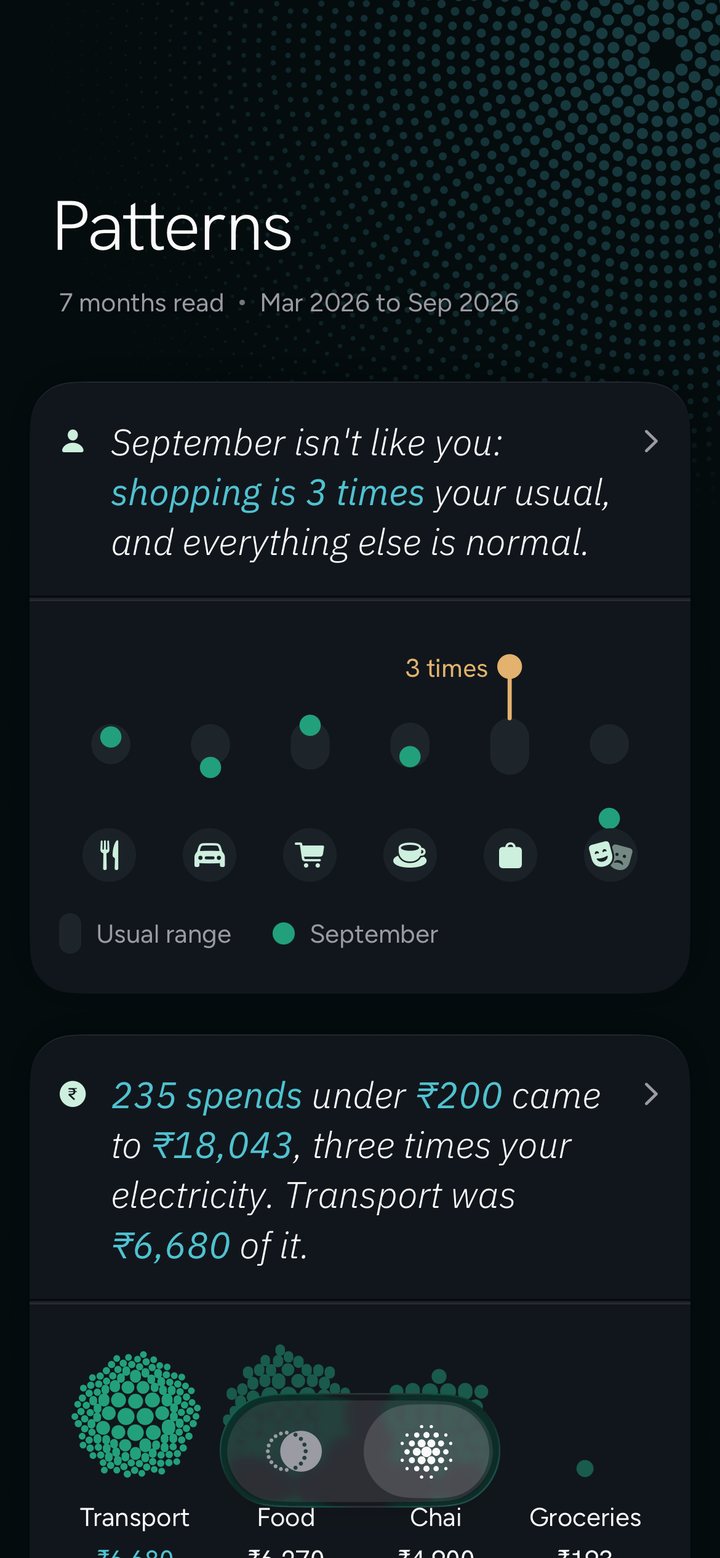
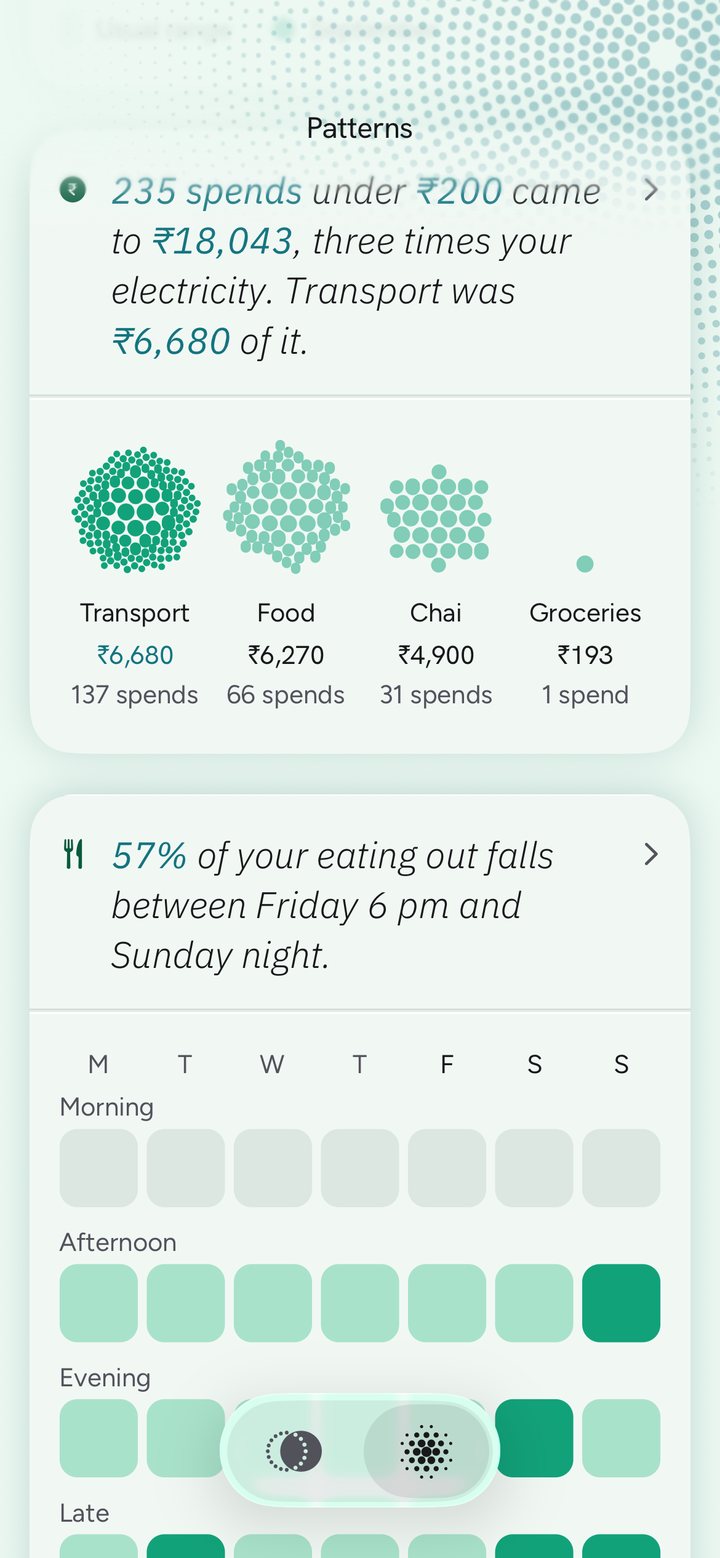
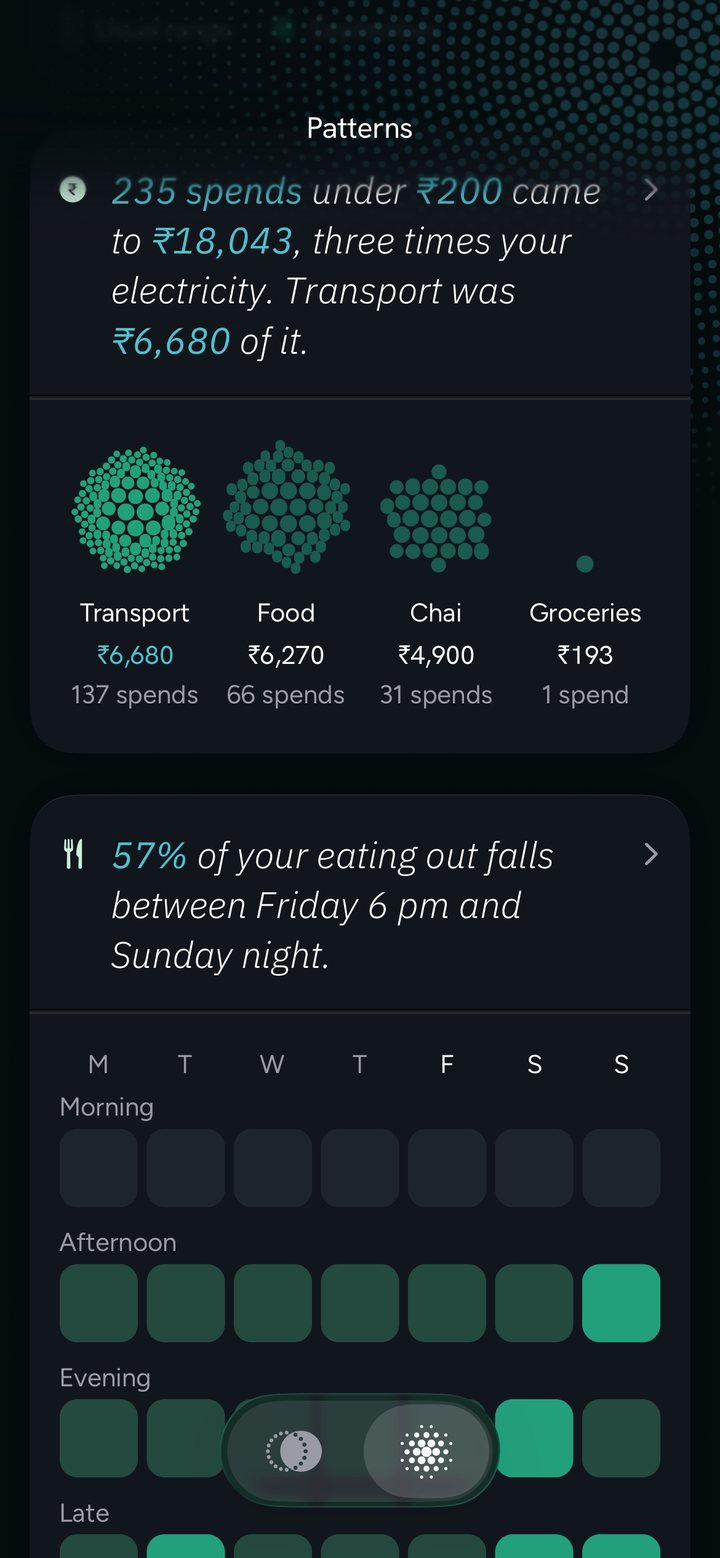
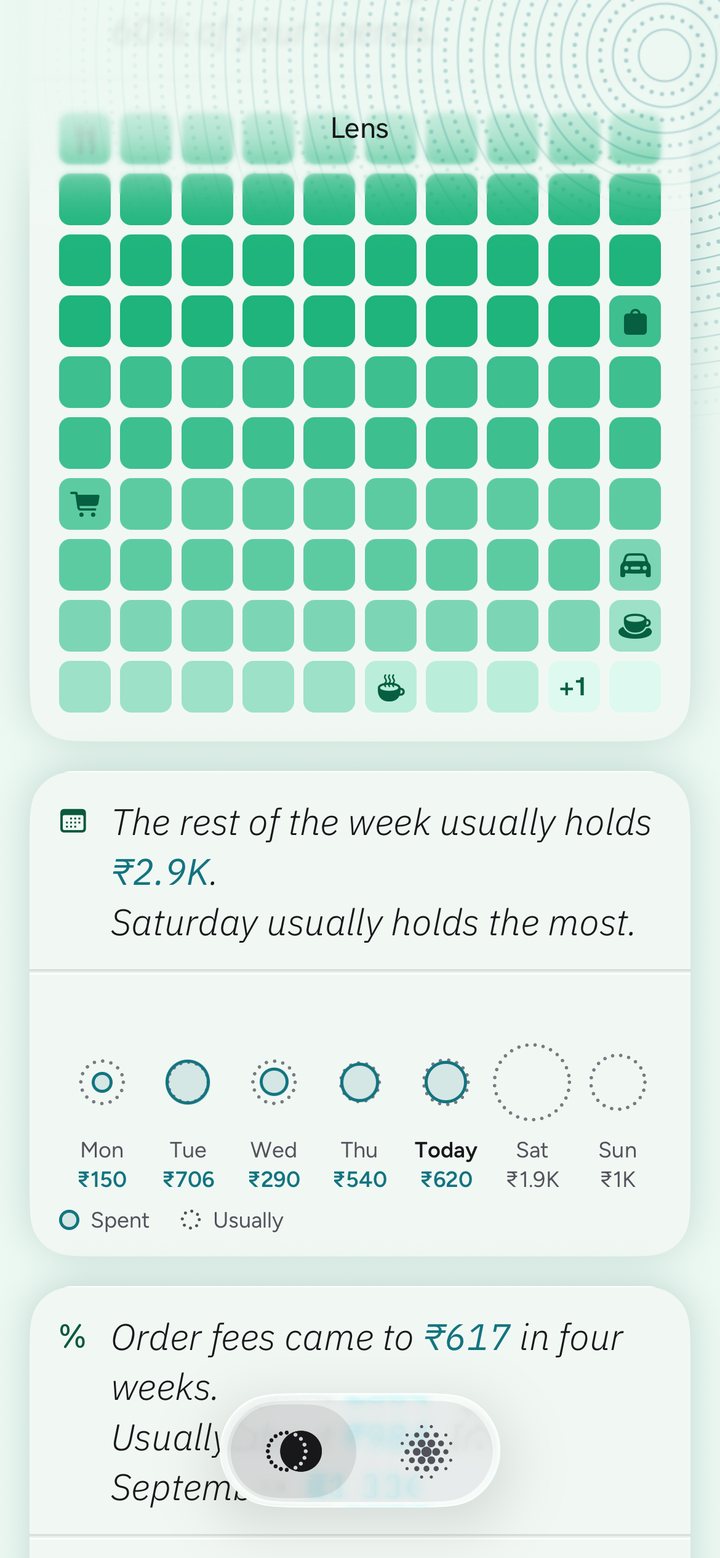
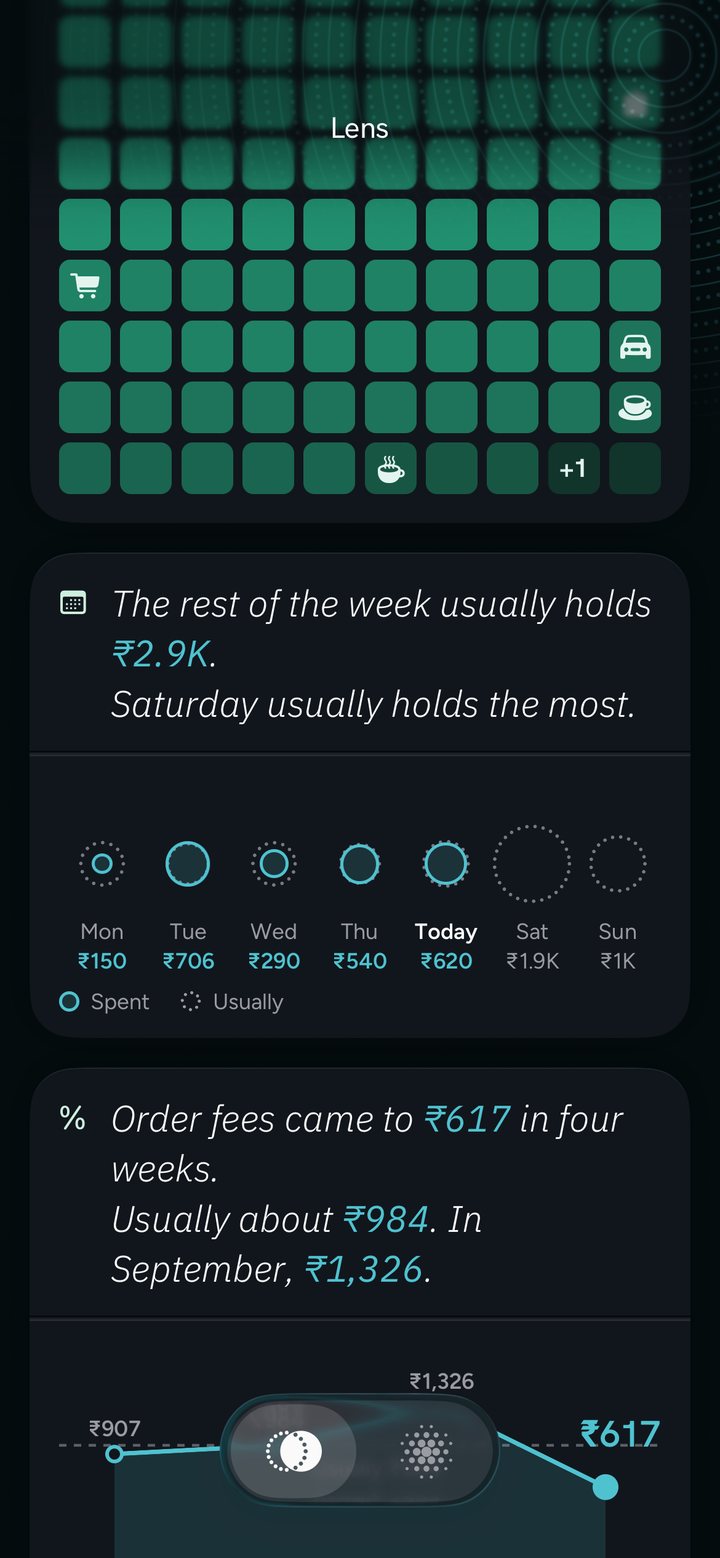
Find your hidden habits. Patterns reads months of spends for the ones you’d never spot.
Exclude what isn’t yours. Leave a spend out of your month, your budgets and your habits.
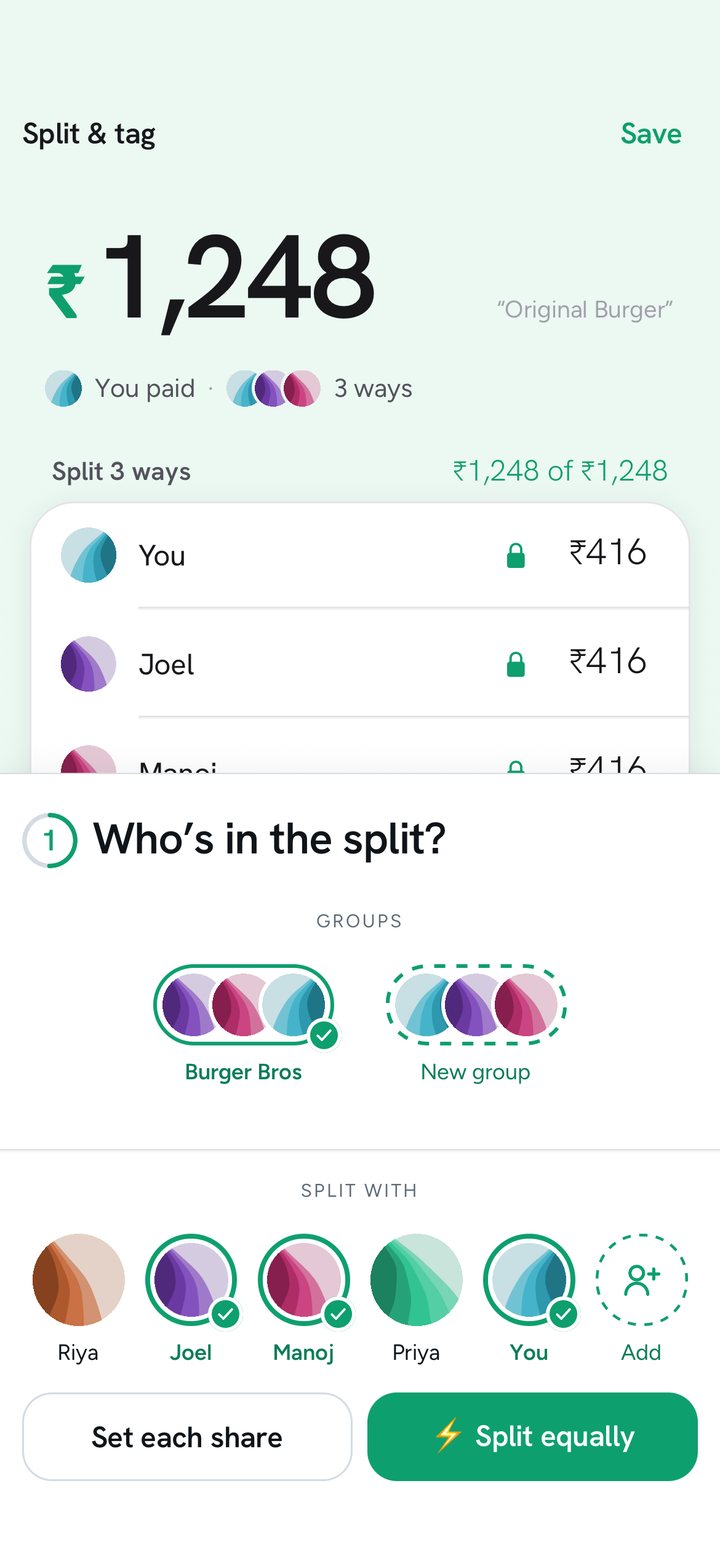
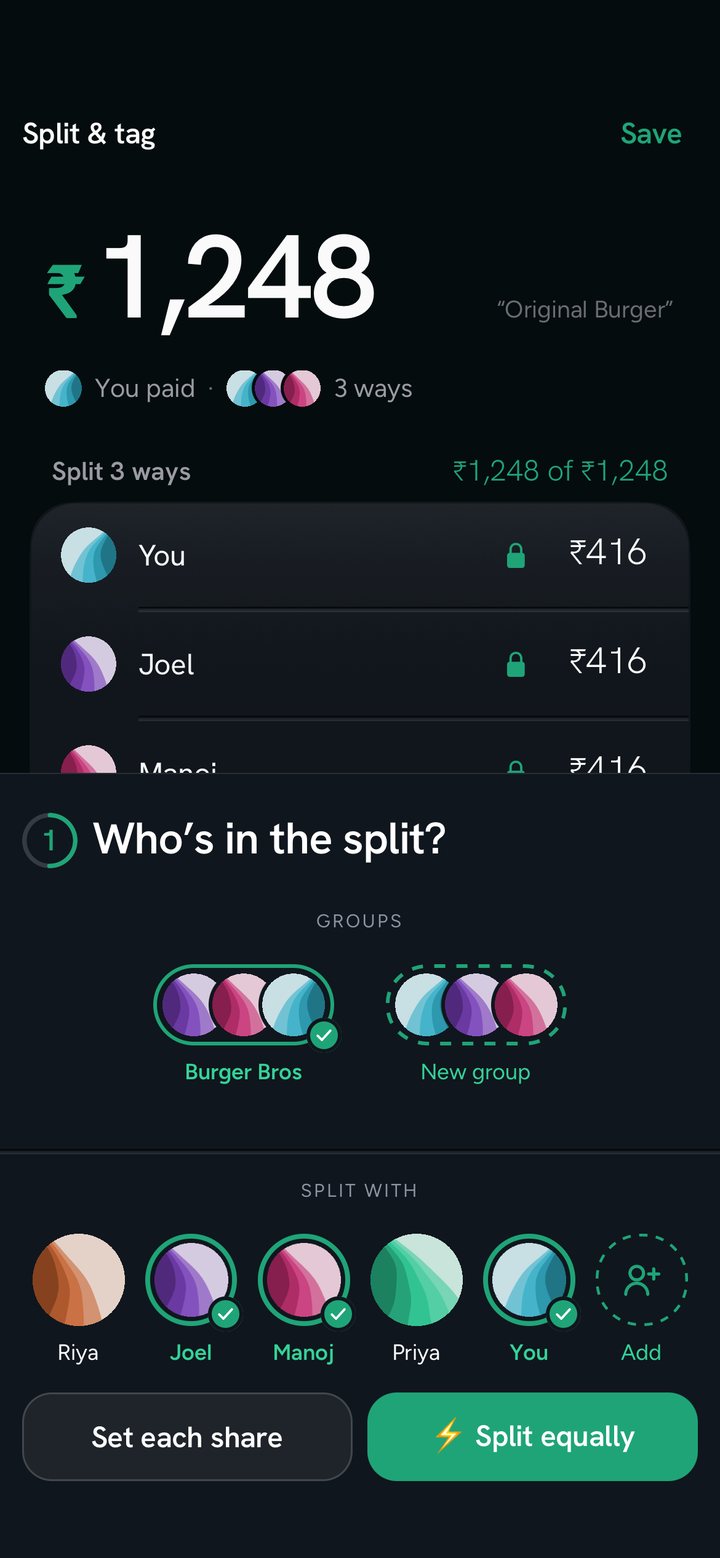
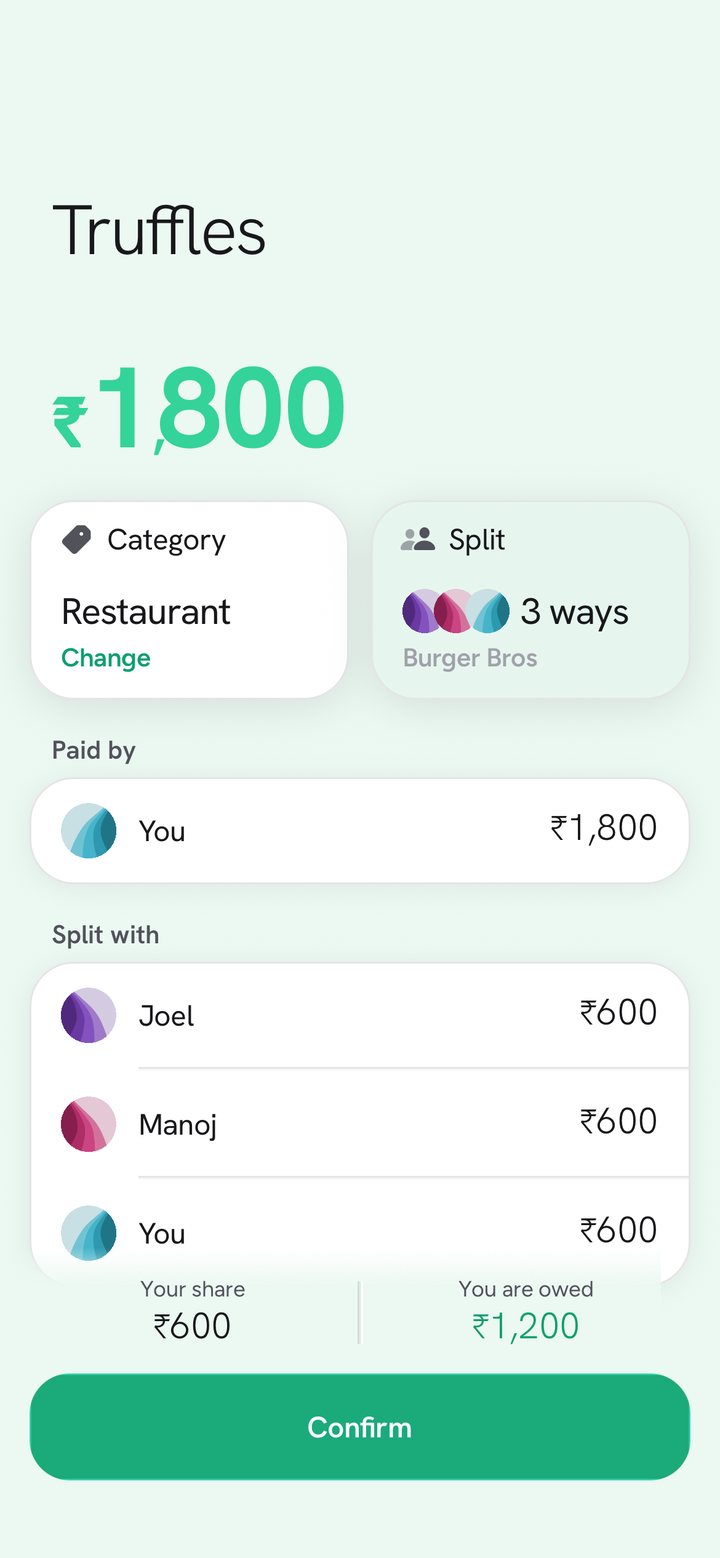
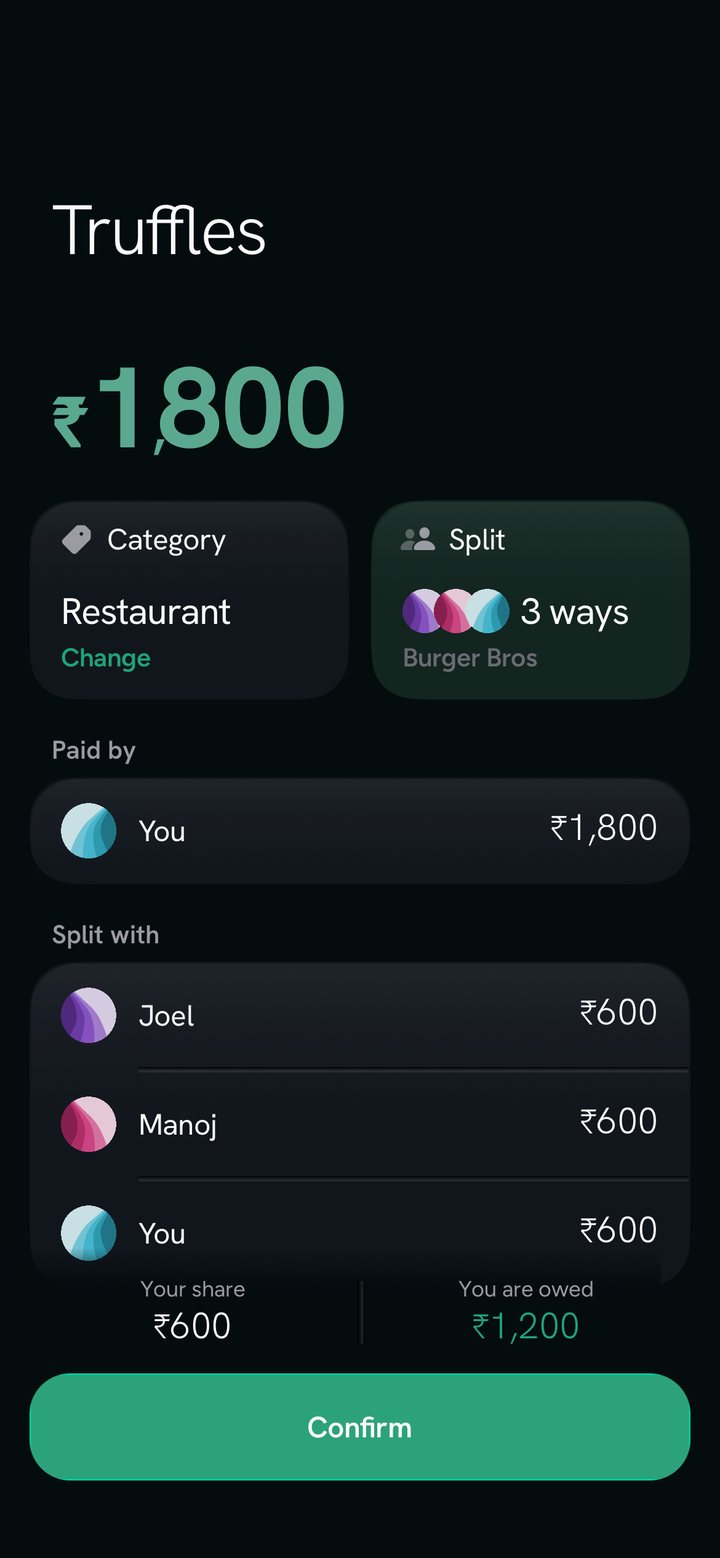
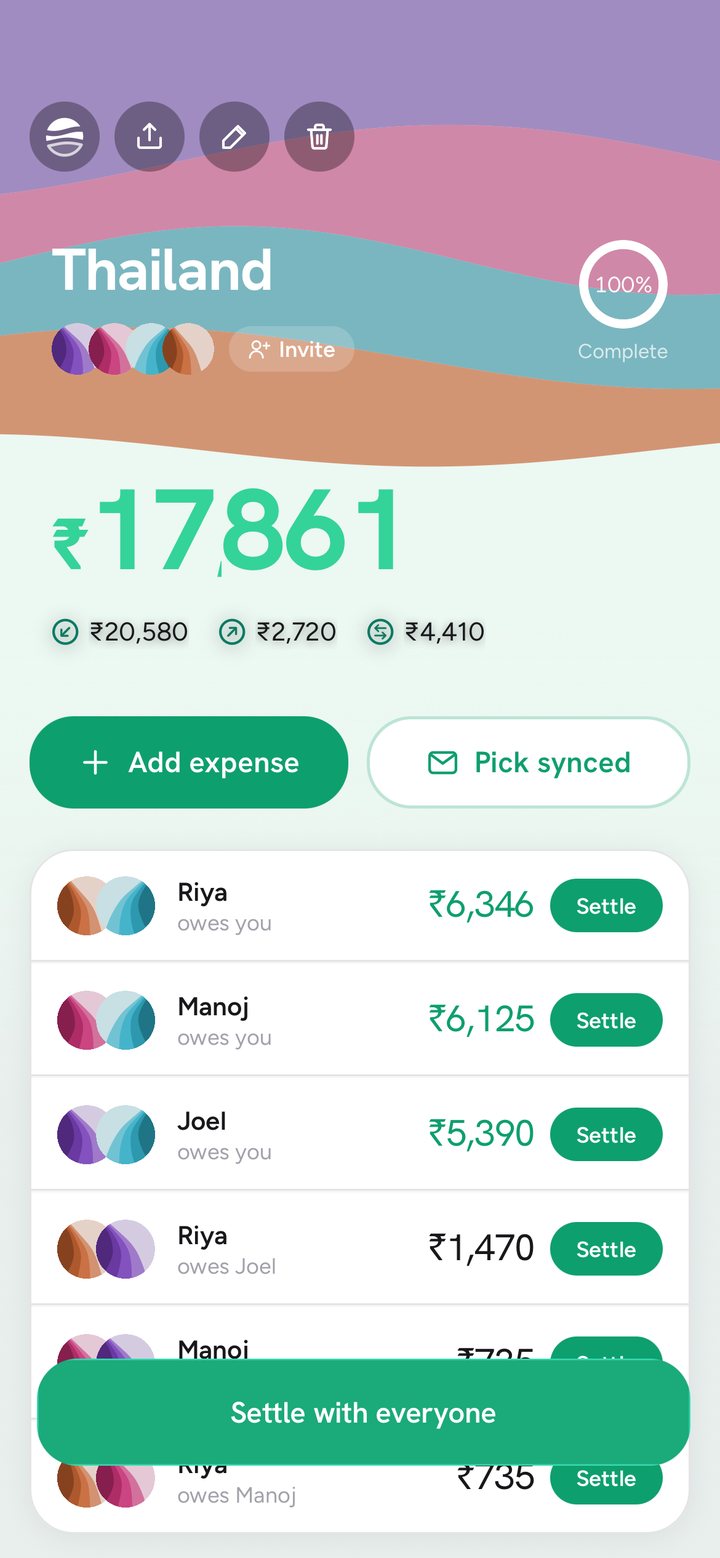
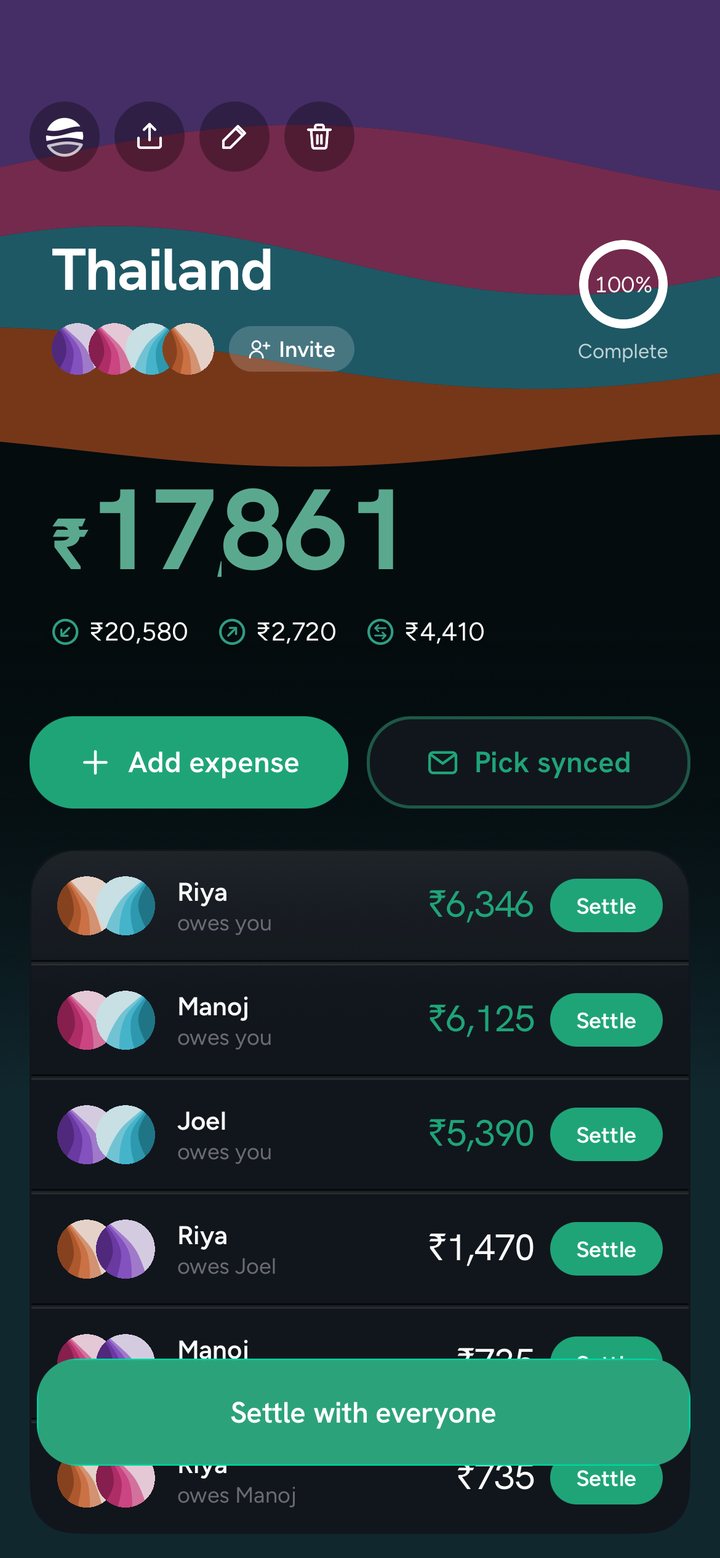
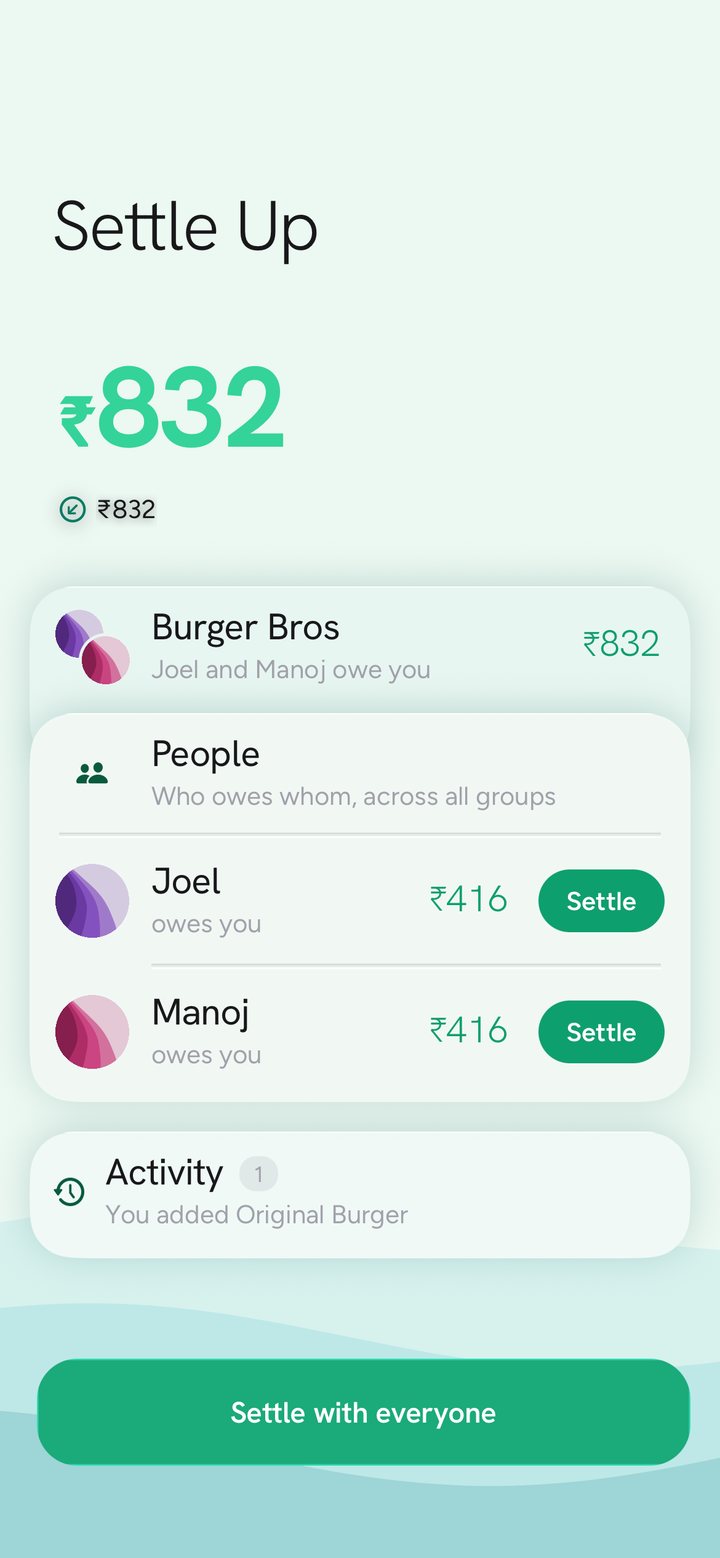
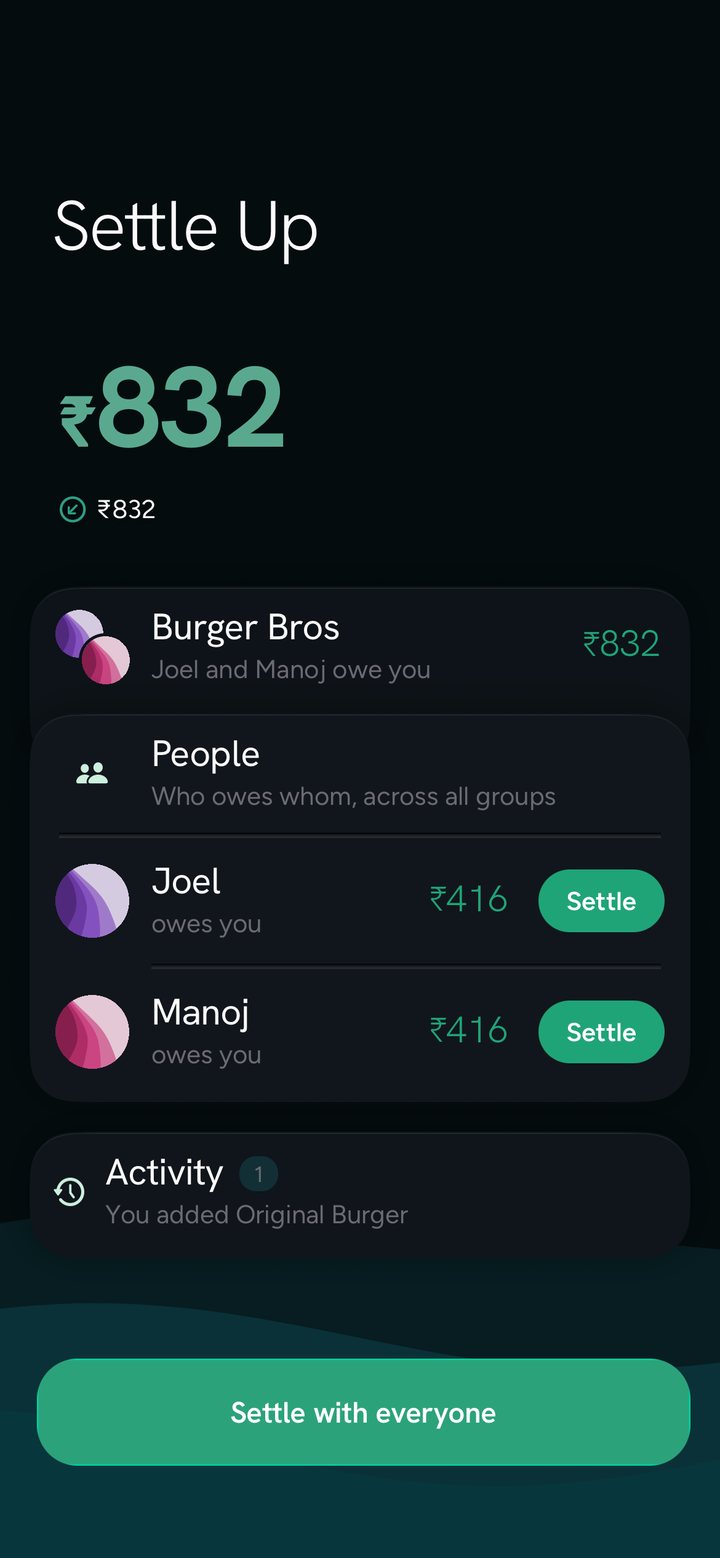
Split your expenses with anyone. Friends get their share on WhatsApp, with a link to pay you back.
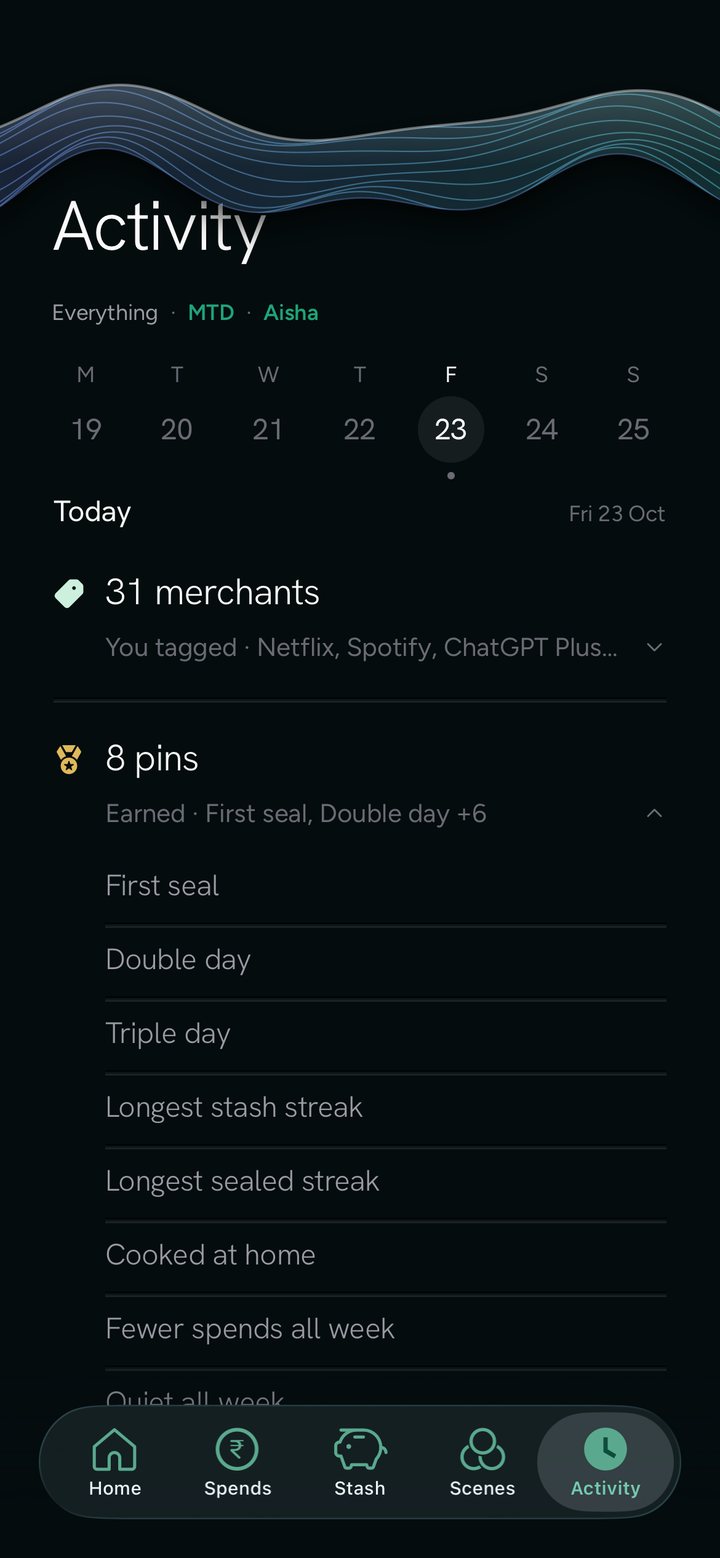
Challenge your habits. Spend less than you usually do, seal the day and win pins.
The July to September Roast 🔥
🛵Roast 1 / 8
₹42,600 on delivery
₹42,600 on delivery. The rider sees you more often than your parents do.
₹42,600 on delivery. The rider knows your gate code, your usual, and that it’s always dinner for one.
The Roast. Once a quarter, your spending read back to you. No mercy.
Private by design
Your spending stays on your phone. Your data is only yours.
Works with 50+ Indian banks and cards
























































FAQ
Questions, answered.
Which banks does figrd work with?
More than 50 Indian banks, card issuers and payment apps that email you when you spend, from HDFC Bank and SBI to OneCard and Amex.
Does figrd need my bank login?
No. figrd never asks for your bank password. It reads the alerts your bank already emails you.
Will figrd tell me how to spend?
No. figrd shows you what you spend and what’s changing, so you can take control of it.
Where is my data kept?
On your phone. Your emails are read and sorted on your device, and no server holds your data.
Which inboxes can I connect?
Gmail and Outlook, as many as you like. figrd can only read them. It can never send, change or delete an email.
How do I get it?
figrd is in early testing on iPhone. Leave your Apple ID email below and we’ll send you a TestFlight invite.